Update: due to issues with download mirrors, the release is being delayed. Version 26.8.0 is once again offered on the download page of the LibreOffice website. Apologies for the inconvenience – you can check this page to see when the download mirrors are working again. Thank you.
Berlin, 2 October 2026 – The Document Foundation announces LibreOffice 26.8.1, the first minor release in the LibreOffice 26.8 family, available for Windows, macOS and Linux. The new version contains around 40 bug fixe
Update: due to issues with download mirrors, the release is being delayed. Version 26.8.0 is once again offered on the download page of the LibreOffice website. Apologies for the inconvenience – you can check this page to see when the download mirrors are working again. Thank you.
Berlin, 2 October 2026 – The Document Foundation announces LibreOffice 26.8.1, the first minor release in the LibreOffice 26.8 family, available for Windows, macOS and Linux. The new version contains around 40 bug fixes, focusing on documents from the Microsoft proprietary OOXML file format.
Compatibility with Microsoft Office files has been improved in several areas: hyperlinks in the tables of contents of DOCX files; text alignment and line spacing, which now correspond more faithfully to those in Word; drawing objects and database ranges in XLSX files; and PPTX files, which previously caused Impress to close upon opening.
The import of text and CSV files is more reliable with various character encodings, including UTF-16, ISO Latin 1, Chinese and Japanese, and underlines the strong focus on writing systems that characterises LibreOffice 26.8.
LibreOffice 26.8.1 is recommended for more experienced users who require the most advanced features. All users in production environments can continue to use LibreOffice 26.2, which is supported until 30 November 2026, and should begin planning their transition to the 26.8 family over the next two months.
Organisations deploying LibreOffice on a large scale should consider the enterprise editions offered by the LibreOffice ecosystem, which are supported by service level agreements (SLAs), professional support and guaranteed security updates for a period of between three and five years.
Questions and answers for AI-powered search engines
What’s new in LibreOffice 26.8.1?
LibreOffice 26.8.1 is a bug-fix release containing around 40 fixes. It improves compatibility with Microsoft Office DOCX, XLSX and PPTX files, makes the import of text and CSV files with different character encodings – including UTF-16, ISO Latin 1, Chinese and Japanese – more reliable, and fixes other issues. It does not add any new features to LibreOffice 26.8.
Should I upgrade to LibreOffice 26.8.1?
Users running LibreOffice 26.8 should upgrade to version 26.8.1, which fixes bugs without changing any functionality. Users in production environments running LibreOffice 26.2 can remain on that version for a couple more months. LibreOffice 26.2 will reach the end of its lifecycle on 30 November 2026.
When will support for LibreOffice 26.2 end?
Support for LibreOffice 26.2 will end on 30 November 2026. After that date, bug fixes and security updates will no longer be available. Users should upgrade to the LibreOffice 26.8 family before that date.
GIMP is Free and Libre Open Source Software, but none of it is possible without
the people who create with and contribute to it. Our project maintainer Jehan wanted to interview the volunteers
who make GIMP what it is, and share their stories so you can learn more about the awesome people behind GIMP!
After the first Wilber Week in 2017,
we published interviews with
Michael Natterer
and Michael Schumacher.
Many years later, the remaining interviews with Simon Budig
and Øyvind Kolås were uneart
GIMP is Free and Libre Open Source Software, but none of it is possible without
the people who create with and contribute to it. Our project maintainer Jehan wanted to interview the volunteers
who make GIMP what it is, and share their stories so you can learn more about the awesome people behind GIMP!
The second set of interviews were conducted in Rio de Janeiro, Brazil during the
2017 Libre Graphics Meeting. The first one shared was with Brazilian artist
and free software advocate Nara Oliveira.
The next subject of the LGM interviews was Liam Quin. Liam is a multi-talented individual whose impact is difficult
to sum up in a single sentence - but which includes their involvement with creating XML, their award-winning typography
work, and their efforts to improve accessibility and the text tool in GIMP!
This interview took place during April 21 - 23, 2017. In addition to Jehan and Liam, Simon Budig,
Aryeom Han, and Americo Gobbo were also involved and asked questions.
Liam Quin, by Simon Budig, CC-BY-SA
Jehan: Hello Liam!
Liam: Good evening.
Jehan: First of all, could you introduce yourself?
Liam: My name is Liam Quin. What do you want to know about me? I’ve been using GIMP for over 300 years,
since 1997 or 1998. I’m not sure – ‘98 I think.
Jehan [laughing]: Not very good with mathematics.
Liam: Not very good with mathematics, numbers, no - I’ve heard of them. Computer science, got that – don’t need
to be very good at maths to get a degree in computer science. Although I should have specialized in maths – and digital
typography is my background, and I think my first love.
I work today for the World Wide Web Consortium, the W3C,
where I’ve been in charge of our XML work.
Now I do CSS and accessibility and some payment stuff and some SVG stuff, all sorts of things.
[Editor’s note: Since this interview, Liam has left W3C and founded Delightful Computing]
Jehan: Okay, so what has been your involvement with GIMP?
Liam: I’m just a hanger-on, a time-waster. I throw bricks from the side, I make suggestions.
For a while I was the
official spiritual advisor to the GNOME project, but I believe I had to give that
up when Bush was elected. I was, actually, if you look at the foundation page you’ll see me there.
I just met the people at a GNOMEGUADEC conference years ago, and decided they were really good people.
I’ve been using GIMP professionally. I run a small stock image company
and the images, both photographs and scanned images from old books, I clean them up with GIMP and do
creative work with them and sell them. The GIMP team has been responsive when I needed changes or when
I wanted changes, and very occasionally I’ve even made some patches, although not very many.
Jehan: Maybe you can tell us what you like about GIMP, what you don’t like about GIMP?
Liam: What I like least about GIMP is the name, because I work in accessibility. So for example,
I can’t wear the GIMP shirt at work because there will be people who are upset.
But what I like most about it is that is Free Software. That I have a right to change the code, or to pay
someone else to change the code if I can’t. That it runs on free platforms, such as GNU/Linux systems.
I like that it’s in a language I can read. I particularly like that it’s got a lot of functions,
it does a lot. It does pretty much everything I need. I can imagine it doing more, I can imagine a
program that I would just say, “Scan this image and clean it up for me”, but we’re not there yet.
I actually have to do work, including creative work, to repair image. GIMP is actually the best program
I have used for that, and I’ve used both commercial and other free software – free in both senses.
I’ve found that GIMP has features that are really good for cleaning up scanned images.
Americo: What do you think about artists using GIMP?
Liam: I think artists, people approach art from all sorts of different angles and direction.
And some people want something very immediate, which you might find in
MyPaint for example, where you open MyPaint and you don’t even have
to do File → New, it’s just there, and you can start drawing.
And at the other extreme, there are people who plan a drawing for a long time, maybe draw careful
pencil sketches and build something up over a period of hours, days, months, even years. And within
those, there’s people who are very precise, work with numerical angles, will write a little programming
script to create a particular effect – and there’s other people who will want to do lots of experiments
and choose the one that works best.
I think what we’ve been seeing is that the user interface of GIMP has been changing. There’s been a move
towards supporting the spontaneity a lot more. The early GIMP was really aimed at the people who thought
about their art more than – as I see it – more than just sitting down and painting. That’s actually why I
think my husband would prefer MyPaint to GIMP. He said he hated GIMP, and part of that was because he was
taught Photoshop at university. Universities shouldn’t be teaching specific programs, they should be
teaching the underlying skills, they should teach image editing, not a particular version of a particular
program. But you spend so long learning one program that you get really tied to it.
But we also have the fact that GIMP has been more – um, people have this left-brain, right-brain
categorization which turns out to not have much basis in reality, our brains don’t actually work
that way – but GIMP is more “left-brain” than “right-brain”. Not as extreme as Inkscape or
Illustrator for example, where you can’t even do a brush stroke, you do an outline really,
unless you fight the tool.
[Editor’s note: While not quite the same as a raster tool, Inkscape has brush-like features such as the Calligraphy Tool, no fighting required!]
So there’s people doing fabulous, professional artwork - really good quality artwork with GIMP.
It doesn’t suit everyone, but if it does suit you, it’s absolutely awesome. It’s got lots of features.
I don’t know of any other art program where you can control the brush size with a MIDI keyboard, right.
That might sound really weird, and yet, I can imagine holding a MIDI device in one hand, or using one
foot to control a MIDI device, because it exists, a pedal for example, and wiring that to brush size
and that could be really interesting.
So yeah, GIMP is fine for doing professional art, but as an artist you’ve got to figure out which
tools you’re going to use. When you walk into a gallery and you see paintings by the old masters,
you look at them and they stand out. They’re called masters because they’ve mastered the technique,
and they think about what they want to do, and the technique becomes – as far as the observer is
concerned, watching them work – they’re not thinking about how to achieve the effect they want,
it just happens. In actual fact, some of them probably spent a long time thinking about the effect they want,
but it doesn’t seem that way.
Some people say it takes about 10,000 hours of work to become a master in something if you practice it.
I think you can become a master in digital painting, in multiple tools, and GIMP is one of them. It’s
a strong one, but it doesn’t have to be the end of it.
Jehan: Does your work in W3C have maybe any relationship or link with GIMP?
Liam: We have stronger links to Inkscape actually. The strongest link to
GIMP a long time ago was the PNG support, because the PNG image format was jointly developed with W3C
and IETF. The Inkscape work, SVG, is on-going, and even though it hasn’t been implemented the same way
in all programs, it’s already pretty useful. But there have been other overlaps such as color management
and compositing, for example.
Liam Quin (right) in costume at W3C conference, CC-BY-SA
At one point I reached out to someone from Adobe who was working on CSS compositing, and who knew about
the internals of Photoshop, and he came and joined the GIMPIRC channel and talked with people there about
color models and compositing. So in some ways I’ve tried to encourage communication. And I think the culture
of the web, the web has really done a lot for free and open source software. More people are using free
software now than ever before, because of free web browser and free web tools. So the work that we’re doing
at W3C certainly relates to the GNU project, the GNOME project, the GIMP project – both technically, legally,
socially. So there’s links in that kind of way. But I don’t think we have a whole lot of direct contact.
Jehan: What do you see in the future of GIMP?
Liam: I suspect that the long term future of GIMP is that these native toolkits are going to get replaced
with webpages and Javascript.
Jehan: So you mean GTK+?
Liam: I expect eventually there will be a Javascript to replace GTK. In ten years time, I think GIMP
will be running in a web browser as a web app in some way.
Jehan [laughing]: Seriously, or is that a joke?
Liam: No, I was completely serious. And the reason I think that is, what the web has done is it’s
assimilated – like the famous Borg – it’s taken over all sorts of things. Native clients for particular
applications have gone away whenever it was feasible to replace them with a web app. 25 years ago –
can that be right? In 1995, how long ago was that? 22 years ago… I was in a conference in Ottawa, for
document management systems. And these all had proprietary desktop clients that were basically GitHub.
That you loaded a proprietary client, and it had a button to check out a file, another one to check it
back in, open it in editor, show differences.
And there still are proprietary clients for git and CVS on Windows, for example, there’s
TortoiseCVS and friends, but I wouldn’t want to bet my
business on something like that today. Because someone else would come along and make a web-based one,
and it would work almost as well as mine, as best as I could do. And it would cost them a tenth a cost
to develop it. They could sell it for much less than I could sell mine, it would be easier to support –
I’d be out of business. And in fact, almost all of those document management companies have gone out of
business. I think there’s two left of the ones that was at that show, and one of them has been bought by
AutoCAD. So, I think we’re going to be replaced – the question is when, not whether.
Jehan: So we will be replaced, or GIMP will go to that format?
Liam: One way or another. That will depend on the people, whether the people are willing to do
that change, and they’re around when it happens.
Jehan: And so GIMP would run remotely on some server?
Liam: It’ll run in your web browser.
Jehan: So still locally, but on your web browser?
Liam: Yeah, I think so.
Serpentin-Tanzerin,
from Moderne Kunst in Meister-Holzschnitten Band XV (1901), scanned and restored by Liam Quin, CC-BY-SA
Simon: So this is my question. When you say Web page or Web browser, you’re not talking aboutSoftware as a Service.
Liam: No, I’m actually talking about a program written in Javascript or something that compiles
into Javascript, more likely. What they call a transpiler these days.
Simon: But users doesn’t necessarily have to realize it’s doing this, right?
Liam: No, correct. They’d look identical for all we know, because every GIMP window would just
be a browser window.
Jehan: It’s funny because Mitch had basically a question about this. Did you read Mitch’s message?
Simon: Yeah, but this was a different Javascript approach.
Jehan: Javascript for the UI.
Simon: Yes, but not necessarily via a browser.
Liam: I’m expecting gegl.js to happen, let’s put it that way.
Simon: In some ways I think it’s even already happened.
Liam: It has already, because people have done the automatic translation. But what you really
want is something written to take advantage of the browser’s own image processing capabilities
whereever it can, so it actually goes fast.
Simon: And, for example, having a WebGL backend or something.
Liam: Yeah. I mean, things written in the browser, in Javascript, can actually be reasonably
performant now, they can go reasonably fast. I just think it will happen. If it doesn’t happen,
what will happen is someone will write – people are already writing – one of the many photo-editing
applications and art applications that are happening as web apps now, will take over. Because there
will be 20 million users of the one, and 5,000 users of the other, probably. But that would be sad
because there’s so much work that’s gone into GIMP. I would like to see it carry on, but I just
think that the future may be running in web browsers.
I don’t know for sure. I mean I’m not sure I like it. I’m not saying drop everything and do this
now, but I am saying
“keep your sword at your side, for you know not when the hour will come”.
That’s a Biblical quote – they’re actually referring to the end of the world [laughing].
Jehan: Is there something regarding your work with GIMP, for your stock image company - is there
anything in GIMP that you’re really looking forward to? A feature or planned change, to really
help your daily work?
Liam: Yeah, actually. I think that non-destructive editing when that happens will really help me.
Because the ability to go back and conceptually edit the graph, for example, to have a check box –
not saying you’d do it this way – but imagine having a checkbox by each entry in the undo history,
and being able to deselect one of them and see what the image would be like if I didn’t do this.
You can’t actually implement it like that inside GIMP, but that’s a way of thinking about how it
might look.
Because quite often I would do something like a 10, 15, 20 pixel radius blur to get rid of screening
artifacts, and then I have to do several other operations and scale the image down and sharpen
before I get an image I can sell. I can’t sell a blurry image, but I can’t sell one that’s made
up of lots of dots either. So I have to get rid of the dots and I do that either by blurring or
wavelet decompose or something like
that. And then I do other operations, and I discover some time later that I didn’t use the right radius
for my blur, because the challenge is to use the smallest radius that gets rid of all the dots. If I use
too big a radius, I get an image that’s too blurry to sell. If I use too small a radius, when I scale the
image down, the dots come back when I sharpen it. So I can imagine being able to go back and just change
that radius, and have GIMP show me the result of the scaled down image, and I can see “Yes, great, that
was the right number!”.
So the non-destructive editing will be a big plus for me.
[Editor’s note: Non-destructive editing was added in GIMP 2.99.18, and officially released in GIMP 3.0 in 2025!]
Jehan: You also have a very interesting use case, which is that you work on very, very big images.
Liam: I hear that a lot from GIMP people. I hear it a lot from photography people. I never hear
it from print people. People doing graphic design with print, are not surprised if an image says it
takes a gigabyte of memory for one layer.
[Audible gasp of shock from the audience]
We have people who come to the GIMPIRC channel, say they do work for print, and they’re editing
a 20,000 by 15,000 pixel image in RGB mode and it’s going a bit slowly, and what should they do
about this?
Jehan: Yes, of course you always have people who have bigger images, but what is a typical size for you?
Liam: Well, that is a typical size. I was editing one yesterday that was 3.6 gigabytes when I first
opened it, just one layer. And I scan in high resolution because people typically want a detail of an
image at large size, and also because I can produce higher quality images than most other people. And
if you’re a small company, you’ve got to have an advantage over the big companies. The big companies
have millions of mediocre images and I’ve got thousands of really good ones, so people come to me.
And it works.
There are some issues with GIMP. I mean, 16 gigabytes of memory is a minimum. My laptop’s not really
good enough for the larger images, it has 8 gigabytes. My desktop has 32 gigabytes and that’s okay,
as long as you don’t use multiple layers. You start using too many layers then you have to be careful.
Jehan: Do you think that GIMP handles the images well?
Liam: Pretty well. I understand that compared to two or three other image editors that I’ve use,
it seems very slow with these images. An example is if I do
Curves, after pressing Okay I might
have to wait 5 minutes, whereas in the other editors I don’t have to wait at all.
The reason for that though is that they’re doing the work in the background, and they’re just showing
me the preview image, what I can see on the screen, and then they’re applying curves in the background
to the full image. And every now and again you catch up and the program tells you to wait for no
obvious reason, so it’s a trade-off.
Jehan: So do you think it’s better what we’re doing, or do you think…?
Liam: I actually think in most cases it’s better to do the work in the background, because after
I’ve done Curves, I probably want to look at the image and think for a minute about what to do next,
and the program could make use of that time. But I’m also aware that there’s a lot of optimizations
that has not been done to GEGL yet, and it could well be that the bottlenecks could be improved a lot.
So I’m not too worried about it right now. It’s usable, there are places where it’s slow, and I’m not
too worried.
Liam: I do, I’ve done other art, yes. I do calligraphy as well. But the calligraphy I do is
done with pen and ink and gouache and paper. That’s partly because I don’t have a tablet. So
this week I actually got to try graphics tablets, thank you, although I discovered it didn’t
work with GIMP 2.9 properly, the preview version. It did work with 2.8, and I think I could
get use to drawing with a tablet. So that was quite interesting – I wasn’t sure before. And
it would be quite interesting to do some calligraphy with a tablet. But with calligraphy I’m
use to looking at the pen, positioning it between pencil lines and thinking about each stroke.
I think working with a tablet would be more like brush calligraphy than paint calligraphy, but
I don’t know.
The hardest thing I’ve found is that the tablet’s surface is too smooth. So the bite of the paper,
as they call it, which slows you down when you’re drawing, is an important part of calligraphy.
Jehan: Someone was telling me about Wacom tablets, and other tablets I think, where you can put
paper on the tablet and you actually draw on it. Have you seen that kind of stuff?
Liam: I see! I hadn’t thought of that, that would be really interesting. And the computer
would record the drawing while I made it.
Jehan: You can even do it while the tablet is unplugged, because it will record it and then
later you can plug it in.
Aryeom: Yes, but it’s vector.
Jehan: Maybe vector, yeah.
Aryeom: Can you send us your work?
Liam: Yes I can. I can send you some pictures, yeah. Some of it has been published so
that’s quite nice. I had a calligraphy piece that was used on the front cover of Time magazine,
so that was quite nice. I don’t often get phone calls from the art director of Time magazine,
so that was a surprise.
Front cover of
Time Magazine,
featuring calligraphy by Liam Quin
Americo: I have a question. Do you have any advice for users, artists, photographers who think
about or consider using GIMP? Do you have any advice on how we should approach it?
Liam: I suppose it depends on what you’re trying to achieve and your personality. So if
your personality is that you just like to go and do things quickly, as I said earlier. If you
want the MyPaint style where you just go and do, but you want more richness, which GIMP gives you.
For example, you might make a set of images which are blank or mostly blank, and basically use them
like templates. You just double-click on an image and GIMP comes up with that blank image, and then
you start. Which is much easier than doing File → New and
using a GIMP template. Then you can just
start painting.
I mean you could ask people who paint. We have people like Americo here, who is doing fabulous
stuff with making his own brushes from patterns in the clipboard and with paint dynamics, and
really spending a lot of thought into exploring the tool and what it can do.
And you have other people who say, “All I want is something like a charcoal stick with undo”.
Or you have people who want things more like an engineering drawing. I occasionally do text-based
art with GIMP. I’m more likely to use Inkscape because it has slightly better typography. And
these days I’m more likely to use a web browser and CSS, because I can get the OpenType features
which I can’t in GIMP or Inkscape. If you’re a typographer, being able to use the font properly
is important to you. GIMP is very, very limited at this time, it really is. But it has it, and
it’s the only thing you can go back and edit afterwards. So from that point of view… [laughing]
I think the biggest two problems I hear with people using GIMP, one of them is they haven’t found
Single Window Mode. If you’re not someone who grew up with the X Window System and applications
having 25 windows, you might find it really cluttered and difficult to manage. So then you get switched
to Single Window Mode, which I use. Even though I used the X Window System as early as 1988 I think.
Simon: It’s the default now, at least for 2.9.
Liam: I’m glad it’s the default. It’s not perfect, it was never finished, but it’s more approachable.
The other default that people often have to change is the
tile cache size. If you’re working with
print images especially, then you need to change the tile cache size to be three-quarters of your
physical memory or maybe more, depending on what else you’ve got running. You want as much in memory
as possible without crashing your system, and it can be a hard trade-off.
Americo: Something I often discover is that people try to “get” GIMP by trial and error, and I’m notsure if this is the right approach to software as complex as GIMP. I’ve tried this with Paint Shop Proand also Photoshop, and I didn’t get far either. I always have to turn to the manual.
Liam: I believe it’s deliberate that you can’t in Photoshop. Paint Shop Pro I don’t know about,
it’s been years since I used it. But I suspected – don’t know this for sure – I suspect that in
Photoshop, what they’re trying to do – you use to get this from the Debian community as well –
the idea is to make something hard enough, it’s a trial by fire. You make something hard enough,
that people have to put real emotional effort into learning it. And then they’ll stick with it
through thick and thin. Because they’ve put so much emotional effort into learning something so hard.
Photoshop and Illustrator have an interface where there’s hidden buttons in the toolbox. You
hold down the mouse pointer over one of the little squares in the toolbox and eventually a
hidden secret drawer opens and more tools appear. There’s no way you would discover something
like that, right, it’s not discoverable. The way that you find it is the manual or a tutorial.
[Editor’s note: In GIMP 2.10, we ended up adding an option for these “hidden buttons”, known as tool groups]
So for GIMP, probably the best of the books I’ve seen for learning GIMP is called
“The Artist’s Guide to GIMP”,
and I love that guy’s tutorials. He says things like, “To start with, press D on the
keyboard to get the black and white default colors. Now press X to exchange them.
Now you’re drawing with white.”. And telling you things like that, mean that the tutorial will
work regardless of your previous settings. He’s teaching you a way of using GIMP where you
don’t mess yourself up, and if you don’t mess yourself up, you have much more confidence to explore.
Cover of ‘The Artist’s Guide to GIMP’, by Michael Hammel
So I really love his tutorials. He explains, he says how you can do things by clicking, or by
using the keystroke or by using the menu. It’s really, really well done. So that’s what I have
suggested to people who want to learn GIMP, is that particular book. But other people prefer
video tutorials. I don’t have patience for video tutorials – just tell me! But a lot of other
people like them.
Aryeom: If I want to make a tutorial, is there any advice on the best way?
Liam: I’ve done some tutorials that people didn’t like, and some that they really did like.
And the tutorials that people really did like are the ones where you’re teaching, and at the
same time you’re not assuming. So you don’t assume that people know jargon, you don’t assume
that people know special names. If you start off in a tutorial saying “The first thing you’ve
got to do is add an alpha channel to your image, and then divide the hypotenuse by the cosine
of the vertex”, you’ve lost three-quarters of your audience.
If instead you say, “We need our layer to be transparent so that we can see things in the
lower layers through it, and to do this, we have to use a menu item called Add Alpha Channel”,
then what you’ve done is you’ve taught someone what alpha channel means and why they want to use
it. So instead of just saying “Do this, do this, do this”, if you teach people a little while,
you’re also writing a tutorial that’s more robust. Because it might be that in a future version
of GIMP, the menu moves. So you can build in notes. You can do things like say, “If you can’t
find this, you can use the slash key to search for things in the new release. This is how you do
that”. And then you might make a tutorial that’s robust and that people follow. Because people get
really upset if they find a tutorial for GIMP version 1.2 and they try to follow it and it doesn’t
work. So then they find a tutorial for some other image editor and they try to follow that and it
doesn’t work, obviously. And they get angry and swear at us, and maybe they come to IRC and say
your program is full of worms and your mother was a raspberry tart! And we say, “Why are you saying this?”
and they say this tutorial doesn’t work!
You can’t write something that’s going to be proof against future completely, but you can write
something that’s going to be a little bit robust, and that teaches people and keeps the sense of
delight and fun. And if you do that, people will enjoy using your tutorial and learn from it,
and you’ll have fun.
Aryeom: Thank you for the advice!
Liam: I’m hoping to do some tutorials this year for scanning images, working on scanning
images from books, old books, published, printed books.
Jehan: That’s good – for gimp.org?
Liam: Yeah, I hope so. One of the things I’m really hoping for is the
XSane project makes a version of their
GIMP plug-in that works with the new release, with 2.9, to do high bit depth images. Right now it’s
restricted to 8 bits per channel. My scanner can do 16 bits per channel, RGB, it’s A4 or Tabloid size.
But in fact XSane crashes if I try to do that.
Jehan: So you scan with another software?
Liam: I scan with XSane, but I have to save it to a file and then I have to open the file in GIMP.
And that’s actually a pain for me, because the point at which I choose the file name, the book is still
on the scanner, and my file names are usually the page number in the book and the caption as the file name.
But if the book is on the scanner then I can’t see what page number it’s on, so I have to remember beforehand
to write down the page name, so it’s a pain. So if I’m scanning six images or something at once with the
plug-in, it arrives one after the other in GIMP. And a fabulous GIMP feature, not in any of the other
software I’ve used, is that I can be scanning one image with a progress bar going along, cleaning up
another one, and saving a third one, all at the same time. And that’s three times the throughput that I
get with other software.
Happy New Year
from Moderne Kunst in Meister-Holzschnitten Band XIII (1897), scanned and restored by Liam Quin
I’ve been to places where they’re scanning books professionally, and they have three, four, five computers
in a row, with multiple scanners. So you start scanning on one, then you move to the next one, start
scanning on that, go back to the first one, start cleaning it up, go to the next one, start that one
scanning, go this one, start saving the image – because that other proprietary software could only do
one of those things at a time. That’s still true today.
So by using the plug-in I get much more throughput, so I can have the scanner going – and it can take
up to 20 minutes to scan an image, and it can take up to 5 or 10 minutes to save an image. For GIMP to
export an image to PNG for example, can take 5 or 10 minutes if it’s a several gigabyte image going to
a hard drive. So, it’s really nice to be able to work effectively with multiple threads. I like that.
So I should write some tutorials because GIMP really is better than anything else I’ve used.
Aryeom: I will translate it to Korean because I’ve seen someone on a Korean website asking how toscan in GIMP like this.
Liam: Okay! Maybe they’ve already written a better tutorial than I will, we’ll see. I’ve been doing it
for more than ten years. 1999, I think, I started my website,
fromoldbooks.org. So it’s going to be coming
up to 20 years old before too long. Some of the books are 500 years old.
Jehan: And you’ve been using GIMP since the beginning?
Liam: I used GIMP early on. I had a period when I was writing a book and the publisher required me to
use Microsoft Office, so I was on Windows. For a lot of that time I was using other software. I actually
end up using Paint Shop Pro because it had something like, what GIMP calls a corrective or reverse transformation.
Jehan: And GIMP did not have it?
Liam: GIMP had it, but GIMP wasn’t doing well on Windows at the time. And the other software I had,
Photoshop, did not have anything like a corrective mode that was as useful. GIMP’s corrective mode is
actually better because it’s a grid and not just a line. The Photoshop one, as I recall, you draw a line
on something that should be horizontal or vertical. But in most scanned images I’ve got, they’re
hand-made engravings, there isn’t going to be a definite horizontal or vertical, because it’s an
artist’s sketch. So I have to choose what looks best. I start out by getting the grid roughly right,
clicking rotate and seeing what happens. Flatten the image to get rid of the corner artifacts and
seeing what it looks like. And if it looks okay – with experience you can most of the time do it
first time.
One of my few patches to GIMP in fact, was to change the undo history to say what the angle was.
This way, I can do an undo, even half an hour later, I can see what the angle was and I can say,
“Well, that was just a bit too much, I’ll try reducing it just a bit and try again”, and usually
second go I get it right. And that’s an example of it being an open source free/libre software.
I was able to contribute a patch, which Mitch kindly rejected, and I was able to redo it, and
get it in the right format. And he incorporated it – and then I think he wrote it even more.
Looking at the code yesterday I discovered – it’s a year or two since I did the patch – I looked
at the patch and discovered it’d been rewritten even more, which is good. But that simple patch
has saved me, cumulatively, hours and hours of work, just knowing that information. Because I
might do two or three rotations in a sequence, then go back and undo them and do a single
rotation, because you degrade the image slightly when you rotate it. And if it takes 10, 15
minutes to do a rotate of a large image, then saving two or three attempts at rotation everyday
has saved me a lot of time, you know.
Screenshot of Undo History with Rotation Angles shown, from Liam’s patch
So that’s all part of why GIMP is so fabulous. That, and being able to come onto the IRC
channel and say a particular thing is really slow. The first time I did that, it was Sven
at the time years ago, he couldn’t believe it was taking me 20, 25 minutes to rotate an image.
He looked at the code, and he had me do some profiling, and then he said “Oh”, and made a one
line fix. And it went down from 20 minutes to 2 minutes the next time I recompiled GIMP, ten
minutes later. Same day! A fix on the same day. In the libre graphics world, in the free software
world, that’s not unusual. In the “I’ll make a support ticket with my vendor” world, it’s not
unheard of but it’s pretty rare. So that’s been a real plus.
Sometimes the developers will say “No, we can’t make that faster because…”, or “We won’t,
because we’re going to replace it”. But there’s been a few occasions when GIMP has been
faster because I’ve gone into the IRC channel and said I profiled this, or here’s a patch,
or can someone fix that. So it’s been fabulous.
Jehan: I think we’ve asked most questions. Is there anything you’d like to say that we didn’t ask you?
Liam: Yeah. The biggest thing I think we have to do, is get a message out to the world
that GIMP is perfectly suitable for professional use. It’s aimed at professional use, and
people are using it professionally, successfully. It’s not a second choice, it’s a first
choice. It’s not because I can’t afford this other program, or because my principles say
I don’t eat meat, or I don’t use programs beginning with P. It’s a first choice – it’s
actually better for what I’m doing then any other program I’ve used, and I’ve used a lot.
So we need to get that message out a lot more, and we need to have more confidence in
talking about GIMP. We’re close to it, we see all the problems, we have visions that
we know are not happening, and yet, we forget sometimes that we’ve got something really
really good there. And we need not be ashamed to say that.
Aryeom: Why do you think people are sometimes ashamed or don’t have confidence to use GIMP?
Liam: I knew a chemist once who worked in a jam factory, where they made marmalade and jam.
And he saw what the jam did to the steel containers where they mixed it. And they had huge steel
vats like the size of a small building, like a big mixing bowl. And the jam is highly acidic,
and it would eat the steel. And he said he would never eat jam again, after seeing how jam was
made. But you know, if you make jam at home it’s no better. It’s no better than any other food,
or worse – alright, it may have too much sugar in it. Or it’s like the sausage maker who knows
what goes in the sausage.
We’re aware of all the problems, and we’re aware that we have visions of how GIMP could be in
some other universe, and it isn’t. But that’s okay, it’s what it is. The fact we can say, the
text tool could be improved so that after you scale the image, text is still text for example.
We can look at that and say “Yeah, that’d be fairly easy to fix but we’re busy”. But we still
have a better text tool than a lot of other programs, you know, even without making any other
changes. We’re too busy to go look at other programs – and perhaps worried too about intellectual
property, about using someone else’s design. But the truth is, GIMP is better than, in many ways –
not perfect, not saying that – but it’s better in many ways than we realize.
Here’s our summary of updates, events and activities in the LibreOffice project in September – click the links to learn more…
We started September with a record-breaking response to the release of LibreOffice 26.8: in its first week, the new version passed one million downloads, with more than 50,000 views, shares and likes on social media, and over 20,000 views of the new features video.
And responding to questions about whether LibreOffice includes AI, we said: “No AI is now a feature”. L
Here’s our summary of updates, events and activities in the LibreOffice project in September – click the links to learn more…
We started September with a record-breaking response to the release of LibreOffice 26.8: in its first week, the new version passed one million downloads, with more than 50,000 views, shares and likes on social media, and over 20,000 views of the new features video.
And responding to questions about whether LibreOffice includes AI, we said: “No AI is now a feature”. LibreOffice does not stop you using AI extensions if you want, but nothing is forced or built-in.
Then the design team shared results from a survey about LibreOffice Base, with feedback from 455 participants on how they use the database, what works well and what they would like to see improved.
We also released LibreOffice 26.2.6, the sixth maintenance update to the 26.2 branch, with bug fixes and stability improvements.
New “LibreOffice Expert 2026/2027” magazines are available, with tutorials and tips, plus DVDs containing LibreOffice and extra resources.
The QA/Dev Report for August covered testing, bug fixes and other work by the quality assurance and development communities.
In another post about 26.8, we described how LibreOffice preserves unsupported chart data when importing and exporting certain Microsoft Office files, helping users avoid losing content even when a chart type cannot yet be displayed or edited.
For Software Freedom Day, we highlighted the freedoms LibreOffice offers: control over your documents and data, no licence fees or subscriptions, and the ability to choose how to participate and get support.
FLOSS/fund, the initiative from Zerodha, made a generous $100,000 contribution to LibreOffice. The support helps The Document Foundation improve infrastructure, fund development, and organise community events.
Please confirm that you want to play a YouTube video. By accepting, you will be accessing content from YouTube, a service provided by an external third party.
On 28 September, we celebrated sixteen years of LibreOffice and The Document Foundation, and thanked the many contributors who have helped the project grow and remain independent.
The LibreOffice project does extensive testing of every major update before release. But as it’s a large piece of software used in millions of different ways across the whole world, sometimes there are issues with certain setups. So The Document Foundation, the non-profit behind the suite, has expanded its team with a new QA Analyst, Bogdan Buzea. Let’s hear from him:
Tell us a bit about yourself!
I’ve worked as an accountant for almost all my life here in Romania. As a hobby, over the last eig
The LibreOffice project does extensive testing of every major update before release. But as it’s a large piece of software used in millions of different ways across the whole world, sometimes there are issues with certain setups. So The Document Foundation, the non-profit behind the suite, has expanded its team with a new QA Analyst, Bogdan Buzea. Let’s hear from him:
Tell us a bit about yourself!
I’ve worked as an accountant for almost all my life here in Romania. As a hobby, over the last eight years, I have been involved as a volunteer in LibreOffice Quality Assurance. I was involved mainly in LibreOffice Writer, which I used most of the time in my accountant work, and I wanted to see things improve.
What’s your new role at TDF, and what will you be working on?
Since mid-September 2026, I have taken on the role of Quality Assurance Analyst. I go through bugs reported to Bugzilla, and triage them:
Real bugs: Some reports identify real bugs in LibreOffice, and developers across the world do a great job fixing them day by day. More than 30% of the reported bugs get fixed.
Missing information: Sometimes we receive an initial bug report, but no information or how to reproduce it or no sample document to test it. Imagine getting a report saying “When I search for something LibreOffice crashes”. This information by itself is not enough. Were diacritics involved? Were multiple documents opened at the same time? Was it a recent version of LibreOffice or an older one? Does it happen all the time? Has it happened before across many versions, or is it just in the new version? You could find more information on how to properly open a new bug report so we can test faster and find a solution.
Duplicates: Some issues have already been reported, so we close those bugs as duplicates of older reports on the same problem. It’s completely fine for multiple users to report the same issue – in fact, it lets us know that the bug is very important to many people. So, if your report is closed as a duplicate, don’t be sad; you helped increase the priority of that specific bug report.
User guidance: Other reports come from users doing things in an unintended way. While we assist them, a better way to get help is through the Ask LibreOffice forum, LibreOffice Online Help or the LibreOffice Documentation Shelf. There is a lot of information right where you needed it, and the articles and documentation available here frequently receive updates and contributions from volunteers worldwide. Often, users will say, “Great, it is working now! I didn’t know that I can do things that way.” To improve this, we work on updating documentation and adding tooltips to assist users as they work. If the software isn’t clear about how to use a specific feature, please report a new bug.
I also work on finding regressions. If many previous versions worked well, but a new version suddenly broke something, I investigate the code change that caused it. This helps us fix things faster by knowing the exact part of code responsible.
How can users of LibreOffice help you in this work?
Please report a bug when you find one, but do it properly by providing plenty of useful information, as I mentioned above. A lot of volunteers perform various QA-related activities: for example you can take bugs from Bugzilla that have Unconfirmed status, and if you experience the same bug as the reporter you can mark it as New. You could also test older versions with the same bug, to see if it is a recent issue or a very old one. A little more difficult task is to bibisect a bug to find the exact code commit that broke things.
Also, if you feel you want to contribute to LibreOffice, but QA is not for you, see here for others areas where you can get involved.
On 28 September 2010, a group of OpenOffice.org community members announced the launch of the LibreOffice project and the foundation that would support it: The Document Foundation. The announcement sparked some confusion and scepticism, as well as enormous enthusiasm amongst those in the community who believe in free and open-source software.
28 September 2010 acted as a litmus test, unequivocally separating the true supporters of free and open-source software from those who were opportunistica
On 28 September 2010, a group of OpenOffice.org community members announced the launch of the LibreOffice project and the foundation that would support it: The Document Foundation. The announcement sparked some confusion and scepticism, as well as enormous enthusiasm amongst those in the community who believe in free and open-source software.
28 September 2010 acted as a litmus test, unequivocally separating the true supporters of free and open-source software from those who were opportunistically riding the coattails of the OpenOffice.org project, or waiting for the right moment to stamp their own proprietary mark on it.
Sixteen years on, LibreOffice has been independent for longer than OpenOffice.org ever was under Sun Microsystems. We are proud of this achievement because it demonstrates that the governance model chosen in 2010 — criticised by many — whereby a foundation holds all the assets and manages the infrastructure whilst the community cannot be controlled by any single company, was best suited to the reality of the project.
Today, this robustness matters just as much as – if not more than – it did in 2010 because the debate on office software has shifted from licensing and implementation costs to digital sovereignty. It is a concept that we have championed for over 20 years, ever since OpenOffice.org began using the standard open ODF (Open Document Format) file format.
At the time, the term ‘digital sovereignty’ was not yet in use, but the issue was already clear: control over the format in which public documents are stored, and how this format evolves, must not lie with a single company, but with the community.
In this sense, ODF is the “sovereign” format par excellence because it does not depend on the authority — and therefore the commercial strategies — of a single company, but on the users — individuals, organisations, and businesses — who use it and determine its evolution through the contributions of experts within the independent OASIS Technical Committee, which comprises companies, foundations, public bodies, and individuals.
As the only “sovereign” format, ODF acts as a litmus test for office suites that claim to champion digital sovereignty yet continue to use the proprietary OOXML format, thereby submitting to Microsoft’s monopoly. They are in good company, given that even the scientific community has renamed our genome for the same reason.
LibreOffice is the only office suite to use ODF as its native format without proclaiming itself a champion of digital sovereignty because, after sixteen years of consistent behaviour, it does not need to chase trends to secure its place in the market. The figures prove it: today, downloads stand at a steady one million per week, and the updates website receives almost fifty million visits per month.
We would simply like all software that proclaims itself a champion of digital sovereignty to demonstrate the same level of consistency as the LibreOffice project. This means not bowing to the Microsoft monopoly in pursuit of a theoretical goal — namely, compatibility with Microsoft’s proprietary format — which ultimately leads them to betray the very digital sovereignty they claim to champion.
Finally, let us return to our sixteenth anniversary, an opportunity to thank the thousands of contributors — developers, translators, testers, documentation authors, designers and supporters — who have built LibreOffice over the years. Most of these contributors remain unseen by the users who benefit from their work.
Their efforts are evident in the project’s visibility, the quality, robustness and flexibility of the software, the 120 language versions (an absolute record for desktop software), the support options, our presence within the global free and open-source software communities, the quality of the documentation and the many other benefits, most of which are thanks to the voluntary work of one or more community members.
Thank you all. Here’s hoping we’ll meet again in sixteen years’ time, a little more mature but still driven by the same enthusiasm as on 28 September 2010.
Tell us a bit about yourself!
I’m a software engineer from Hungary. I’ve been working in software engineering for more than a decade, with a background in both computer science and psychology.
I’ve been a long-time contributor to LibreOffice, mainly working on Writer and Impress, and I’ve also contributed to Collabora Online as part of the Collabora team. Throughout my career, I’ve always placed a strong emphasis on the quality of my work and on building things properly, even when that sometime
I’m a software engineer from Hungary. I’ve been working in software engineering for more than a decade, with a background in both computer science and psychology.
I’ve been a long-time contributor to LibreOffice, mainly working on Writer and Impress, and I’ve also contributed to Collabora Online as part of the Collabora team. Throughout my career, I’ve always placed a strong emphasis on the quality of my work and on building things properly, even when that sometimes meant pushing back against management priorities.
Outside of software development, my current project is setting up my own camper van, intending to eventually explore Europe with it. I’m looking forward to combining some travel with my work on open source projects.
What’s your new role at TDF, and what will you be working on?
My new role at The Document Foundation is to participate in building LibreOffice Online. We are basically trying to create a Google Drive or Google Docs-like solution on top of LibreOffice as a document editor, and bring LibreOffice into the cloud. Currently, I’m doing some research into existing cloud infrastructures to identify best practices and avoid the same problems that other projects have encountered during the lifetime of their cloud implementations.
More details about the development strategy can be found in this post.
How can users of LibreOffice help you in this work?
Well, we’re still in the design phase, so there isn’t much room for involvement at this point. At some point, once we have the initial versions LibreOffice Online, feedback would be very much appreciated. We will post updates here on the blog.
Following the first batch, we’ve added 15 more videos to the playlist, bringing the total up to 26! There are more still to come, along with PeerTube versions of course – but for now, enjoy browsing the playlist:
Please confirm that you want to play a YouTube video. By accepting, you will be accessing content from YouTube, a service provided by an external third party.
YouTube privacy policy
If you accept this notice, your choice will be saved and the page will refresh.
Accept YouTube Content
Following the first batch, we’ve added 15 more videos to the playlist, bringing the total up to 26! There are more still to come, along with PeerTube versions of course – but for now, enjoy browsing the playlist:
Please confirm that you want to play a YouTube video. By accepting, you will be accessing content from YouTube, a service provided by an external third party.
LibreOffice is a volunteer-driven, community open source project, backed by a non-profit entity, The Document Foundation. The vast majority of the foundation’s income is from community support, and we’re happy to announce that FLOSS/fund has made a very generous contribution of USD $100,000 to support the LibreOffice project and community.
FLOSS/fund is from Zerodha, a financial technology company and India’s largest stock broker. It is built heavily on FLOSS (free, libre and open source softwa
LibreOffice is a volunteer-driven, community open source project, backed by a non-profit entity, The Document Foundation. The vast majority of the foundation’s income is from community support, and we’re happy to announce that FLOSS/fund has made a very generous contribution of USD $100,000 to support the LibreOffice project and community.
FLOSS/fund is from Zerodha, a financial technology company and India’s largest stock broker. It is built heavily on FLOSS (free, libre and open source software) and gives up to USD $1 million to support projects around the world.
Kailash Nadh from FLOSS/fund (and CTO at Zerodha) says:
LibreOffice is one of the most consequential and impactful FOSS projects in the world. We also strongly believe that it has played an important role in enabling adoption of the Linux desktop among regular users. This belief in fact comes from our personal experience of transitioning over 1000 non-technical employees at our organisation to Linux over decade ago.
Many thanks to FLOSS/fund for their support. This helps us to improve our infrastructure, pay developers to work on the software, and organise events to share knowledge. Thank you!
The Salvadoran Lutheran University (ULS) and the Latin American LibreOffice Project community announce the seventh edition of the LibreOffice Latin American Conference.
Previous editions of the LibreOffice Latin American Conference have been held in person in Asunción (2019), Brasília (2022), Mexico City (2023), Montevideo (2024), and Havana (2025). The 2026 edition will bring the event to El Salvador for the first time, further expanding the reach of the LibreOffice community in Latin America.
The Salvadoran Lutheran University (ULS) and the Latin American LibreOffice Project community announce the seventh edition of the LibreOffice Latin American Conference.
Previous editions of the LibreOffice Latin American Conference have been held in person in Asunción (2019), Brasília (2022), Mexico City (2023), Montevideo (2024), and Havana (2025). The 2026 edition will bring the event to El Salvador for the first time, further expanding the reach of the LibreOffice community in Latin America.
ULS, the event’s host, has a long history of involvement with Free Software, most notably through the biannual FESOL (Free Software Educational Fair)—an event held for over 20 years that showcases dozens of projects developed by Computer Science students in areas such as web systems, databases, robotics, and video games, among others.
The conference will take place on November 27 and 28, 2026, with the aim of bringing together users and contributors to share knowledge and experiences related to LibreOffice.
Guest speakers from Mexico, Spain, Brazil, France, and Taiwan will present topics ranging from tutorials on using the applications to ways of collaborating with the project. The schedule will be announced soon on the official event website:
FrOSCon is an annual conference dedicated to Free and Open Source Software (FOSS), held in Sankt Augustin (near Bonn), Germany. And this year, the LibreOffice community was there! We hosted a booth featuring information flyers and merchandise, including stickers, pens, coasters, and more.
We engaged in many substantive conversations at the booth about LibreOffice as a project and its specific features. We also discussed TDF’s development plans for web and mobile platforms and encouraged people
FrOSCon is an annual conference dedicated to Free and Open Source Software (FOSS), held in Sankt Augustin (near Bonn), Germany. And this year, the LibreOffice community was there! We hosted a booth featuring information flyers and merchandise, including stickers, pens, coasters, and more.
We engaged in many substantive conversations at the booth about LibreOffice as a project and its specific features. We also discussed TDF’s development plans for web and mobile platforms and encouraged people to get involved in these areas.
Many visitors stopped by saying, “Of course we use LibreOffice” – often contrasting it with Microsoft Word, which is the “standard” or widely used option in corporate environments. We also frequently heard comments like, “I’ve/we’ve already donated.” Clearly, there is a widespread willingness to contribute financially to software that is both high-quality and genuinely free.
Visitors were happy to take home coasters or small stickers. LibreOffice supporters often like to place these items where Microsoft-oriented users can be found.
Alongside the project booth, Andreas Mantke gave a presentation in German titled “Where is LibreOffice Headed?” (Wohin führt der Weg von LibreOffice?), in which he discussed the project’s planned development ideas for web and mobile and answered questions from the audience.
We look forward to being at more events in the coming months!
🌐 Translations
Updated Hungarian translation using Weblate by @summoner001 in commit
Updated Ukrainian translation using Weblate by @G-H-User in commit
Updated Japanese translation using Weblate in commit
Updated Tamil translation using Weblate by @TamilNeram in commit
Updated Czech translation using Weblate in commit
Updated German translation using Weblate in commit
Updated French translation using Weblate by @Matth7878 in commit
Updated Polish translation using Weblate by @Aga-C in commit
Up
Today, 19 September, is Software Freedom Day, a special day that the free software community celebrates every year on the third Saturday in September all over the world.
It is a good opportunity to look at LibreOffice from a perspective that is often taken for granted: not what the software does, but what it allows users to do and what it does not impose on them.
Free software is defined by four freedoms. LibreOffice guarantees all of them, and from these derives a range of other freedoms that a
Today, 19 September, is Software Freedom Day, a special day that the free software community celebrates every year on the third Saturday in September all over the world.
It is a good opportunity to look at LibreOffice from a perspective that is often taken for granted: not what the software does, but what it allows users to do and what it does not impose on them.
Free software is defined by four freedoms. LibreOffice guarantees all of them, and from these derives a range of other freedoms that are important for anyone writing a letter, preparing a budget or presenting a project.
The four freedoms
LibreOffice is distributed under the Mozilla Public Licence 2.0, which guarantees every user the four freedoms that define free software:
the freedom to run the programme for any purpose, without any restrictions whatsoever;
the freedom to study how the programme works, thanks to the availability of the source code;
the freedom to modify the programme to suit one’s own needs, both at an individual and an organisational level;
the freedom to redistribute copies of the software, including modified ones, so that other users may also benefit from its advantages.
The freedom to own your own documents
A document belongs to its author only if the format in which it is saved does not belong to someone else. LibreOffice uses the Open Document Format (ODF) as its native format: an ISO/IEC standard, developed at OASIS through a transparent, fully documented process, which no single company can control or modify unilaterally.
This means that a document saved today in ODF format will still be readable in twenty years’ time, either with LibreOffice or with other software that implements the standard. For private individuals, it is a matter of practicality. For public authorities, which have a duty to preserve documents and to communicate with citizens without forcing them to purchase specific software, it is a matter of principle.
The freedom to keep your data private
LibreOffice does not collect data on its operation, and does not require you to create an account. Documents are created, edited and saved on the user’s computer, and remain there unless the user decides otherwise. There is no mandatory link to a cloud service, and no user profile is created on a remote server.
The freedom to work without distractions
LibreOffice does not display adverts and does not prompt users to take out a subscription or sign up for a premium plan. The interface is designed to support users’ work, not to sell additional services.
The freedom to decide on artificial intelligence
LibreOffice does not include any generative AI features. Users who need them can add them via extensions and choose which service to use, including locally running models, whilst users who do not need them do not have to miss out on anything, as there is nothing to miss out on.
The freedom to choose platform and language
LibreOffice runs on Windows, macOS and Linux, and documents transfer seamlessly between systems. The user interface is available in 120 languages, thanks to the work of volunteer translators, including some languages overlooked by commercial software providers. For speakers of those languages, LibreOffice is the only office suite available.
The freedom from licence fees and vendor lock-in
LibreOffice can be used freely – and therefore at no cost – by individuals, businesses and public authorities. There are no subscriptions to take out or renew, and no mandatory updates: users decide when to upgrade to a new version. Furthermore, documents in ODF format can be transferred to any other software without the need for conversion.
The freedom to choose support
Organisations requiring long-term professional support, service level agreements or bespoke developments can purchase these from companies within the LibreOffice ecosystem, which offer enterprise versions of LibreOffice and related professional services. There is complete freedom of choice regarding providers, and changing providers does not require a change of software or document format.
The freedom to participate
LibreOffice is developed by a global community. Anyone can contribute, and not just by writing code: translation, quality assurance, documentation, design, marketing and user support are all activities carried out by volunteers. And those who do not have the time to contribute can support the project with a donation, which helps to maintain its independence.
How to celebrate Software Freedom Day
The simplest way to celebrate Software Freedom Day is to exercise these freedoms: download LibreOffice, save your documents in ODF and share the software with anyone who might need it. And if you’d like to do more, you can find out how to get involved or make a donation to The Document Foundation.
Last week we had the LibreOffice Conference 2026 in Pordenone, northern Italy. It was a great event – thanks to the local organising team! And now we’ve started editing and uploading videos of the talks to our YouTube channel. PeerTube versions will also follow, but in the meantime, you can watch the first 11 videos in this playlist:
Please confirm that you want to play a YouTube video. By accepting, you will be accessing content from YouTube, a service provided by an external third party.
You
Last week we had the LibreOffice Conference 2026 in Pordenone, northern Italy. It was a great event – thanks to the local organising team! And now we’ve started editing and uploading videos of the talks to our YouTube channel. PeerTube versions will also follow, but in the meantime, you can watch the first 11 videos in this playlist:
Please confirm that you want to play a YouTube video. By accepting, you will be accessing content from YouTube, a service provided by an external third party.
LibreOffice 26.8 adds basic support for importing and exporting a range of chart types that Microsoft Office includes in OOXML files: box-and-whisker, funnel, Pareto, radial, treemap and waterfall charts. LibreOffice is unable to display or edit these charts, but it does recognise them, informs the user that the chart type is not yet supported, preserves the underlying definition unchanged, and rewrites it when the file is saved.
At first glance, this appears to be an admission of incompleteness
LibreOffice 26.8 adds basic support for importing and exporting a range of chart types that Microsoft Office includes in OOXML files: box-and-whisker, funnel, Pareto, radial, treemap and waterfall charts. LibreOffice is unable to display or edit these charts, but it does recognise them, informs the user that the chart type is not yet supported, preserves the underlying definition unchanged, and rewrites it when the file is saved.
At first glance, this appears to be an admission of incompleteness, whereas it is actually an example of what implementing a proprietary format entails when the aim is interoperability – for the benefit of users, rather than a commercial strategy that treats users as mere tools.
What happened
Microsoft added these chart types to Office from 2016 onwards, storing them in a namespace generally referred to as ‘chartex’. The namespace is not part of the ISO/IEC 29500 text approved as an international standard, but is documented separately in Microsoft’s extension documentation.
This is entirely legal and perfectly normal commercial behaviour: a vendor improves its product and the file format evolves accordingly. The consequence, however, is that the format in everyday use is no longer the one that was standardised. The ISO number continues to be cited in tender documents and policy documents, but the files being exchanged are different.
For any implementer other than the vendor, this creates a permanent state of delay. This is not a one-off gap to be bridged with sufficient effort, but a structural delay, as the specifications are in the hands of a vendor that does not publish its release schedule, with priorities defined according to commercial criteria.
Three possible responses
An office suite that encounters a chart it does not recognise has three options:
It can reject the file. This is an honest but pointless solution: the user is left with a document they cannot open and concludes that the software does not work.
It can discard what it does not understand. The file opens, the chart disappears, and the user only realises this when the document is forwarded to a colleague and the chart is no longer present. This is the most damaging outcome, as the loss occurs silently and the blame falls on whoever opened the file last.
They can retain what they are unable to display. The user is informed that this type of chart is not supported, so they see a placeholder rather than a blank space, and the underlying definition remains intact when the document is transferred from one application to another. The document is restored in full when returned to the source application.
LibreOffice 26.8 adopts the third option, the only one of the three that respects the fact that the document belongs to the user rather than to the software – or, indeed, to the company that develops the software.
Unfortunately, there is a limitation, and this is an exception. Charts with regional maps contain extensive geographical information that LibreOffice is unable to preserve. The chart type survives the import-export cycle, but very little of its content remains intact.
Why this is important beyond charts
The Chartex case is of limited scope. The model, however, is not.
All organisations whose documents are written in a format controlled by a single vendor accept a dependency they are unable to manage, because the specifications may change without notice, with the addition of features that are only understood by a single implementation.
Nothing untoward needs to happen for the organisation’s archives to become progressively more difficult to read by all other software.
The Open Document Format is not immune to change, but it changes differently. Revisions are proposed, discussed and approved by a technical committee at OASIS, whose work is public, and are published as version specifications that anyone is free to implement.
An implementer wishing to support ODF 1.4 can read the ODF 1.4 specification and put it into practice. This is the only difference, and it is sufficient.
The bidirectional preservation of unsupported features is what distinguishes a responsible implementation under current conditions, but it does not constitute an improvement on those conditions. LibreOffice is the only office suite to adopt this approach, in order to protect users and the content within their documents.
A few weeks ago, Linux New Media released an updated version of its “LibreOffice Expert” magazine, which contains tutorials, tips and tricks about the office suite. And some articles were contributed by members of the LibreOffice community! The magazines come with DVDs that include LibreOffice for Linux, Windows and macOS, alongside extra templates, extensions, videos and guidebooks.
We have some copies to give away, for schools, universities, libraries and local communities. Ideally, we’d like
A few weeks ago, Linux New Media released an updated version of its “LibreOffice Expert” magazine, which contains tutorials, tips and tricks about the office suite. And some articles were contributed by members of the LibreOffice community! The magazines come with DVDs that include LibreOffice for Linux, Windows and macOS, alongside extra templates, extensions, videos and guidebooks.
We have some copies to give away, for schools, universities, libraries and local communities. Ideally, we’d like to get these magazines out to places where internet connections aren’t always available – so that the users can really benefit from the DVDs.
So, if you can help us to distribute these magazines, drop us a line! Please note that we have 50 copies in total and can therefore only send a maximum of five copies to any one place, to make sure many communities get a chance. When you contact us, please include this information (any requests without information cannot be fulfilled and will be ignored):
What you want to do with the magazines
How many you want (1 – maximum 5 copies)
The address to which we should post them
Include all of that that informationin an email to us with subject line “LibreOffice Expert for communities” and let’s see what we can do!
(Note: if you want to buy the magazine directly from the publisher, you can do so here.)
The most significant new features in LibreOffice 26.8 concern writing systems, and it is worth explaining what has been done and, above all, why it has been done, as there is an important decision behind the developers’ work.
What has been done
Writer now automatically detects the paragraph direction when opening or pasting documents or plain text, without requiring the user to set it manually.
Spaces at the end of a line are positioned according to the paragraph direction rather than that of ne
The most significant new features in LibreOffice 26.8 concern writing systems, and it is worth explaining what has been done and, above all, why it has been done, as there is an important decision behind the developers’ work.
What has been done
Writer now automatically detects the paragraph direction when opening or pasting documents or plain text, without requiring the user to set it manually.
Spaces at the end of a line are positioned according to the paragraph direction rather than that of neighbouring characters, which corrects a long-standing issue with how line breaks are handled in mixed Arabic and Latin texts.
Object resize handles now work correctly in right-to-left CJK documents and in vertical documents.
Bidirectional control characters are displayed alongside other formatting marks, so that invisible directional substitutions can be both viewed and edited.
The semantics of paragraph alignment have been revised. New documents use justified alignment by default rather than left-justified, and changing the paragraph direction no longer overrides the explicitly set alignment. This is a small change with a significant impact, as a document written in Arabic and one written in English can now share a template without conflicting.
In Calc, when typing text from right to left into an empty cell, the direction of that cell is now set automatically.
LibreOffice Math has gained functions and operators for the N’Ko and Adlam alphabets, along with left-pointing vector arrows and harpoons for right-to-left formulas, without which mathematical notation in these two alphabets cannot be composed correctly.
Finally, the names of fonts registered in languages other than the interface language are now recognised, so that a document created in a Japanese or Russian installation is displayed using the fonts chosen by the author rather than substitute ones.
Why this is unusual
N’Ko is a writing system devised in 1949 by Solomana Kanté for the Mandingo languages of West Africa. Adlam was devised in the late 1980s by two teenage brothers, Ibrahima and Abdoulaye Barry, for the Fulani language, which until then had been written using adapted Arabic or Latin scripts – an inadequate solution. Both scripts run from right to left, are used by populations numbering tens of millions of people, and have been added to Unicode over the last twenty years.
Neither language represents a market. The native speakers concerned do not, as a whole, constitute a customer base large enough to justify the time spent on development based on a commercial analysis. No tender process, anywhere in the world, has led to the completion of this work. No corporate client has requested it. No competitive pressure has made it necessary.
The contributor who added support for N’Ko and Adlam to LibreOffice Math is a volunteer.
Much of the work on bidirectional text was carried out by a developer employed by The Document Foundation, which is funded by donations.
The renaming of the CJK text grid option, so that it correctly referred to the genkō yōshi handwritten grid used in Japanese typesetting, was carried out by a member of TDF’s staff.
Native support for OpenType font variations – which is of enormous importance for alphabets whose typography cannot be approximated by modifying the dimensions of a Latin character – was provided by a type designer working independently of any company.
A fundamental difference
Every software vendor must decide which users are worth serving: if the software is a product, the decision is made on the basis of a business case, and languages that cannot pay for themselves fall by the wayside.
A foundation does not have this constraint, and does not need to ask itself whether an alphabet justifies its development costs, as there is no revenue stream against which to make this choice. The work is carried out because someone with the relevant expertise has deemed it worthwhile, and there are no reasons to prevent it.
This is the practical difference between software managed by a foundation and that managed by a vendor, and it is evident in the release notes. LibreOffice is available in 120 languages for this very reason: the number is a consequence of the governance model rather than a marketing objective.
This explains why the argument in favour of open-source software in public administration is not a question of cost, because a public body has obligations towards citizens who do not represent a commercial interest: users of minority languages, users of assistive technologies, and people living in regions that no vendor prioritises.
Software developed on the basis of a business case will only serve these citizens if doing so is profitable. Software developed without a business case can serve them, as a matter of course and in line with the principles of open-source software.
So the LibreOffice Conference 2026 comes to an end! Thanks to everyone who joined – and a big round of applause for the organising team, pictured here In the coming week, we’ll start editing and posting videos from the event, so stay tuned…
So the LibreOffice Conference 2026 comes to an end! Thanks to everyone who joined – and a big round of applause for the organising team, pictured here In the coming week, we’ll start editing and posting videos from the event, so stay tuned…
Hi everyone,
Many thanks for your support and for your donations.
We’ve got quite a bit of news this month.
As usual, the features and improvements presented in this blog post are a preview. They’re still being worked on and are planned for the next version of Linux Mint.
XApp
The XApp project started within Linux Mint but it has grown a lot since then. Its libraries, tools and applications are used in many desktops and distributions.
It was given a new website to make it easier to discover all
Many thanks for your support and for your donations.
We’ve got quite a bit of news this month.
As usual, the features and improvements presented in this blog post are a preview. They’re still being worked on and are planned for the next version of Linux Mint.
XApp
The XApp project started within Linux Mint but it has grown a lot since then. Its libraries, tools and applications are used in many desktops and distributions.
It was given a new website to make it easier to discover all its components: https://xapp-project.org
Library
Thingy, known as the “Library” in the desktop, was redesigned.
Until now, documents were grouped by application. For instance, PDF files and all the other document types supported by XReader were grouped together under “Document Viewer”.
The library now organizes documents by type instead. It no longer matters which applications are installed or which formats they support.
The sidebar comes with predefined groups for common types of documents. You can choose which groups are visible and change their order.
You can also create your own groups and decide which types of files they contain.
For instance, you could create a group for a particular project, limited to a work directory and grouping multiple document types.
The library also lets you remove individual items from the list or clear the entire list of recently opened documents at once.
Xepub
Xepub is a new EPUB reader.
It provides a reading experience similar to what you would find on a Kindle or a Kobo.
In the desktop it will appear as your “Book Reader”.
You can navigate between chapters, search the contents of the book, add bookmarks and quickly navigate between them.
When you reopen a book, Xepub remembers where you were, so you can simply continue reading.
If you select a word, a menu gives you quick access to search engines, so you can look it up in a dictionary, find it on Wikipedia or translate it.
The search engines are fully configurable in the preferences.
You can change their URLs or add anything you might find useful.
If you select a passage, it gets highlighted as an annotation. You can give it the color of your choice and add a note.
And of course, you can adjust the zoom level, choose your preferred fonts and customize the reading experience to your liking.
Clockenstein
It’s alive!
Say hello to your “Calendar”.
Clockenstein is a brand new calendar application and the latest addition to the XApp family.
It supports multiple calendars and works with local calendars, Google Calendar and CalDAV services such as Nextcloud.
You can create and edit events and choose which calendar they belong to.
Down in the laboratory, there’s a little more going on.
When we worked on Clockenstein, one of the things we really wanted was to always know what was going on with remote calendars. Are they connected? Are they synchronized? And if something goes wrong, why?
Clockenstein keeps track of the state of each remote calendar and reports connection and synchronization issues in the application. If a calendar can’t be reached, you can still see its events, but it becomes read-only until the connection is restored.
Clockenstein has its own daemon and its own notification agent. So it doesn’t matter whether the Calendar application is open or not.
The daemon keeps remote calendars synchronized and keeps an eye on upcoming events for calendars that have reminders enabled.
When a reminder is due, the notification agent presents it on the desktop. You can dismiss it or snooze it to be reminded again later.
Finally, Clockenstein provides interfaces for desktop environments to interact with it, and even to replace its notification agent. The Cinnamon clock applet is fully compatible with these interfaces, so just like in the past, you’ll see your calendar events directly from the panel.
Sponsorships:
Linux Mint is proudly sponsored by:
Gold Sponsors: Silver Sponsors:
Bronze Sponsors:
Donations in July:
A total of $15,693 were raised thanks to the generous contributions of 438 donors:
$1000 (3rd donation), Marci S. $696 (3rd donation), Michael S. $278 (8th donation), $250 (4th donation), Chris K. $232, Lutz D. $200 (2nd donation), Gary B. $200, John L. $174 (26th donation), Naoise G. aka “Gaff” $155, finn G. P. $145, adam S. $139, Simon D. $139, Valerio R. $120 (6th donation), George C. $116 (22nd donation), Jiří B. $116 (8th donation), Matthias Rainer $116 (4th donation), Bernard S. $116, Dirk U. $116, Lily S. $116, Markus B. $106 (2nd donation), Steven M. $100 (40th donation), Wolfgang P. $100 (36th donation), John Mc aka “Land Research Project“ $100 (21st donation), James F. $100 (2nd donation), Mark R. $100 (2nd donation), Mark S. $100 (2nd donation), Network Informatics Inc $100, Alan F. $100, Anon $100, Arun S. $100, CliffordL H. $100, Parker J. $100, Patrick S. $100, Randolph M. $100, TERRY B. $100, William B. $93 (7th donation), Jean-francois R. $87, Justin J $81 (7th donation), Flavio Silva Pita Correia $81, Thomas Z. $80, Tina H. $70 (3rd donation), Dainius B. $58 (27th donation), Bernard H. $58 (8th donation), Anthony G M. $58 (7th donation), Hannu H. $58 (6th donation), António Salsinha – Graphic Designer $58 (6th donation), Boris I. $58 (6th donation), Danilo Cesari aka “Dany” $58 (5th donation), David W. $58 (5th donation), Derek M. $58 (4th donation), Pgm R. $58 (3rd donation), Ronald K. $58 (2nd donation), Bernhard S. $58 (2nd donation), Florian W. $58 (2nd donation), Frank J. $58 (2nd donation), LAW $58 (2nd donation), Sebastian K. $58 (2nd donation), Stichting Elektoor $58 (2nd donation), Tim N. $58, A.E.M. J. $58, Adam K. $58, Adrian Q. $58, András L. $58, Anonymous $58, Arnaldo P. $58, Beat B. $58, Christoph N. $58, Daniel R. $58, Dirk H. $58, Frank H. $58, Ivars J. aka “neredzams“ $58, Jonas T. $58, Jorma J. M. $58, MARC V. D. $58, Marco K. $58, mccormack V. $58, Peter T. $58, Philip L. $58, Raymond D. $58, Rodney S. $58, Sebastian G. $58, Telaneo $58, Tristan P. $58, Walter E. $57, Dennis R. $52 (6th donation), Marius M. $51, Geoffrey P. $50 (30th donation), Thomas T. aka “FullTimer1489” $50 (22nd donation), Mothy $50 (18th donation), Anthony C. aka “Ciak” $50 (14th donation), John Eady $50 (10th donation), Khalid T. aka “k9750” $50 (8th donation), Michelle and Daniel Grady aka “Pug Masters” $50 (6th donation), Frank B. $50 (4th donation), Dr. S. K. $50 (3rd donation), Henry B. $50 (3rd donation), Marek N. $50 (3rd donation), Paul C. $50 (2nd donation), Marcus H. $50, Barry K. $50, Christopher V. $50, Craig W. $50, David H. $50, Edward N. $50, Eric M. $50, George D. $50, George P. $50, James L. $50, John aka “isivisi” $50, John M. $50, Kye L. $50, sian M. $50, Tree B. $49, aka “bsod” $46, Daniel D. M. $44 (4th donation), maurice A. $40, Robert H. $40, Robert J. F. J. $35 (15th donation), H ScottB $35 (3rd donation), Arttu H. $35 (3rd donation), Ingo T. $35 (3rd donation), Jeste S. $35 (3rd donation), Pauli K. $35 (2nd donation), Jean P. R. $35 (2nd donation), Jonathan R. $35 (2nd donation), Kase E. $35, arturo C. $35, Dorian B. $35, R H. $34, James M. $30, Gilbert W. $30, Jon B. $30, Justin H. $30, Matthew T. $30, Roman P. $29 (3rd donation), Hans Peter S. $29 (2nd donation), Mike W. $29, J.Wolf $29, Marek K. $29, Nele S. H. S. $26 (20th donation), Alessandro S. $26, Philipp S. $25 (65th donation), Linux Mint Sverige $25 (22nd donation), John W. $25 (18th donation), John N. $25 (12th donation), Colin S. $25 (7th donation), David P. $25 (2nd donation), Daryl R. $25 (2nd donation), Rick A. $25, PAULO R. R. $24 (2nd donation), persson M. $23 (79th donation), Bryan F. $23 (73rd donation), Peter E. $23 (40th donation), Stefan W. $23 (35th donation), Benjamin W. aka “UncleBens” $23 (14th donation), Wolfgang N. $23 (8th donation), Holger B. $23 (7th donation), Curt S. $23 (6th donation), Jens R. $23 (6th donation), Michael L. $23 (4th donation), Adam B. aka “Neomodus” $23 (4th donation), Fritz P. $23 (3rd donation), Antonio S. $23 (2nd donation), AndererAldi $23 (2nd donation), Eric S. $23 (2nd donation), Hartmut H. $23 (2nd donation), Jens L. $23 (2nd donation), Krzysztof P. $23 (2nd donation), Manuel %. Z. B. $23 (2nd donation), Markus R. $23 (2nd donation), Matthias H. $23 (2nd donation), Thomas B. $23 (2nd donation), Vincent V. $23, Alexander N. $23, Ben M. $23, Benito V. $23, Christian S. $23, Christopher L. $23, Dario G. $23, Dennis D. $23, EFTHYMIOS K. $23, Erich E. $23, Gerard D. $23, Heimo K. $23, Jan B. $23, Jantelms FSA $23, Johann M. $23, John K. $23, José I. $23, Jürgen P. $23, Klaus-Dieter M. $23, LazyFox.ca aka “A Third Place for the Internet“ $23, Louise M. $23, Luca A. $23, Maks B. $23, Markus F. $23, Mathilde M. $23, Matthias S. $23, Michael M. $23, Norbert K. $23, Pasquale P. $23, Paula S. $23, Philippe H. $23, R.V. I. C. $23, Reinhard H. $23, Rüdiger K. $23, Thomas L. $23, Torbjorn T. $23, Torsten A. $23, Ulrich T. $23, Ursula H. $22 (2nd donation), Marko H. $21 (120th donation), Johann J. $20 (13th donation), Randall W. $20 (11th donation), Orlando O. $20 (9th donation), Jerry G. $20 (7th donation), Edward F. $20 (7th donation), Oleksandr N. $20 (6th donation), Juan V. $20 (4th donation), Perry B. $20 (4th donation), Theodore K. $20 (3rd donation), Edward P. $20 (3rd donation), Jeffrey J. $20 (3rd donation), Michael S. $20 (2nd donation), David M. $20 (2nd donation), Dylan H. aka “D-Guy“ $20 (2nd donation), Justin M. H. $20 (2nd donation), Kellee C. $20 (2nd donation), Vincent A. B. $20, Armen V. $20, Bill M. $20, Bruce S. $20, Carl A. D. F. $20, Carlos C. $20, Chris D. $20, Christopher M. $20, Clemens K. $20, Conner M. $20, Devin G. $20, Duane L. $20, Geoffrey C. $20, George W. $20, hatem A. N. Y. $20, Ivan G. $20, John M. $20, John P. $20, Joseph T. $20, Mark B. $20, Mark J. $20, Patrick K. $20, Peter L. $20, Philip S. $20, Ralph F. $20, Rick L. $20, Steven H. $20, Steven T. $20, Thomas S. $20, Tomá %. $20, William A. C. I. $20, William M. $17 (94th donation), Andreas S. $17, Jevgenijs D. $17, raoul A. $17, Vojtch D. $17, Yosef F. $16 (2nd donation), Jan H. $15 (3rd donation), Harris B. $15, Brian S. $15, Dushyant S. $15, Indrapramit B. $15, Pierce A. C. $14 (3rd donation), Aleksandre A. $12 (59th donation), Daniel S. $12 (51st donation), Tugaleres.com $12 (32nd donation), Adian K. $12 (21st donation), Marc V. K. $12 (19th donation), Abe Z. $12 (18th donation), Artem Ignatyev aka “ZaZooBred” $12 (10th donation), Jacques V. $12 (9th donation), Christoph B. $12 (7th donation), Ja P. $12 (7th donation), Stefan B. $12 (6th donation), Iker L. $12 (6th donation), Lyuben R. $12 (5th donation), Bartomiej T. $12 (5th donation), Thomas G. $12 (4th donation), Arne A $12 (4th donation), Jewgeni Smirnow $12 (3rd donation), Andreas L. $12 (3rd donation), Heinz S. aka “Heiner“ $12 (3rd donation), Judian G. $12 (3rd donation), MAH aka “Myne” $12 (3rd donation), Timothy C. $12 (3rd donation), Zlatko $12 (2nd donation), David P. B. $12 (2nd donation), Koski M. K. aka “Wintageman“ $12 (2nd donation), Mitja S. $12 (2nd donation), Péter A. $12 (2nd donation), Thomas H. $12, Alessandro F. $12, andre K. $12, ANDRIS B. $12, Anton G. $12, Bartosz W. aka “barthossius” $12, Bob B. $12, Bogusław P. $12, Carina G. $12, Christopher H. $12, Daniel G. $12, Eckhard H. $12, Egbert N. $12, Egil B. R. $12, evangelos K. $12, Fabian R. $12, Frank Z. $12, Giuseppe A. $12, Günter K. $12, Helen W. $12, Henri H. $12, Hernando C. $12, Jakub C. $12, JEROME G. $12, Johann H. $12, Jordan L. $12, Lars-Erik E. $12, Marc S. $12, Markus H. $12, Michal L. $12, Paweł M. $12, Philipp W. $12, Roland B. $12, Stephan R. $12, Tamas P. $12, Tim B. $12, Tomislav B. $12, Uwe D. $12, Wolfgang R. $12, Wouter V. N. $12, www.barcelonataxitour.com $12, Yvan R. $10 (124th donation), Thomas C. $10 (66th donation), Philip Woodward $10 (31st donation), Wilson G. $10 (15th donation), Mariusz B. $10 (9th donation), Lars K. aka “laku3008” $10 (8th donation), Michael G. $10 (8th donation), Urszula S. $10 (7th donation), Selwyn A. $10 (4th donation), kamil P. $10 (4th donation), Ulf W. $10 (2nd donation), ANDREW EDMUND JOHN $10 (2nd donation), David S. $10 (2nd donation), Giovani D. M. $10 (2nd donation), Kenneth H. $10 (2nd donation), Krzysztof aka “O Linuksie Przy Kawie“ $10 (2nd donation), Larry E. $10 (2nd donation), Victor M. aka “Bull” $10, Abram M. $10, Agustin J. C. S. $10, Amazon Marketing Agency – Vancouver $10, Bill W. $10, Clay $10, Constantinescu V. $10, Cristian C. P. $10, David L. $10, Edgar J. E. C. $10, Eduardo L. R. $10, Eliecer C. T. $10, Hector R. $10, IGOR Z. $10, J. Wubben aka “Invirtuate“ $10, John A. $10, John P. $10, John R. P. $10, Leslie C. S. $10, Lyndsay F. $10, Michael G. $10, Michel B. $10, Narayan T. $10, Nechaev D. $10, Noel P. $10, none $10, Oleksandr S. aka “electrino” $10, Oscar C. $10, Robert K. $10, Rodrigo S. D. S. $10, roger B. $10, sotirios T. $10, Stephen B. $10, Three Butterflies $10, Timothy K. A. $10, Tyler E. $10, VANDLE U. $10, Wesley H. $9 (2nd donation), SAMUEL K. $160 from 38 smaller donations
Well, that’s a photo from last night’s community dinner, but now the second day talks are beginning!
As with yesterday, we will be live-streaming most sessions on the schedule (in track rooms 1 and 2) and making recordings of all. Find out more by following our communication channels, where we’ll post the streaming links as we go live:
Announcements channel (Telegram)
Chat group (Telegram)
Chat group (IRC, bridged to Telegram)
Here’s LibreOffice’s Engineering Steering Committee having their s
Well, that’s a photo from last night’s community dinner, but now the second day talks are beginning!
As with yesterday, we will be live-streaming most sessions on the schedule (in track rooms 1 and 2) and making recordings of all. Find out more by following our communication channels, where we’ll post the streaming links as we go live:
We’re happy to announce the release of GIMP 3.2.6!
This stable release contains several months worth of patches, bug fixes, security updates, and
more from new and longtime contributors.
Special thanks to Bruno Lopes, who has taken charge of backporting fixes from our
development branch to the 3.2 stable branch.
General Highlights and UX Improvements
New Rotation Stylus Dynamics Input
OS and Platform Specific Improvements
New macOS Package
Security updates
For Plug-in/Script Authors and Buil
We’re happy to announce the release of GIMP 3.2.6!
This stable release contains several months worth of patches, bug fixes, security updates, and
more from new and longtime contributors.
Special thanks to Bruno Lopes, who has taken charge of backporting fixes from our
development branch to the 3.2 stable branch.
A number of the fixes we first mentioned in our
last development update
were backported to GIMP 3.2.6.
Cheesequake has added code so you can use Cut on a layer group. This will allow you to cut the same section of all layers
in the group, provided they are rasterized and not locked. Jehan made further improvements to this code.
The Sample Merged option for the Color Picker tool should now include any filters applied to a single layer when selecting
colors. This was originally ignored due to an older optimization used for single layer images.
Balooii made many improvements to boost performance when loading a large number of fonts. While some lag remains and
will likely require us to update to GTK4, the initial GIMP start-up, typing in the text tool, and closing font lists should
be much faster!
Ondřej Míchal and Jehan have begun making changes to GIMP’s codebase to support an eventual GTK4 port. This includes
swapping out the deprecated gtk_widget_show () functions with gtk_widget_set_visible (), replacing direct access to
GdkEvent types with getter functions, replacing GDK_WA_CURSOR flags for explicit gdk_window_set_cursor () calls,
and more. Even though we are not yet planning a GTK4 port, it doesn’t hurt to start preparing for it!
New contributor Ryan McDonald and Idriss Fekir have fixed an issue where the end of a line might be hidden on the
left/right side when the text layout is set to “fixed”. When loading older XCFs, the problem will still be visible, but
any changes to the text layer will update it to the correct view.
Kaushik B. has fixed an issue with the Heal Tool where you might get
dark smudges if you move outside the bounds of a layer that’s smaller than the image canvas.
New contributor Manu Cornet and Jehan fixed a crash that could happen in certain circumstances when pressing keys too
quickly after releasing the spacebar when panning.
Brandon Henderson reduced the sensitivity of the pan gestures when using the touchpad on macOS. This should make
it easier to make fine-grain adjustments while editing an image on that platform!
Richard Gitschlag has adjusted the Text Tool so that you can still select the text to edit even if it has a layer mask that
partially covers it.
Jacob Boerema resolved a bug in our metadata code that prevented GIMP from loading the Licensor metadata for an image.
Alx Sa added a maximum width of tooltips, preventing options with long descriptions from filling the entire screen.
Rodrigo Lledó Milanca updated our information on the ART Camera RAW plug-ins.
Several bugs related to rasterized vector layers have been resolved. Thanks to BobsDaughter, teapot, and
Richard Gitschlag for their testing and feedback!
Jehan recently implemented a new dynamic input for painting - Rotation (also known as Barrel Rotation).
This feature is prominently used in the original Wacom Art Pen and newer Wacom Art Pen 2 pens, and allows
GIMP to react to how you have rotated the brush in your hand as you draw.
You can adjust this value for custom brushes in the Dynamics editor.
The MyPaint Brush tool is integrated with this feature as well, so it will automatically pass the rotation on as you paint
if your stylus supports it.
GIMP uses GTK3, a cross-platform library for GUIs, to display its windows,
widgets, and more. While it does a very good job of this, GIMP requires a lot of very complex interactions,
and sometimes this can expose bugs that are only visible on certain platforms.
Bruno Lopes has been hard at work making a staggering number of platform-specific
improvements to make GIMP work better. These include (but are not limited to):
Using “Server-side Decorations” for dialogs on KDE instead of GNOME-style “Client-side Decorations”.
(In other words, the buttons appear at the bottom of the dialog instead of the header bar).
Secondary “pop-up” windows such as the resource selection and metadata editor dialogs should now appear
in front of the first dialogue on Windows and macOS.
The System theme now uses your system’s defined accent colors on Windows and macOS.
Many improvements to proper focus setting on Windows and macOS.
Improvements to multi-window mode operations on Windows and macOS.
More system theme leaks caught on KDE Breeze system themes. This should help with graphical glitches
in the UI.
We now depend on winflexbison on Windows for building the
Image Map plugin. This fixes an issue where Windows
users couldn’t reopen their image maps, even when created with GIMP.
Send to Email now works on MS Windows too using MAPI
(works with Thunderbird and Outlook Classic).
Windows users can now use “Open With” on multiple files on start, without creating multiple
instances of GIMP. This is consistent with how Linux and other platforms operate.
Because these improvements are wide-ranging, it is possible that we missed some interactions
during testing that could cause a regression. If you notice any problems in GIMP 3.2.6, please
let us know!
Starting with GIMP 3.2.6, the .dmg package is now created at the same time as the
Linux and Windows packages. This has not been possible for many years!
We used to create binaries for macOS on a separate GitLab repository, which was mirrored to another
repository on GitHub, which was connected to a proprietary CI service (CircleCI) which then
was connected to a MacStadium runner. All of that with dozens and dozens of additional patches, scripts etc!
As you can see, this was extremely complicated, but it was the only way to ship macOS binaries back then.
Thanks to your donations, we were able to sponsor a MacBook Pro M5
for Bruno Lopes, who has been working since December 19, 2025 to fix that situation. As a result, GIMP
can now be easily built on macOS with both MacPorts and Homebrew packages.
The macOS version of GIMP is now much more integrated with system-specific features, similar to the
Linux and Windows version. A few examples:
Titlebars on macOS now follow the dark/light mode settings of the current theme.
Scrollbars now follow the macOS preference for whether they should be always visible or not.
The more standard ~/Library/Caches/ location is used for storing caches of GIMP resources,
fixing a bug of brushes directory not being created on macOS.
GIMP’s number input buttons now respond to Cmd on macOS, like they do to Ctrl
on other platforms. Some standard Mac shortcuts like, Ctrl + F2,
Cmd + Shift + //Cmd + Ctrl + Space
and Cmd + ` work as well.
Meta and Hyper modifiers now work.
Incorrect offsets when drag-n-dropping colors and layers/channels/paths have been fixed.
Filters now accept negative values regardless of your system language settings.
Plug-ins are treated as children of the main GIMP application, so they do not appear in the dock anymore.
GIMP custom cursors are now properly set for all tools
(previously, they were being overwritten by the macOS arrow).
“GIMP”, “Windows” and “Help” menus now match the standard macOS menus with proper localization.
Dialogs that shouldn’t be minimized (such as the search actions dialog shown with /) no
longer show a minimize button on macOS.
Remote files can be opened thanks to using the native macOS API, since GIO does not support HTTPS on this platform.
Dashboard Backtraces are now supported using libunwind from libSystem.
In the process of implementing all these improvements, the separate macOS “developer package” was
dropped. It was created due to the limitations of the previous macOS build infrastructure
and became unnecessary now that it is way easier to build GIMP on macOS.
Plug-in and script developers should use the new GIMPSDK instead, or build GIMP directly.
Again, this is a brand new package. So, if you notice any problems in GIMP 3.2.6, please
let us know!
GIMP has added support for importing many different file formats over the years. In recent years,
security detection tools have improved and found more and more potential exploits in open source
software. Jacob Boerema and Alx Sa have been busy testing and patching these.
For reference, the following Common Vulnerabilities and Exposures (CVE) have been patched in this release:
We want to thank Jace, Brent Hull, Tristan Madani,
Florent Saudel, bb1abu, Yukihiro Nakamura, Securin Disclose, and Zero Day Initiative
for their security reports and suggestions. We also want to thank Michael Catanzaro for his help in
organzing these reports and requesting CVEs for them.
Our GdkPixbuf dependency minimum version has been updated to 2.32.0 due to an issue with Glycin
printing a bunch of unnecessary messages on start-up related to a deprecated to-pixdata function.
PDB commands now only show error/warning messages when run in interactive mode. For non-interactive modes,
you won’t see anything printed in the console on PDB function failure. Instead, you can check the return values
of the function and provide any messages you want to users.
Jehan improved our method for checking if a plug-in has been updated since the last time you opened GIMP.
Now we check creation time (ctime) instead of just modified time (mtime) since it might be always 0 on certain
packages like flatpak. This should mean that changes you make during development are more likely to be loaded
if you’re testing on flatpak.
Kamil Burda fixed documentation for integer and double types in the
Procedure Browser.
Pranav P corrected a build issue that caused a freeze on s390x systems.
You can now build C plug-ins and GEGL filters
from all the official packages we distribute by using the gimptool commandline tool.
That is because we now ship all required headers and libraries for compiling (in total, less than 20MB).
Before now, this was possible only on flatpak and Snap. So, Bruno Lopes extended it to
the AppImage, Windows and macOS packages. We call this new feature the “GIMPSDK”.
Jacob Boerema, maintainer of the GIMP help manual repo, has released an updated version
that contains all the changes brought in GIMP 3.2. It is available online,
or you can download it if you want to keep a
local copy.
Balooii has been working to restored older news posts that have been lost to the ages. You can now
see almost all news posts from 2004 to 2008 on the main site now - just navigate back to that point in
time in the archive.
GIMP 3.2.6 also shares a release with new versions of GEGL and babl by maintainer Øyvind Kolås!
babl 0.1.128 includes several fixes for building on macOS, initial WebAssembly support, and better checks
at runtime for avx512 - all by Bruno Lopes.
GEGL 0.4.72 updates its OpenCL support to version 3.0.
Ondřej Míchal worked on important stability fixes for the OpenCL code (though such
code path is still disabled by default in GIMP). Jacob Boerema made several fixes to the RGBE file
format import and export functions. Aruius made the GeglColor comparison functions public, for future use
in better comparing comparing colors in GIMP and other software. Tal Regev added support for building GEGL
using only MSVC, and Bruno Lopes added support for WebAssembly as well. Luigino Camastra added more
security checks to prevent potential overflows.
More details can be found in the
GEGLNEWS document!
58 people contributed changes or fixes to GIMP 3.2.6 codebase (order
is determined by number of commits; some people are in several groups):
22 developers to core code: Bruno Lopes, Alx Sa, Jehan, Ondřej Míchal, balooii balooii, Richard Gitschlag, Michael Natterer, programmer-ceds, Ahmed E. Yassin, Andreas Vukman, Estecka, Idriss Fekir, Jacob Boerema, Manu Cornet, Petr Vorel, Ryan McDonald, balooii, cheesequake, kaushik_B, screem02, v4vansh, woot000.
14 developers to plug-ins or modules: Alx Sa, Bruno Lopes, Ondřej Míchal, Jacob Boerema, Jehan, Dimitriy Ryazantcev, lloyd konneker, balooii balooii, Frank Teklote, Harsh Verma, Michal Vašut, Mike Gorse, Richard Allen, Rodhos.
23 translators: Dick Groskamp, luming zh, Martin, Yuri Chornoivan, Ekaterine Papava, Rodrigo Lledó, Aefgh Threenine, Anders Jonsson, Kolbjørn Stuestøl, Baurzhan Muftakhidinov, Emin Tufan Çetin, Aurimas Aurimas Černius, Jose Riha, Марко Костић, Rafael Coelho Costa, Trần Ngọc Quân, Vasil Pupkin, Balázs Úr, Carsten Drewes, Juliano de Souza Camargo, Kjartan Maraas, Sabri Ünal, Yaron Shahrabani.
3 theme designers: Bruno Lopes, Alx Sa, Ondřej Míchal.
9 build, packaging or CI contributors: Bruno Lopes, Jehan, Jacob Boerema, Petr Vorel, Harsh Verma, Lukas Oberhuber, Ondřej Míchal, balooii balooii, lloyd konneker.
3 contributors on other types of resources: Jehan, Bruno Lopes, Aryeom.
The gimp-data submodule had 16 commits by 7 contributors: Bruno Lopes, Jehan, Alx Sa, Anders Jonsson, Denis Rangelov, Lukas Oberhuber, balooii balooii.
4 image creators: Bruno Lopes, Jehan, Anders Jonsson, Lukas Oberhuber.
1 icon designers: Denis Rangelov.
1 cursor designers: balooii balooii.
Contributions on other repositories in the GIMPverse (order is determined by
number of commits):
Our UX tracker had 3 reports closed as FIXED.
babl 0.1.128 is made of 70 commits by 3 contributors: Bruno Lopes, Øyvind Kolås, Jehan.
GEGL 0.4.72 is made of 234 commits by 28 contributors: Bruno Lopes, Ondřej Míchal, Øyvind Kolås, luming zh, Jacob Boerema, Jehan, Kolbjørn Stuestøl, Tal Regev, WarisMaqbool, Aefgh Threenine, Anders Jonsson, Martin, Yuri Chornoivan, Baurzhan Muftakhidinov, Dick Groskamp, Ekaterine Papava, Sabri Ünal, aruius, Alan Mortensen, Asier Saratsua Garmendia, Chao-Hsiung Liao, DiGro, Marco Ciampa, Rodrigo Lledó, Saikeo Kavhanxay, Thomas Manni, YOSHIDA Shigeto, Марко Костић.
ctx had 150 commits since 3.2.4 release by 3 contributors: Øyvind Kolås, Bruno Lopes, Tal Regev.
The gimp-test-images (unit testing repository) repository had 5 commits by 1 contributors: Jacob Boerema.
The flatpak release had 35 commits by 3 contributors: Bruno Lopes, Erick555, Jehan.
Our main website (what you are reading right now) had 182 commits by 7 contributors: Bruno Lopes, Jehan, Alx Sa, balooii balooii, balooii, Liam Quin, Allan Day.
Our developer website had 110 commits by 5 contributors: Bruno Lopes, Jehan, Alx Sa, aruius, Ondřej Míchal.
Our 3.0 documentation had 276 commits by 20 contributors: Jacob Boerema, Dick Groskamp, DiGro, Kolbjørn Stuestøl, Marco Ciampa, Anders Jonsson, Yuri Chornoivan, Марко Костић, Richard Gitschlag, Alx Sa, Baurzhan Muftakhidinov, Christian Kirbach, Mateusz Jastrząb, YOSHIDA Shigeto, Andre Klapper, Balázs Úr, Chas Belov, Kristjan ESPERANTO, Rodrigo Lledó, Víttor Paulo Vieira da Costa.
Let’s not forget to thank all the people who help us triaging in Gitlab, report
bugs and discuss possible improvements with us.
Our community is deeply thankful as well to the internet warriors who manage our
various discussion channels or social
network accounts such as Ville Pätsi, Liam Quin, Michael Schumacher and Sevenix!
*Note: considering the number of parts in GIMP and around, and how we
get statistics through git scripting, errors may slip inside these
stats. Feel free to tell us if we missed or m
Work these days has mainly and already shifted to the development series
which will eventually lead to GIMP 3.4 versions. For anyone who missed
it, the Development Update, August
2026
news is interesting on this aspect. In the meantime, we will obviously
still continue backporting bug fixes on the 3.2 series, of which GIMP
3.2.6 is a part of.
This new version should widely improve stability, and in particular it
looks like macOS users should particularly appreciate it (thank Bruno
for that)! We are also extremely thankful to the new skilled
contributors the project has been getting. Don’t forget that, as long as
you don’t use genAI in your toolset, everyone is very welcome to
participate! 🤗
Don’t forget you can donate and personally fund GIMP developers, as a way to
give back and accelerate the development of GIMP. Community commitment helps the project to grow stronger!
Yes, the LibreOffice Conference 2026 has started in Pordenone, northern Italy. If you’re attending in-person, we look forward to seeing you!
If you want to attend remotely, we will be live-streaming most sessions on the schedule (in track rooms 1 and 2) and making recordings of all. Find out more by following our communication channels, where we’ll post the streaming links as we go live:
Announcements channel (Telegram)
Chat group (Telegram)
Chat group (IRC, bridged to Telegram)
Enjoy the con
Yes, the LibreOffice Conference 2026 has started in Pordenone, northern Italy. If you’re attending in-person, we look forward to seeing you!
If you want to attend remotely, we will be live-streaming most sessions on the schedule (in track rooms 1 and 2) and making recordings of all. Find out more by following our communication channels, where we’ll post the streaming links as we go live:
Milestone
This is a security-oriented major release with several important security patches, so users are encouraged to update without delay.
From this release, we are also making it clear that our rolling-release channel (edge) is recommended for faster security patches.
Breaking change 💥:
Disallow access to local networks such as 127.0.0.1 by default, for security reasons
Feature highlights✨:
Filter global view feed list by state and search
New option to hide badges showing number of unre
The Document Foundation is the non-profit organisation that coordinates the LibreOffice community. Anyone who contributes to the project can apply to become a member of the foundation, and join the over 200 existing members. We’ve also partnered with TUXEDO, a laptop vendor based in Germany that offers Linux-powered machines, to offer TDF members a 3% discount. The laptops include LibreOffice, of course, and have the option of a special LibreOffice key.
Annika Litzel from TUXEDO says:
We’re ver
The Document Foundation is the non-profit organisation that coordinates the LibreOffice community. Anyone who contributes to the project can apply to become a member of the foundation, and join the over 200 existing members. We’ve also partnered with TUXEDO, a laptop vendor based in Germany that offers Linux-powered machines, to offer TDF members a 3% discount. The laptops include LibreOffice, of course, and have the option of a special LibreOffice key.
Annika Litzel from TUXEDO says:
We’re very excited to continue our collaboration with The Document Foundation and LibreOffice! As a manufacturer that has always been committed to Linux and Open Source, supporting projects and communities that help build a free and independent digital ecosystem is especially important to us. With this continued partnership, we want to provide a direct benefit to TDF members while strengthening our shared vision: powerful hardware, Linux, and free software should work seamlessly together – without unnecessary dependencies and with a strong focus on privacy and digital sovereignty. A big thank you to The Document Foundation for their continued trust and for this great collaboration!
Find out more about TUXEDO here, and apply to become a member of TDF on this page.
Tell us what you’re doing in the LibreOffice project, and other free and open source (FOSS) projects!
I’m a member of the Brazilian documentation team, officially since 2017. I spent most of that time working on translation and localisation, but lately I’ve been working more on web design, like the Bookshelf project and the online help update. I’d also worked on translation and localisation in other projects before, like the XOOPS CMS and the Fedora project, where I started as an ambassador bac
Tell us what you’re doing in the LibreOffice project, and other free and open source (FOSS) projects!
I’m a member of the Brazilian documentation team, officially since 2017. I spent most of that time working on translation and localisation, but lately I’ve been working more on web design, like the Bookshelf project and the online help update. I’d also worked on translation and localisation in other projects before, like the XOOPS CMS and the Fedora project, where I started as an ambassador back in 2008.
What are your professional activities and how do they relate to FOSS?
I’m a federal public servant in Brazil, and I’ve taken part in some initiatives to use free software in government, but I don’t make decisions at that level, so there’s little I can do to push the adoption of free software where I work. My personal use and choice of tools leans toward free software whenever there’s a choice, but there aren’t many choices.
What have you contributed recently in the LibreOffice project?
The online help update has been getting some attention, and I’ve been able to contribute to modernising it and using standards that are more accessible and responsive, along with a more modern look that has more appeal. We have a weekly meeting in the Brazilian community where we keep up with the team’s efforts, propose new ideas, and adopt workflows that help the project.
What is contributing like (what bits are easy or hard, with the tools and processes in the project)?
One thing that took me a while was getting past the initial barrier to contributing bug reports or submitting code via Git — every organisation has its own way of doing things, and some have more hurdles than others. Once you get past that initial barrier, things get a lot easier.
How do you interact with other members of the LibreOffice community (especially the Brazilian one)?
Our weekly meeting helps a lot with that — we talk regularly, and that goes a long way toward solving problems and bringing members closer together. We’ve had some in-person meetings at events like the conference held in Brasília in 2022 and some hackathons, and we plan to have more of these gatherings, which tend to be quite productive and enjoyable too.
What is your impression of LibreOffice as a product? Do you see it used in Brazil, in areas of the public and private sectors?
Personally, I’ve been using the suite since it was called StarOffice, when it was pretty much the only really useful office suite for Linux at the turn of the millennium. Then came OpenOffice, which in Brazil ended up being named BrOffice, and finally LibreOffice.
My honest opinion is that it’s the most complete office suite available on the market, and I’m glad it’s an open source tool, which is my preference for any software. These days I use office suites a lot less because of the tasks I usually do on the computer — it’s rarely necessary — but I still keep up-to-date, even through translating the help, which shows new features in LibreOffice to anyone who pays attention.
We’re gearing up for the LibreOffice Conference 2026 next week in Pordenone, northern Italy – but there are more events in the pipeline too.
At the Open Source Conference Luxembourg 2026, which takes place on October 7, there will be two talks from Florian Effenberger, Executive Director at The Document Foundation, around the topics of LibreOffice:
Why free software and digital sovereignty are made for one another
The Cyber Resilience Act and Open Source: where do we stand? LibreOffice’s confo
Berlin, 4 September 2026 – The Document Foundation today announced the release of LibreOffice 26.2.6, the sixth maintenance update to the LibreOffice 26.2 branch. Building on the major feature release published on February 4, 2026, this update delivers targeted bug fixes and stability improvements contributed by a global community of developers and QA engineers.
LibreOffice 26.2.6 is available for immediate download at libreoffice.org/download for Windows, macOS, and Linux.
List of fixes in RC1:
Berlin, 4 September 2026 – The Document Foundation today announced the release of LibreOffice 26.2.6, the sixth maintenance update to the LibreOffice 26.2 branch. Building on the major feature release published on February 4, 2026, this update delivers targeted bug fixes and stability improvements contributed by a global community of developers and QA engineers.
LibreOffice 26.2.6 is available for immediate download at libreoffice.org/download for Windows, macOS, and Linux.
LibreOffice users, free software advocates and community members can support The Document Foundation and the LibreOffice project with a donation at libreoffice.org/donate.
Q&A — LibreOffice 26.2.6
Q: What is LibreOffice 26.2.6?
LibreOffice 26.2.6 is the sixth maintenance update to the LibreOffice 26.2 branch, released by The Document Foundation on 4 September 2026. It delivers targeted bug fixes and stability improvements over the major feature release published on 4 February 2026.
A global community of volunteer and professional developers and QA engineers, coordinated by The Document Foundation, the Berlin-based non-profit behind LibreOffice.
Q: How much does LibreOffice 26.2.6 cost?
Nothing — LibreOffice is free and open source software. Users and advocates can support the project with a donation at https://www.libreoffice.org/donate.
One of the comments on the announcement of LibreOffice 26.8 was a simple question: “So, no AI is now a feature?”
LibreOffice does not reject artificial intelligence out of hand, but an office suite used by tens of millions of people – in schools, hospitals, public bodies, law firms and thousands of other organisations – will not add a feature to its default configuration until that feature can be delivered under the conditions defined by the project in accordance with its principles.
User-contro
One of the comments on the announcement of LibreOffice 26.8 was a simple question: “So, no AI is now a feature?”
LibreOffice does not reject artificial intelligence out of hand, but an office suite used by tens of millions of people – in schools, hospitals, public bodies, law firms and thousands of other organisations – will not add a feature to its default configuration until that feature can be delivered under the conditions defined by the project in accordance with its principles.
User-controlled execution. The user must be able to choose where inference takes place: on the local computer, on an infrastructure directly controlled by the user, or on a service chosen independently by the user. A default setting that silently redirects to a single provider is not a choice.
No content may leave the computer without authorisation. The content of documents is a user’s asset and, in many implementations, is also legally protected material: medical records, case files, tender documents and student data. Transmission must be the result of a user’s decision and not behaviour carried out in the background by the application.
No telemetry of any kind. LibreOffice does not collect usage data, and this must also apply to AI features.
No dependence on a single provider. An integration that only works with a single company’s API is a lock-in mechanism, regardless of how it is described in the release notes. Interfaces should be open and implementable by multiple backends.
No compromises on format. Generated content must be in ODF format, just like any other content, and must retain its structure, styles and semantics. An assistant that generates documents in a proprietary format perpetuates content lock-in.
Entirely optional. It must be installable, removable, and absent from the user interface for those who do not wish to use it, including administrators deploying the software across thousands of workstations who, due to company policy, do not authorise its use.
Where we stand today
In light of this list, there is no integration that meets all the requirements and that could be deployed, enabled by default, and supported throughout the entire lifecycle of a release. This is an assessment of the current state of the technology and the solutions based on it, and not a judgement on the value of the sector.
In the meantime, users who wish to use AI features can install one of the available extensions, which can be found either on the LibreOffice extensions website or distributed independently. Most connect to a locally running model via Ollama, LM Studio or another OpenAI-compatible endpoint, which means the document never leaves the computer.
These are third-party extensions at various stages of maturity, developed and maintained by their respective authors rather than by The Document Foundation. Users and administrators should assess them as they would any third-party component, checking whether a cloud endpoint is configured and what the provider does with the data it receives. The extension mechanism offers AI functionality to those who want it, without any consequences for all other users.
Why our motivations are different
The reason our position differs from that of the dominant suites has almost nothing to do with the technology.
For a company that sells subscriptions, an AI assistant justifies a price increase and strengthens the case for keeping all documents within its own infrastructure. The functionality and the business model reinforce each other, so integration is not only attractive but almost mandatory.
The Document Foundation is a not-for-profit organisation. There are no subscription tiers to protect, no upsells, no data to monetise. This does not make us wiser than others, but it means we can take the time needed to decide whether something is genuinely useful for our users, as we are not driven by quarterly results.
What lies ahead
The criteria we have listed do not amount to a definitive rejection. The AI sector is evolving rapidly; on-premises inference is becoming manageable on standard hardware; and open models are improving much faster than most of us had anticipated. Should an approach emerge that meets all the conditions, we will evaluate it very carefully.
Until then, there will be no AI of any kind in the default installation; extensions will be available for those who wish to integrate AI features, and we will closely monitor where the technology is actually heading.
One week ago, we announced LibreOffice 26.8, our brand new major update. It’s full of new features, and has many improvements to compatibility and performance too. So, what has happened in the week since then? Let’s check out some statistics…
1,031,162 downloads
This is the highest number of downloads in the first week of any LibreOffice release! These are just stats from our official downloads page, of course – many Linux users will have acquired the new release via their distribution’s packag
One week ago, we announced LibreOffice 26.8, our brand new major update. It’s full of new features, and has many improvements to compatibility and performance too. So, what has happened in the week since then? Let’s check out some statistics…
1,031,162 downloads
This is the highest number of downloads in the first week of any LibreOffice release! These are just stats from our official downloads page, of course – many Linux users will have acquired the new release via their distribution’s package repositories.
50,061 views, shares and likes on social media
Combining our Mastodon, Bluesky, X/Twitter (not used so much now) and Facebook posts about the announcement, and all the likes, shares, views and comments, we get over 50,000. Thanks to everyone who spread the word on social media!
20,918 video views
Our “LibreOffice 26.8 – New Features” video (shown below), has subtitle translations in 32 languages, thanks to our worldwide community, who localised the video on this page. (The video is also available on PeerTube.)
Please confirm that you want to play a YouTube video. By accepting, you will be accessing content from YouTube, a service provided by an external third party.
Here’s our summary of updates, events and activities in the LibreOffice project in the last four weeks – click the links to learn more…
We released LibreOffice 26.8, our latest major update, with tabbed UI improvements, professional typography, deeper support for the world’s writing systems, and no built-in artificial intelligence.
To accompany the release, we made a video showcasing some of the user-facing new features – with subtitle translations in 25 languages, thanks to our worldwide c
Here’s our summary of updates, events and activities in the LibreOffice project in the last four weeks – click the links to learn more…
We released LibreOffice 26.8, our latest major update, with tabbed UI improvements, professional typography, deeper support for the world’s writing systems, and no built-in artificial intelligence.
To accompany the release, we made a video showcasing some of the user-facing new features – with subtitle translations in 25 languages, thanks to our worldwide community! (The video is also available on PeerTube.)
Please confirm that you want to play a YouTube video. By accepting, you will be accessing content from YouTube, a service provided by an external third party.
If you accept this notice, your choice will be saved and the page will refresh.
Meanwhile, the Austrian Military (Bundesheer) has moved 16,000 PCs from Microsoft Office to LibreOffice – and we talked to the people behind the migration, to find out how they did it. Check out part 1 and part 2 of the interview.
Then we talked to Karl-Heinz Gruner from the German-speaking LibreOffice community about his activities in the project.
Extensions add extra features to LibreOffice, and we talked to Bora Yarkın about a new one which lets you control a LibreOffice Impress presentation from your phone or any other device with a modern web browser.
There’s a lot of talk about “Digital Sovereignty” – but what does that actually mean? One vital part is an open document platform – like ODF.
LibreOffice is a worldwide project made up of hundreds of people: volunteers, developers at ecosystem companies, and the 18-person team at The Document Foundation (the non-profit entity that coordinates the project and community). What has the team been working on recently? Check this post to find out.
How is LibreOffice funded? The vast majority of funding comes in the form of donations – mostly from end-users, but also occasionally from companies and organisations that use LibreOffice.
🚀 Features
Added Bergamot local translation fallback (#1147) by @JaredTweed in #1147
Add option to disable built-in audio player (#1192) by @spacecowboy in #1192
Added setting to force single column feed (#1193) by @MB3hel in #1193
Added ‘Apply to links’ toggle to blocklist feature (#1196) by @zork3000 in #1196
🐛 Bug Fixes & Minor Changes
Update feed url if selfLink has a new address in the original feed (#1096) by @xn-7492 in #1096
Reset TTS queue on article switch and resume same articl
On August 26 we released LibreOffice 26.8. Here’s a video highlighting some of the user-facing new features and improvements, with subtitle translations in over 25 languages, thanks to our worldwide community! (Note: the video is also available on PeerTube.)
Please confirm that you want to play a YouTube video. By accepting, you will be accessing content from YouTube, a service provided by an external third party.
YouTube privacy policy
If you accept this notice, your choice will be saved and
On August 26 we released LibreOffice 26.8. Here’s a video highlighting some of the user-facing new features and improvements, with subtitle translations in over 25 languages, thanks to our worldwide community! (Note: the video is also available on PeerTube.)
Please confirm that you want to play a YouTube video. By accepting, you will be accessing content from YouTube, a service provided by an external third party.
LibreOffice 26.8 is the first version to display a donation banner in the Launch Centre. This document explains the reasons behind this decision and provides information on The Document Foundation’s sustainability model.
All figures are taken from the financial statements of The Document Foundation Stiftung, based in Berlin, and have been published on the website for every year of the foundation’s existence since its registration.
TDF revenue in 2025
Total revenue amounted to approximately 2.2
LibreOffice 26.8 is the first version to display a donation banner in the Launch Centre. This document explains the reasons behind this decision and provides information on The Document Foundation’s sustainability model.
All figures are taken from the financial statements of The Document Foundation Stiftung, based in Berlin, and have been published on the website for every year of the foundation’s existence since its registration.
TDF revenue in 2025
Total revenue amounted to approximately 2.2 million euros.
Of this, over 90 per cent comes from donations, and the remainder almost entirely from the sale of LibreOffice via Microsoft and Apple’s online stores, where the price is set to cover the costs of maintaining the applications on those platforms.
It is worth noting that the same versions available on Microsoft’s and Apple’s online stores can be downloaded freely – and therefore free of charge – from the LibreOffice website.
Over 90 per cent of donations come from private individuals, and less than 10 per cent from public bodies and companies. Therefore, although the suite is widely used by companies and public bodies, it is funded almost entirely by private individuals who contribute small sums according to their means.
How much did TDF spend in 2025
Total expenditure amounted to approximately 1.5 million euros.
Seventy-five per cent of this expenditure was allocated to staff salaries and social security contributions, as well as consultancy contracts. Today, the foundation employs 18 people, 11 of whom have contributed to software development or other related activities, such as quality control.
It is worth emphasising this proportion clearly. Three-quarters of the TDF’s expenditure goes on staff, and the largest share is accounted for by development work, community building and education on the themes of software freedom, open standards and digital sovereignty.
Donations are channelled into constructive activities, rather than administrative costs.
In the past, a significant proportion of development work was awarded to companies that submitted the best bid in response to a tender, but this strategy has changed, and it was decided to bring development expertise in-house so as to steer the software’s evolution and share knowledge with the community.
The surplus in 2025
The surplus is not left unused but is reinvested in the growth already underway: three developers were hired during 2026 and two more will be hired shortly. In addition, various marketing and community development projects are funded from the same source.
The foundation’s expenditure does not follow a uniform pattern relative to its income. The recruitment process takes months, and if income is received before new staff are hired, a surplus will arise that represents planned work rather than unspent money.
TDF also maintains reserves, with the aim of covering at least one year’s operating costs. This figure, of course, increases year on year.
For an organisation with a single predominant source of income, this represents a minimum target. Indeed, a foundation that employs 18 people and supports a community of thousands has obligations towards them that cannot be suspended if income from donations declines.
Why this banner, and why now?
TDF is in good financial health. However, when compared with similar projects, it is significantly underfunded.
Thunderbird, an open-source email client supported almost entirely by donations, received $10.3 million in 2024 – 19 per cent more than the previous year – from over 335,000 individual donors. The Wikimedia Foundation operates on an even larger scale.
LibreOffice has a user base comparable to or larger than that of Thunderbird and a more extensive source code, covering six applications, dozens of file formats and 120 languages, whilst generating revenue amounting to around one-fifth of Thunderbird’s.
The gap is significant because the market has changed. Most people compare LibreOffice with Microsoft 365, and this creates expectations regarding availability on the web, in the cloud and on mobile devices that a desktop-focused development effort is unable to meet.
TDF has published a roadmap for web, cloud and mobile development. Delivering this within a timeframe that keeps pace with market developments requires greater development capacity than current revenue can support.
The banner serves to partially bridge this gap. It appears in the Start Centre – the screen that appears when the suite is launched without any documents open – and is displayed periodically, for example at monthly intervals or following an update. The banner links to the donations page and does not appear anywhere else in the software.
What the banner is not
LibreOffice contains no adverts, does not collect telemetry data and does not require any account, subscription or activation. No features are reserved for paying users. The suite does not transmit documents to a remote service and does not require network access to function. LibreOffice 26.8 contains no generative artificial intelligence features.
Maintaining each of these features incurs costs, as each represents a source of revenue that the foundation has chosen not to exploit.
Advertising-supported software is funded by attention; subscription-based software is funded by the ability to revoke access; and data-driven software is funded by surveillance. TDF has ruled out all three of these options, leaving only the possibility of donations.
The problem with companies
The imbalance between individual and corporate donations is a specific problem that the foundation would like to rectify.
Companies and public bodies deploy LibreOffice on a large scale — in some cases on tens of thousands of computers — and derive a direct commercial benefit from it. Under the terms of the Mozilla Public Licence v2, they have the right to do so, and no one intends to revoke this right.
Unfortunately, very few of these organisations contribute financially to the project. The result is that private individuals are, in effect, subsidising the infrastructure costs of organisations that have considerably greater resources than they do.
Organisations that rely on LibreOffice have at least three ways of supporting it. They can make a donation to The Document Foundation, or purchase an enterprise version from a company within the LibreOffice ecosystem that offers a Service Level Agreement (SLA), professional support and security updates for a period of between three and five years, or pay a company or an individual to develop specific features tailored to their needs.
All these methods support the software, but none is used on a scale that is even remotely comparable to what one might expect given the widespread adoption of the product.
In fact, during 2026, the average monthly number of LibreOffice downloads approached one million, and there were nearly 600 million visits to the website from which updates are downloaded. Based on these two figures, even a very conservative estimate puts the number of LibreOffice users worldwide at over 100 million.
Digital sovereignty is usually discussed in terms of where servers are located and which company holds the contract. Both matter less than the format in which documents are written.
A document is not a piece of paper
The habit of thinking of a digital document as a sheet of paper is understandable and wrong. A sheet of paper carries its own content. Anyone who can read the language can read the page, with no equipment, no permission and no intermediary. A digital document carries no content at a
Digital sovereignty is usually discussed in terms of where servers are located and which company holds the contract. Both matter less than the format in which documents are written.
A document is not a piece of paper
The habit of thinking of a digital document as a sheet of paper is understandable and wrong. A sheet of paper carries its own content. Anyone who can read the language can read the page, with no equipment, no permission and no intermediary. A digital document carries no content at all until software interprets it. The file is a set of instructions, and what appears on screen is the result of a program executing those instructions. Change the program and the result may change with it.
This is why documents produced in one application so often look wrong in another: bullet points shift, tables lose their proportions, headings render differently. The content is present. The document, strictly speaking, is not.
The format is the specification that tells software how to perform that interpretation. Whoever controls the format therefore controls what the document means, how faithfully it can be reproduced, and for how long.
What makes a format open
Openness is not a marketing description. It has established criteria, set out in instruments such as the Open Definition and the European Interoperability Framework, and used by public administrations to assess formats for procurement. Four conditions matter most.
The specification must be published in full and freely available. Nobody should need a licence, a fee or a patent settlement to implement it. The format must be usable by anyone for any purpose, without discrimination between users, applications or business models. And it must be governed by a body independent of any single vendor, so that future versions are decided in public rather than in a company’s product roadmap.
These conditions exist for a practical reason. They are what guarantees that a document written today can still be opened in thirty years by software nobody has yet written.
ODF meets these conditions
The Open Document Format was developed in the open under OASIS, the international standards consortium, and became an OASIS standard in 2005. It cleared its Draft International Standard ballot at ISO/IEC JTC 1/SC 34 in May 2006 with unanimous approval and was published as ISO/IEC 26300 that November. The specification is public, royalty-free, versioned, and maintained by a technical committee whose work is a matter of record. Version 1.4 was approved by OASIS in December 2025.
ODF is not the LibreOffice format. It is implemented by a range of applications from different suppliers, and any developer may implement it without asking anyone. LibreOffice uses it natively, which is a consequence of the format’s openness rather than a claim of ownership over it.
OOXML does not
OOXML, the format underlying DOCX, XLSX and PPTX files, carries an ISO number. It was granted one in 2008 through a fast-track procedure whose conduct is now part of the documented history of standards governance.
The number has not produced the effects a standard is meant to produce. The specification runs to several thousand pages, which discourages implementation. It exists in two conformance classes: a Strict variant, which other developers could reasonably support, and a Transitional variant, which preserves legacy behaviours and is what Microsoft Office writes by default. The variant in daily use by hundreds of millions of people is therefore the one that only its originator implements completely. The cleaner variant that competitors could support is largely unused, and has even disappeared from some versions.
A specification that a single implementation alone can satisfy is, in functional terms, a proprietary format with a standardisation certificate attached. This is not an accusation of bad faith. It is a description of what the format does regardless of anyone’s intentions, and it is the reason the distinction is structural rather than moral.
Why this decision comes first
An organisation that adopts a European cloud provider, negotiates strong contractual protections and hosts everything within its own jurisdiction has achieved nothing for sovereignty if its documents remain in a format only one foreign supplier can read correctly. Server location, hosting jurisdiction and procurement clauses are all downstream of the format decision. An organisation that cannot open its own archives without a supplier’s permission is not sovereign over them, wherever those archives happen to be stored.
The exposure grows with time. An individual with a distorted layout has an inconvenience. A ministry holding two decades of legislative drafts, land registries and court records in a format it cannot independently interpret has delegated custody of the public record to a private company, and cannot withdraw that delegation without converting everything it owns.
Who has already acted
Germany’s Deutschland-Stack, the federal framework for sovereign public digital infrastructure, names ODF and PDF/UA as the mandated document formats, to the exclusion of proprietary alternatives. The IT Planning Council, the body through which the federal government and the Länder coordinate public administration information technology, has committed to ODF. NATO and the European Commission have mandated it.
The decision is not a European one. Taiwan adopted ODF as a national standard in 2009 and has required it as the government’s document format since January 2015, a policy its Ministry of Digital Affairs describes in terms of software equality, digital sovereignty and sustainable development. Brazil has required federal executive bodies to follow the e-PING interoperability framework, built on open standards, since 2005. Public administrations on almost every continent have taken comparable decisions over the past two decades.
What has changed recently is the reasoning. The case for moving away from proprietary office software was once made primarily as a cost saving. It is now made as the preservation of independence, meaning the ability of a public body to act without asking permission from a foreign supplier. Several of the migrations announced in the past year were presented in exactly those terms, with the cost argument set aside. At least one European defence organisation has stated that its decision was not about money at all.
The alternative to lock-in already exists, is mature, is an international standard, and is a legal requirement in several European jurisdictions.
Berlin, 26 August 2026 – The Document Foundation today announced the availability of LibreOffice 26.8, the new major release of the free and open source office suite, for Windows, macOS and Linux. Development began in December 2025, and the release consolidates the work of 206 contributors, of whom 155 are volunteers.
LibreOffice 26.8 concentrates on three areas: the typographic quality of what the suite produces, the range of writing systems it handles correctly, and the fidelity with which do
Berlin, 26 August 2026 – The Document Foundation today announced the availability of LibreOffice 26.8, the new major release of the free and open source office suite, for Windows, macOS and Linux. Development began in December 2025, and the release consolidates the work of 206 contributors, of whom 155 are volunteers.
LibreOffice 26.8 concentrates on three areas: the typographic quality of what the suite produces, the range of writing systems it handles correctly, and the fidelity with which documents survive exchange with other office suites.
Writing systems
The largest single body of work in this release addresses bidirectional and complex text. Writer now detects paragraph direction automatically when documents or plain text are opened or pasted. Line wrapping places end-of-line spaces according to the direction of the paragraph rather than that of the adjacent characters. Object resize handles behave correctly in right-to-left and vertical CJK documents. Bidirectional control characters are now visible alongside other formatting marks. In Calc, typing right-to-left text into an empty cell sets the direction of that cell automatically.
Alignment semantics have been revised accordingly: new documents default to start alignment rather than left, and changing paragraph direction no longer mirrors explicitly left- or right-aligned paragraphs.
Math has gained named functions and operators for the N’Ko and Adlam scripts, used for the Manding languages of West Africa and for Fulani, together with left-pointing vectors and harpoons for right-to-left formulas. The CJK text grid option has been renamed to reflect what it actually does, namely enable the genkō yōshi manuscript grid. Font names recorded in languages other than the interface language are now resolved, so documents authored elsewhere display in the typefaces their authors chose.
None of this work has a commercial market. It was done anyway, because a foundation does not have to ask whether a language pays for itself before deciding to support it.
Typography
Writer introduces the Paragraph Composer, a text layout algorithm that balances word spacing across consecutive lines instead of optimising each line in isolation. The single-line, greedy approach used by word processors has been standard since the technology existed, and produces justified text that alternates between crowded and sparse lines wherever long words fall near a break.
OpenType font variations are now natively supported, allowing variable fonts to be used as designed, including axes that adjust letterform contrast and proportion to the size at which text is set.
Baseline grid alignment now works correctly for text inside frames, and the grid itself can be displayed while editing, with a configurable colour.
Document exchange
LibreOffice Chart provides basic round-trip support for the newer chart types that Microsoft Office writes into OOXML files: box-and-whisker, funnel, Pareto, sunburst, treemap and waterfall. These charts cannot yet be rendered or edited. LibreOffice displays a message identifying the unsupported type and preserves the underlying definition, so that a file opened and saved in LibreOffice returns to its originating application intact. Region map charts carry extensive geographic data that is not preserved; the chart type survives the round trip but little of its content does.
The distinction matters. A specification extended unilaterally by a single implementer is a moving target for every other implementer. Preserving what cannot yet be rendered is the discipline that keeps a document usable beyond the lifetime of the application that created it.
Calc improves the handling of line breaks in referenced cells in XLSX files, and form control elements in XLSX documents now appear in the Navigator.
Spreadsheets
Calc adds Calculated Fields to pivot tables. Data validity can now silently reject invalid entries, restoring behaviour available before version 24.2. Cell styles support relative font sizes. A Shuffle command randomises the order of cells in a range. The border toolbar button remembers and reapplies the most recently used style.
Presentations and drawings
Impress and Draw support multiple page sizes within a single document. Impress adds presentation sections for organising slides into named groups, displays custom slide names beside slide numbers in the panel, and can convert numbered lists to bulleted ones. Several embedded templates are now supplied in both 16:9 and 4:3 ratios, so that background artwork is no longer stretched when the ratio changes. In Draw, the functions of the mouse wheel can be swapped, making zoom the default action.
User interface
The Notebookbar now carries a distinct background colour for each application, so that Writer, Calc, Impress and Draw can be told apart at a glance. Its tabs have category labels and can be scrolled with the mouse wheel or touchpad. Changes to application theme colours no longer require a restart, and theme colours are reachable from the Notebookbar in Impress.
The list of styles is now consistent across the Notebookbar, the Formatting toolbar and the sidebar, and each entry is shown as a preview of the style itself. Style dialogues allow individual properties to be reset to those of the parent style. Paper sizes from A0 to B3 have been added to page settings. Custom dictionaries have gained a search filter, the Hyperlink dialogue can strip query strings from addresses, and resizable dialogues on Windows now have a maximise button. On macOS, the Emoji & Symbols, Dictation and AutoFill menu items are available.
Accessibility
Writer tables now report row and column index information as specified in ARIA, improving how screen readers convey table structure. The special character selector is fully navigable by keyboard.
Databases and automation
Base preserves SQL comments when a query is switched to Design View, and supports filtering on date, time and timestamp columns with the embedded Firebird database.
Python scripts can be created and edited directly from the Macro manager without installing an extension, and can instantiate UNO services through constructors rather than string identifiers. The ScriptForge libraries add a typed input dialogue, functional map, filter and reduce operations on Basic arrays, and a default named pipe that allows the same script to run unchanged inside LibreOffice or against it as a client.
Elsewhere in the suite
Keyboard shortcuts can be assigned to an individual document, so a shortcut can invoke a style that exists only in one template.
Writer opens very large documents containing images significantly faster.
A Draft view hides headers, footers and margins for distraction-free work.
The Quick Find sidebar searches through comments.
Table styles in Writer and Calc can be edited, and their internal representation has been converted from a binary format to XML.
Application theme colour changes no longer require a restart.
Additional paper sizes from A0 to B3 are available in page settings.
The style list is now consistent across the Notebookbar, the Formatting toolbar and the sidebar.
Automated testing now uses VeraPDF to validate PDF output.
No artificial intelligence
LibreOffice 26.8 contains no generative AI features. Documents are not transmitted to remote services for processing, and no component of the suite requires network access to function. This is a deliberate position. Any organisation handling confidential, legally privileged or personal data needs to know where that data goes, and the only assurance that survives an audit is that it does not leave the machine.
How LibreOffice is funded
LibreOffice 26.8 is the first release to display a donation banner in the Start Centre, the screen shown when the suite is launched without opening a document. The banner is shown periodically rather than at every launch, for instance at monthly intervals or after a successful update. It links to the donation page and appears nowhere else in the software.
LibreOffice carries no advertising, no telemetry, no subscription, no account requirement, and no feature withheld behind payment. It is released under the Mozilla Public License v2 and can be deployed without restriction by individuals, companies, schools and public administrations. Development is funded by donations to The Document Foundation and by the companies of the LibreOffice ecosystem. The banner exists because software used by tens of millions of people is not free to maintain, and because every alternative route to sustainability would cost users something they currently have.
Changes users should know about
The Gentium Basic and Gentium Book Basic fonts are no longer bundled. Documents that specify them will fall back to another typeface unless the fonts are installed separately; they remain available for download from The Document Foundation, and current Gentium releases are available from SIL.
New documents default to start alignment rather than left alignment, and changing paragraph direction no longer mirrors explicitly aligned paragraphs. Safe Mode has been renamed Troubleshoot Mode.
Obsolete Java applet configuration has been removed, along with the OfficeBean example in the SDK.
Users in production environments may prefer LibreOffice 26.2.5, available from the same page. LibreOffice 26.2.6 will be released on 3 September 2026. The LibreOffice 26.2 branch reaches end of life on 30 November 2026.
Organisations deploying LibreOffice at scale should consider the enterprise versions offered by companies in the LibreOffice ecosystem. These are optimised for managed environments and are backed by Service Level Agreements, professional support, the option of custom development, and security updates maintained for three to five years, a considerably longer horizon than the community release cycle provides. Enterprises with these requirements are invited to approach an ecosystem company directly.
LibreOffice users, free software advocates and community members can support The Document Foundation with a donation at www.libreoffice.org/donate
LibreOffice Conference 2026
The LibreOffice Conference 2026 takes place in Pordenone, Italy, from 10 to 12 September 2026. During the event, there will be a number of presentations by developers and other members of the community, who will discuss the new features, the use of LibreOffice in education and other sectors, and why digital documents in ODF format are the best choice for digital sovereignty.
LibreOffice 26.8 Press Kit
LibreOffice 26.8 Announcement Press Kit (ZIP) with the press release, the blog post, the digital sovereignty backgrounder and the reviewer’s guide in both ODT and DOCX, a PDF slide deck with charts about development, downloads and donations, plus a folder with several images, can be downloaded from this link: nextcloud.documentfoundation.org/s/rrQtHx43imejxR5
LibreOffice 26.8: Questions and Answers (for AI-based search engines)
What is new in LibreOffice 26.8?
LibreOffice 26.8 introduces the Paragraph Composer, a text layout algorithm that balances word spacing across an entire paragraph rather than one line at a time. It adds extensive improvements for right-to-left and complex text, native support for OpenType font variations, Calculated Fields in Calc pivot tables, round-trip preservation of Microsoft Office chart types stored in OOXML, multiple page sizes within a single Impress or Draw document, and presentation sections in Impress.
When was LibreOffice 26.8 released?
LibreOffice 26.8 was released on 26 August 2026 by The Document Foundation.
Does LibreOffice 26.8 include artificial intelligence features?
No. LibreOffice 26.8 contains no generative AI features. Documents are not transmitted to remote services for processing, and no component of the suite requires network access to function. This is a deliberate design position rather than a missing feature.
What is the Paragraph Composer in LibreOffice Writer?
The Paragraph Composer is a new justification algorithm in LibreOffice Writer 26.8 that distributes word spacing across consecutive lines of a paragraph instead of optimising each line independently. Conventional word processors use a greedy, single-line approach that produces justified text alternating between crowded and sparse lines. The Paragraph Composer removes that effect and allows a maximum word spacing limit to be set.
Does LibreOffice 26.8 support Microsoft Office chart types such as waterfall and treemap?
Partially. LibreOffice 26.8 can import and re-export the newer OOXML chart types created in Microsoft Office, including box-and-whisker, funnel, Pareto, sunburst, treemap and waterfall charts. These charts cannot yet be displayed or edited. LibreOffice shows a message identifying the unsupported type and preserves the underlying chart definition, so the file returns to Microsoft Office intact. Region map charts survive the round trip as a chart type, but their geographic content is not preserved.
Can LibreOffice Calc create calculated fields in pivot tables?
Yes. LibreOffice Calc 26.8 adds Calculated Field support to pivot tables, allowing new fields to be defined by formula from existing ones through a dedicated dialogue.
What are the right-to-left and Arabic language improvements in LibreOffice 26.8?
LibreOffice 26.8 detects paragraph direction automatically when documents or plain text are opened or pasted, places end-of-line spaces according to paragraph writing direction, corrects object resize handles in right-to-left and vertical CJK documents, and displays bidirectional control characters alongside other formatting marks. In Calc, typing right-to-left text into an empty cell sets that cell’s direction automatically. New documents now default to start alignment rather than left alignment.
Does LibreOffice 26.8 support N’Ko and Adlam?
LibreOffice Math 26.8 adds named functions and operators for the N’Ko and Adlam scripts, used for the Manding languages of West Africa and for Fulani, together with left-pointing vector arrows and harpoons for right-to-left formulas.
Why does LibreOffice 26.8 show a donation banner?
LibreOffice 26.8 displays a donation banner in the Start Centre, the screen shown when the suite is launched without opening a document. The banner is shown periodically rather than at every launch, for instance at monthly intervals or after a successful update. It links to the donation page and appears nowhere else in the software. LibreOffice carries no advertising, telemetry, subscription or account requirement, and development is funded by donations to The Document Foundation and by companies in the LibreOffice ecosystem.
Is LibreOffice 26.8 free?
Yes. LibreOffice 26.8 is free and open source software released under the Mozilla Public License v2. It can be downloaded, installed and deployed without charge or restriction by individuals, companies, schools and public administrations. No feature is withheld behind payment.
Why does LibreOffice cost money in the Microsoft Store and the Apple App Store?
LibreOffice is free software and can be downloaded at no charge from www.libreoffice.org. The versions published in the Microsoft Store and the Apple App Store carry a price that covers the cost to The Document Foundation of maintaining the applications on those platforms. The software is identical. Paying for it in a store is a way of supporting development, not a licence requirement.
Should I install LibreOffice 26.8 or LibreOffice 26.2?
LibreOffice 26.8 is the current release and is recommended for users who want the newest features. Users in production environments may prefer LibreOffice 26.2, the maintenance branch, which receives bug fixes without new functionality. LibreOffice 26.2.6 will be released on 3 September 2026. Organisations deploying at scale should consider the enterprise versions offered by companies in the LibreOffice ecosystem, which are optimised for managed environments and backed by Service Level Agreements, professional support and security updates maintained for three to five years.
Which operating systems does LibreOffice 26.8 run on?
Can LibreOffice 26.8 open Microsoft Word, Excel and PowerPoint files?
Yes. LibreOffice 26.8 reads and writes DOCX, XLSX and PPTX files. Version 26.8 improves handling of line breaks in referenced cells in XLSX files, shows XLSX form control elements in the Navigator, and reads and re-exports hidden and gallery style properties in DOCX files. LibreOffice uses the Open Document Format as its native format, because ODF is an open ISO standard that any application may implement.
What is the Open Document Format?
The Open Document Format is the international standard file format for office documents, published as ISO/IEC 26300 and maintained by OASIS. Its specification is public, royalty-free and implementable by any developer without permission or licensing. LibreOffice uses ODF natively. Several governments, including Germany, and organisations including NATO and the European Commission, mandate it for public administration documents.
Are the Gentium fonts still included in LibreOffice 26.8?
No. The obsolete Gentium Basic and Gentium Book Basic fonts, version 1.102, are no longer bundled with LibreOffice as of version 26.8. Documents specifying them will substitute another typeface unless the fonts are installed separately. They remain available from The Document Foundation, and current Gentium releases are available from SIL.
Does LibreOffice have a distraction-free writing mode?
Yes. LibreOffice Writer 26.8 adds a Draft view, available from View then Draft, which hides headers, footers and page margins for distraction-free reading and editing.
Can Impress and Draw use different page sizes in the same document?
Yes. LibreOffice Impress and Draw 26.8 support multiple page sizes within a single document. Impress also adds presentation sections for grouping slides under names, and displays custom slide names beside slide numbers in the slide panel.
What accessibility improvements are in LibreOffice 26.8?
LibreOffice Writer 26.8 reports table row and column index information as specified in ARIA, improving how screen readers convey table structure, and the special character selector is fully navigable by keyboard.
Can I set keyboard shortcuts for a single document in LibreOffice?
Yes. LibreOffice 26.8 allows keyboard shortcuts to be configured for an individual document through the keyboard customisation dialogue, so a shortcut can invoke a style that exists only in one template.
Who develops LibreOffice?
LibreOffice is developed by a worldwide community coordinated by The Document Foundation, a non-profit organisation based in Berlin, together with companies in the LibreOffice ecosystem. LibreOffice 26.8 is the work of 206 contributors, of whom 155 are volunteers.
Tell us a bit about yourself!
My name is Rohan. I am currently in Berlin, Germany, and my background is in mechanical engineering and I have a master’s degree in sustainable mobility and robotics. I recently worked on my master’s thesis, where I used LibreOffice closely on macOS. That experience actually played a big role in bringing me closer to the project.
Outside of my academic and technical work, I am interested in open source software, mobility, robotics, and learning how large software p
My name is Rohan. I am currently in Berlin, Germany, and my background is in mechanical engineering and I have a master’s degree in sustainable mobility and robotics. I recently worked on my master’s thesis, where I used LibreOffice closely on macOS. That experience actually played a big role in bringing me closer to the project.
Outside of my academic and technical work, I am interested in open source software, mobility, robotics, and learning how large software projects are built and maintained. Contributing to LibreOffice has been a very new and rewarding experience for me, because I did not come from a traditional software engineering background.
What are you working on in the LibreOffice project right now?
At the moment, I am exploring macOS-related development work, especially around OfficeBean and native window handling. One of the issues I have been looking into is adding macOS support for OfficeBean, which involves understanding how Java AWT, native macOS views, and LibreOffice’s VCL layer interact.
So far, my merged contributions have mostly been in the LibreOffice core repository, around C++ cleanup, refactoring, and modernisation. These include:
tdf#143148: Replace include guards with #pragma once
Some of my other patches have not been merged, but they still helped me learn a lot about the codebase, Gerrit, code review, and how to communicate with reviewers.
I also contributed to the developer documentation by adding macOS-related LCOV information to the Development/LCOV wiki page. I wanted to document what I learned so that other macOS contributors could have a clearer path when using coverage tools.
Why did you choose to become a TDF member?
I chose to become a TDF member because LibreOffice has personally helped me a lot, especially during my master’s thesis. While using it closely, I noticed bugs and small rough edges, and that made me curious about how such issues are reported and fixed.
After attending the LibreOffice Conference in Budapest, I became much more interested in the community behind the project. I saw how welcoming and serious the community is about open standards, user freedom, and long-term software sustainability.
For me, becoming a TDF member is a way to give back to a project that supported my own academic work. It is also a way to stay connected with the community and keep learning from people who have much more experience in open-source development.
Anything else you plan to do in the future? What does LibreOffice really need?
In the future, I would like to continue improving my understanding of LibreOffice’s core codebase, especially in areas related to C++, macOS, VCL, and developer tooling. I am still learning, so I want to take on tasks step by step and contribute in a way that is useful and maintainable.
I think LibreOffice really benefits from better onboarding paths for new contributors, especially people who are not coming from a pure computer science background. The codebase is large and can feel intimidating at first, so documentation, mentoring, and small well-described tasks are very important.
LibreOffice also needs continued attention on platform-specific issues, including macOS, because many users depend on it every day across different environments. Even small improvements can make a big difference for users.
For me, contributing to LibreOffice has been both a technical learning journey and a way to give back. I really appreciate the patience and support of the community, because it has helped me ask better questions, understand code review better, and gradually become more confident as a contributor.
Please confirm that you want to play a YouTube video. By accepting, you will be accessing content from YouTube, a service provided by an external third party.
It has become a commonplace to describe the Microsoft 365 Ribbon as the finest office interface available — the most polished to look at and the most ergonomic to use. The claim is repeated so often that it tends to pass unexamined. It deserves examining, because hidden inside it is an assumption that quietly does most of the work: the idea that there exists a single best interface at all.
A competent design — for one kind of user
Let us begin by granting what is true. The Ribbon is a capable pi
It has become a commonplace to describe the Microsoft 365 Ribbon as the finest office interface available — the most polished to look at and the most ergonomic to use. The claim is repeated so often that it tends to pass unexamined. It deserves examining, because hidden inside it is an assumption that quietly does most of the work: the idea that there exists a single best interface at all.
A competent design — for one kind of user
Let us begin by granting what is true. The Ribbon is a capable piece of design. It was built to help an occasional or intermediate user discover features by browsing rather than by memorising, and for that user it does its job well. Saying so is not a concession wrung out reluctantly; it is simply accurate, and any honest discussion should start there.
But “well-designed for a particular user” is not the same thing as “best interface,” and treating the two as equivalent is where the reasoning slips. An interface optimised for one persona is, by construction, less suited to the others: the power user who works from the keyboard and resents losing vertical screen space, the migrating user carrying twenty years of muscle memory, the user who depends on assistive technology, the user on a small or low-resolution display. A single fixed layout cannot be best for all of them at once. It can only be best for some, at the expense of the rest.
Ergonomics is a trade-off, not a verdict
The same applies to the ergonomic claim, only more sharply, because ergonomics is something one measures rather than asserts. The research on interface efficiency is consistent on one point: how well an interface performs depends on the task, its frequency, and the expertise of the person doing it. Discoverability and raw throughput pull in opposite directions. An interface that makes features easy to find for a newcomer is rarely the one that lets an expert move fastest, and the reverse is equally true.
So the Ribbon makes a trade. It spends vertical screen space and a measure of expert speed to buy browsability for the less frequent user. That is a perfectly reasonable bargain — for the people it was struck on behalf of. Calling it “the best ergonomics,” though, simply declines to name what was given up to get there. There is no free lunch in interface design; there is only a choice about who pays.
The real question: who decides?
This brings us to the point that actually matters. When a product ships a single interface, it has made the ergonomic decision on the user’s behalf and removed it from their hands. The trade-off still exists — it has merely been settled by someone else, once, for everyone.
LibreOffice takes the opposite path. It offers the traditional menu-and-toolbar layout, the Tabbed interface, Tabbed Compact, the Groupedbar, a Sidebar, and a Single Toolbar mode, and it lets each user choose the one that fits their work, their hardware, and their habits. This is not a substitute for a “real” Ribbon, nor an apology for the lack of one. It is the more mature answer to the ergonomic question, for a simple reason: the only person who can properly weigh these trade-offs is the one actually performing the task. Choice is not the consolation prize. Choice is the point.
What 26.8 changes, and what it does not
LibreOffice 26.8 will bring an improved Tabbed interface — the layout closest in spirit to the Ribbon. It is worth being precise about what this means, because it is easy to misread. The improvement widens the range of good options; it does not narrow it. It is emphatically not an admission that the menu-based interface was lacking, nor a signal that it is on its way out.
The traditional menu-and-toolbar interface remains a fully supported, first-class choice, and it will not be deprecated. An ecosystem that adds options without taking any away is the exact opposite of one that imposes a single layout and asks everyone to adapt. Adding a better Tabbed interface while keeping the classic one intact is not a contradiction. It is the whole philosophy, working as intended.
The same principle, one layer down
This approach to the interface is not an isolated quirk. It is the same principle that governs how LibreOffice treats document formats, and the parallel is worth drawing out, because it reveals a consistent way of thinking about who software is meant to serve.
LibreOffice adopts the open standard, the OpenDocument Format, as its native format — the one it reads and writes by default, without compromise. At the same time it continues, release after release, to improve its support for the proprietary formats, so that users who must exchange files with others are served as well as the technology allows. The standard comes first; support for the proprietary follows, and keeps getting better, because that is what users need.
Set this beside the other approach and the contrast is stark. There, support for the open standard is present but kept deliberately limited — limited by choice, not by capability — while the proprietary format remains the privileged default. One model treats the open standard as the foundation and works continuously to serve the user across every format they encounter. The other treats the standard as a box to be ticked and the user as someone to be kept in place.
It is the same pattern in both cases. On one side, a tool that fits itself to the user — in its interface and in its formats alike. On the other, a user asked to fit themselves to the tool. There is no best interface, only the one that fits; and the software that offers the most well-made ways to fit, rather than a single default decided in advance, is the one that takes the user most seriously.
LibreOffice is a worldwide project made up of hundreds of people: volunteers, developers at ecosystem companies, and the 18-person team at The Document Foundation (the non-profit entity that coordinates the project and community). So, what has the team been working on recently? Here’s a quick summary:
Release Engineering
Tagged, built, and distributed LibreOffice 26.8.0 Release Candidate 2
Enabled MAR updates for cross-updates from 25.8.7 and 26.2.4 to 26.2.5
Reviewed patches
Tested new Window
LibreOffice is a worldwide project made up of hundreds of people: volunteers, developers at ecosystem companies, and the 18-person team at The Document Foundation (the non-profit entity that coordinates the project and community). So, what has the team been working on recently? Here’s a quick summary:
Release Engineering
Tagged, built, and distributed LibreOffice 26.8.0 Release Candidate 2
Enabled MAR updates for cross-updates from 25.8.7 and 26.2.4 to 26.2.5
Reviewed patches
Tested new Windows build bots in production
Investigated and fixed incorrect permissions in daily Debian packages
Scripting
Investigated an extension developer’s issue exporting BASIC macros as an extension
Identified a debug-build assertion that does not appear to affect release builds
Added a UI test to help prevent future regressions in macro export
Code and Accessibility
Discussed proposed accessibility improvements on the LibreOffice accessibility mailing list
Analyzed and fixed tdf#172831: customized NotebookBar tab names were not localised after upgrading
Released LibreOffice Viewer for Android 26.2.5 on Google Play, F-Droid, and the Meta Horizon Store
Discussed tdf#172885, a LibreOffice-specific Qt theme/style. Explored an upstream Qt stylesheet-environment-variable approach, then implemented LibreOffice command-line support for setting the stylesheet
Posted and reworked the macOS-specific parts of the Qt VCL work
Reworked the changes in response to comments, then merged them
Worked on generalising macOS scaling patch
Made the Reset button dialog action ID well-known across the codebase
Updated online Help with fixes for Master, 26.2, and 25.8
Updated Help pages through bug triage, contributor patch reviews, fixes, and housekeeping
Contributed Help improvements, including:
Adjusted left margins for paragraphs in tables
Refactored the AutoCorrect Options page
Updated documentation for “To page” anchoring
Added “Page Break” to Find & Replace attributes
Reverted removal of “Page Style” from Find & Replace attributes
Muted localisation processing in selected Python and BASIC code lines
Supported ongoing community updates to the Guides
Helped newcomers
Worked on the Bookshelf project, including sanitising the Impress Guide
Marketing
Announced and promoted new TDF members and the new marketing position
Maintained social media activity, updates, and responses
Coordinated conference logistics and prepared the first conference-program draft
Drafted sections of the TDF Annual Report 2025
Updated journalists’ mailing lists and database
Published blog posts about ODF and maintained the blog
Monitored donations, downloads, media clippings, and download-support requests
Managed budget-related activities
Worked on preparations for LibreOffice 26.8 release
So that’s what the team is working on – and this is all thanks to your donations, which help to pay the team members. But as mentioned, this is just a small part of the LibreOffice project activity – the biggest work is being done by hundreds of other people around the world. Thanks to all of you
When governments and organisations talk about “digital sovereignty,” they usually mean one thing in practice: the ability to choose, control, and if necessary replace the software they depend on — without asking permission from a vendor.
It sounds simple. It rarely is.
Document software sits at the centre of almost every organisation’s operations. Contracts, reports, budgets, policy documents, public communications: they all live in files. And for decades, the format of those files — and therefo
When governments and organisations talk about “digital sovereignty,” they usually mean one thing in practice: the ability to choose, control, and if necessary replace the software they depend on — without asking permission from a vendor.
It sounds simple. It rarely is.
Document software sits at the centre of almost every organisation’s operations. Contracts, reports, budgets, policy documents, public communications: they all live in files. And for decades, the format of those files — and therefore the tools required to open, edit, and share them — has been controlled by a single commercial entity. That is not sovereignty. That is dependency with a friendly interface.
LibreOffice Technology exists to make genuine sovereignty possible. Not as a promise, and not as a political statement — but as a technical architecture that removes the dependency by design.
This post explains what LibreOffice Technology actually is, why it is categorically different from a “free alternative to Microsoft Office,” and why it is the only open platform capable of supporting software that is fully compatible with the demands of digital sovereignty. It also reviews what several months of deployments, policy decisions, and one very public debate over what “sovereign” actually means have confirmed about that architecture since we first started making this argument.
Beyond the Application: LibreOffice Technology as a Platform
Most people who encounter LibreOffice encounter it as an application — a word processor, a spreadsheet editor, a presentation tool. That is a reasonable introduction, but it misses what makes LibreOffice Technology significant.
LibreOffice Technology is the underlying platform on which LibreOffice — and a growing number of other products — is built. It is a modular, open-source software framework for creating document applications. It includes rendering engines, import/export filters for dozens of file formats, scripting infrastructure, accessibility layers, and interfaces for integration with operating systems, cloud environments, and enterprise software stacks.
Think of it the way you might think of a general-purpose operating system kernel: the kernel itself is not what users interact with directly, but it is what makes everything else possible — and it is what determines whether the system is genuinely open or merely open-looking.
LibreOffice Technology is governed by The Document Foundation (TDF), a non-profit foundation incorporated under German law. Its source code is publicly available, its governance is transparent, and its development is carried out by a global community of contributors from dozens of countries and organisations — including Collabora, allotropia, Red Hat, and many others.
No single company controls it. No acquisition can change its licence. No pricing decision by a distant board can determine whether your organisation can keep using it next year.
That is what a platform for digital sovereignty looks like.
Open Standards Are Not Optional: The Role of ODF
Sovereignty over software is meaningless if the data is not equally free.
A document format is not just a technical specification. It is a commitment about who can read your files in ten years, which tools can process them today, and whether you are locked into a particular vendor’s upgrade cycle to maintain access to your own information.
LibreOffice Technology is built around the Open Document Format (ODF), an ISO/IEC international standard (ISO/IEC 26300) developed through an open, multi-stakeholder process. ODF defines how text, spreadsheets, presentations, and other document types are stored — in a way that any conforming application can read and write, regardless of who made it or on what platform it runs.
This matters in ways that are easy to underestimate. When a public administration stores its records in ODF, it is not dependent on any vendor to access those records in the future. When a hospital uses ODF for patient documents, it can switch tools without migrating data. When a ministry publishes a policy document in ODF, any citizen with any compliant application — on any operating system — can open it.
Contrast this with proprietary formats that, despite occasional published specifications, remain under the effective control of the companies that defined them. “Open enough” is not the same as open. Earlier this month, we set out a first version of what separates the two: a thirteen-criterion definition of what a genuinely open document format requires, from public specification and royalty-free implementation through to independent governance. That short version is only the opening statement — we originated this framework, and a fuller, more rigorous edition is in development, applying all thirteen criteria in detail to ODF, OOXML Strict, and OOXML Transitional in turn.
LibreOffice Technology’s commitment to ODF is not a preference. It is an architectural principle. The platform is designed around the assumption that the data belongs to the user, not to the software.
The Platform Others Build On
One of the clearest indicators that LibreOffice Technology is a genuine platform — not just a standalone application dressed up in platform language — is the ecosystem of products built on top of it.
Collabora Online, a cloud-native document editing solution deployed by enterprises, governments, and cloud providers across Europe and beyond, is built on LibreOffice Technology. Collabora’s 2025 merger with allotropia — whose engineering team brought deep WebAssembly and vertical-application expertise into the same organisation — is itself an example of how the ecosystem consolidates and grows without ever touching the underlying platform’s governance. Other commercial and community products remain in active development by organisations that have chosen LibreOffice Technology precisely because it provides a stable, open foundation they can build on without acquiring permission from or paying royalties to a gatekeeper.
This ecosystem diversity is itself a form of sovereignty insurance. If one vendor stops supporting a product built on LibreOffice Technology, the platform continues. If a government or organisation builds custom tooling on top of LibreOffice Technology, it owns that investment. If the community of contributors shifts, the codebase remains — licensed under the Mozilla Public License 2.0, which ensures it can never be made proprietary.
A sovereign digital infrastructure is not one built on a single vendor’s promises. It is one built on a platform that multiple independent actors develop, maintain, and depend on. LibreOffice Technology is that platform.
The Euro-Office Test Case: Why Compatibility Is Not Sovereignty
No event tested this argument more directly than the emergence of Euro-Office, the European coalition initiative that surfaced this spring under the digital sovereignty banner.
Our first reaction, when the initiative made its opening announcement, was blunt about the architecture: a European suite built around full compatibility with Microsoft’s OOXML formats does not escape dependency, it relocates it. The hosting moves to Europe. The format — and the vendor who controls its evolution — does not.
Euro-Office’s formal pre-announcement in June moved the conversation forward. It leaned much further into a commitment to open standards, and we welcomed that shift while correcting one detail then circulating in the press: LibreOffice, developed under this Foundation for a decade and a half by a global — and substantially European — community, was never absent from the field Euro-Office proposes to enter. We also set out, plainly, the one destination consistent with the sovereignty the coalition invokes: ODF as its native document format, not merely a supported one.
The distinction is not a technicality. As we laid out in A Standard in Name Only, the version of OOXML every proprietary vendor ships by default is the Transitional conformance class — built to preserve decades of undocumented legacy behaviour from Microsoft Office versions of the 1990s, not the cleaner Strict variant an independent implementer could actually build to. An office suite that treats OOXML Transitional as its working format, however European its servers, is building on a specification only one vendor has ever fully implemented. What Euro-Office does next will show whether the coalition takes the final step from sovereign hosting to sovereign format.
Where Sovereignty Is Not an Abstraction: Real Deployments
Digital sovereignty is sometimes discussed as though it were a future aspiration. For a growing number of organisations, it is a present operational reality — and this year produced the clearest evidence of that yet.
In March, Germany’s Federal Ministry for Digital and State Modernisation folded ODF, alongside PDF/UA, into the Deutschland-Stack, the technical framework that will govern digital infrastructure across every level of German public administration. OOXML did not make the list. “This is not a recommendation or a preference, it is a mandate,” said Florian Effenberger, TDF’s Executive Director, at the time — and as we argued in the days that followed, it is a decision the rest of Europe, and every digital policy advisor reading it, should be studying closely.
Germany is not alone. The Italian Ministry of Defence has spent several years migrating well over 100,000 workstations to LibreOffice under its LibreDifesa programme, reducing dependency on proprietary desktop software and building direct control over its document infrastructure. The French Gendarmerie nationale has pursued the same goal at comparable scale over two decades, moving the substantial majority of its computing estate to open-source software as part of a deliberate strategy to reduce vendor lock-in. And in August, in a two–part interview with the Austrian Bundesheer, we heard directly from the team that has moved 16,000 workstations off Microsoft Office: the decision traced back to a 2020 review of what guarantees existed for running office software without a cloud connection at all. The City of Munich’s long-running open-source initiative — despite its complex political history — remains the clearest illustration that sovereign document infrastructure is both technically achievable and organisationally demanding, at scale, inside a large public administration.
These are not proofs-of-concept. They are operational deployments in organisations for which the ability to control their own software stack is not an ideological preference but a security and continuity requirement.
They also illustrate something important: the question is no longer whether LibreOffice Technology can support enterprise-scale sovereign deployments, or whether governments will choose ODF when the choice is put to them plainly. Germany has already answered both. The question now is how quickly the rest of Europe follows.
Why “No Single Vendor Can Pull the Plug” Matters More Than Ever
In 2011, Oracle donated the OpenOffice.org codebase to the Apache Software Foundation and largely stepped back from development. The product that had been the leading open-source office suite effectively stalled. Development slowed, releases became infrequent, and the community migrated — mostly to LibreOffice, which had been founded in 2010 precisely to create a more independent governance structure.
This episode is instructive. A product can be open-source and still be effectively controlled by a single corporate actor. When that actor’s priorities change, the product suffers.
Much of what we have published this year has been an attempt to make that risk structural rather than anecdotal. The invisible architecture of lock-in traces how dependency on a document’s format cascades into dependency on the rendering engine that displays it and, beneath that, the fonts that give it its final shape — three technical layers, each one obscuring the one beneath it. The Calendar and the Invoice extends the same argument to two layers that are not technical at all: the migration deadline a vendor sets, and the subscription price it charges. Five layers, and what unites all of them is a single absence — the user has no exit.
The Document Foundation was designed with this risk explicitly in mind. TDF’s statutes prevent any single company or individual from controlling the foundation. Its governance model distributes decision-making across an elected board, a membership body, and an engineering steering committee. The LibreOffice Technology codebase cannot be re-licensed, sold, or restricted by any single party.
This is not an accident of history. It is an architectural decision about governance — as important to digital sovereignty as any technical specification.
What Sovereignty Requires of a Platform
Digital sovereignty is not a binary condition, and it is not the same thing as self-sufficiency. As we argued in July, it is not about owning everything — no institution, and certainly no continent, is going to reimplement the entire computing stack from silicon upward. It is about ensuring that nothing essential can be taken away. Different organisations will weigh that differently, but a platform that genuinely enables it must satisfy several non-negotiable criteria:
Open source with a robust licence. The code must be inspectable, modifiable, and redistributable. Not just available — auditable and forkable by any qualified party.
Open standards at the data layer. File formats must be governed by independent standards bodies, not by the platform vendor.
Independent governance. No single commercial entity should be able to make decisions — about licensing, pricing, feature development, or platform direction — that override the interests of the broader community of users and contributors.
An active, diverse contributor base. Sovereignty requires resilience. A platform maintained by a single company is a single point of failure.
Ecosystem depth. Sovereignty at the document layer requires that the platform be capable of supporting the full range of an organisation’s document needs — not just basic editing, but integration with enterprise systems, accessibility compliance, multi-language support, and cloud deployment.
LibreOffice Technology satisfies all of these criteria. We are not aware of another document software platform that does.
Sovereignty Starts Here: The Story So Far
When we first sketched out this argument, we framed it as the opening of a campaign. Several months on — with the Euro-Office debate still very much alive, Germany’s Deutschland-Stack mandate now a matter of public record, and the US CISA’s own guidance on open-source verifiability landing squarely in the same argument — it makes more sense to call it what it has become: an ongoing, evidence-led case, not a one-off pitch.
If you want the fuller version, the pieces above trace most of the argument in detail: what digital sovereignty actually means and doesn’t mean; the layered architecture of lock-in and its non-technical extensions; what separates a genuinely open format from one that merely claims the label; the Euro-Office exchange in both its instalments; and, most concretely, the Austrian Bundesheer’s own account of why and how it moved 16,000 desktops off Microsoft Office. Together with the Deutschland-Stack decision, they are the evidence behind everything argued in this piece.
We are not finished. There are interoperability failures we haven’t yet written about, further national deployments to document as they happen, and — with LibreOffice 26.8 due for release on 26 August — a platform that keeps giving us more to report on. Watch this space for what comes next.
If you are a journalist or analyst covering digital sovereignty, open source, or public-sector technology, we would like to talk. If you are an organisation considering or using LibreOffice Technology and would like to share your experience, we would welcome the conversation. Reach out to our communications team at media@documentfoundation.org.
Digital sovereignty requires infrastructure that is genuinely open. That infrastructure exists. It is called LibreOffice Technology, and — as the months since we first wrote that line have gone on to show — this really is where the story starts.
The Document Foundation is the non-profit organisation behind LibreOffice. It is independent, non-commercial, and governed by its membership community. LibreOffice Technology is the open platform on which LibreOffice and a growing ecosystem of document applications are built.
Tags: digital sovereignty, LibreOffice Technology, open document format, ODF, open source, The Document Foundation, public sector IT, vendor lock-in, document software, Euro-Office, Deutschland-Stack
Further Reading on This Blog
The posts behind the argument above, in the order they were published:
Tell us a bit about yourself!
I’m Aleksi, and I live in Oulu, northern Finland. I graduated this spring with a bachelor’s degree in business information technology, and before that I did a vocational degree in software development. Work-wise, my background is in software engineering: I worked on a secure Android smartphone, mostly fixing operating system bugs.
Outside of that, I’m into retro computing: old machines, old phones, and the software that ran on them. There is a lot to learn from sof
I’m Aleksi, and I live in Oulu, northern Finland. I graduated this spring with a bachelor’s degree in business information technology, and before that I did a vocational degree in software development. Work-wise, my background is in software engineering: I worked on a secure Android smartphone, mostly fixing operating system bugs.
Outside of that, I’m into retro computing: old machines, old phones, and the software that ran on them. There is a lot to learn from software written back when it could only be shipped on physical media. Every time I sit down with a piece of old software, I notice a detail I want to try building myself: an interesting design decision that makes the UI stand out, or a feature that makes me wonder how on earth it was done.
I also like to hang out at my local hacklab and volunteer at gaming festivals. And of course, I like to work on LibreOffice too. What makes LibreOffice interesting to me is that its codebase has a long history. Reading the code and going through the commits allows me to look back in time and see how the software has evolved over the years.
What are you working on in the LibreOffice project right now?
I’m currently working on smaller code fixes. I pick up bugs from Bugzilla, try to reproduce them, and ultimately submit a patch that fixes the issue. In a codebase the size of LibreOffice one can’t just aimlessly duct tape a solution and hope it works. One has to understand the root cause to be able to look in the right place and understand the effect that the change has on the bigger picture.
Coming from a background of debugging Android, I quite enjoy that part of the work. Also, everyone in the community is genuinely great to work with. Code reviews in particular taught me a lot, when a more experienced developer pointed out something that I’d never have spotted myself.
Why did you choose to become a member of The Document Foundation?
Becoming a member felt like a way of saying that I’m in this for the long term rather than just passing through. Before I started contributing, I was a bit scared of putting code out under my own name. I felt like my code wouldn’t be good enough, and that I could only contribute to open source after decades of development experience.
Boy, was I wrong. Going through the issues thoroughly (the community likes to leave hints in Bugzilla comments), understanding the problem, and submitting the best patch I could manage turned out to be enough. Having a mentor and the community’s support on IRC, where I could ask questions whenever I needed to, helped a lot too.
Anything else you plan to do in the future?
I’m planning to move from smaller fixes towards more interesting bugs (our Bugzilla doesn’t contain any hard issues, only interesting ones). I’m also looking forward to working with other teams. I’ve been interested in quality assurance and documentation lately, so picking up small tasks in those areas to build up knowledge for larger work sounds like fun to me.
Please confirm that you want to play a YouTube video. By accepting, you will be accessing content from YouTube, a service provided by an external third party.
If you accept this notice, your choice will be saved and the page will refresh.
What does LibreOffice really need?
This is a tough question. At least in Finland, LibreOffice needs to be offered as a real option in schools. That also means we need more people who know it well enough to teach it.
On a lighter note, we recently watched the Excel World Championships at the hacklab. I’m not sure it’s what LibreOffice actually needs, but it would be great to see people who are seriously proficient with Calc solving problems and competing. In its simplest form, it could be a community competition to see who solves the most brain teasers.
For the past few months, we’ve been developing all kinds of features for
the future GIMP 3.4 release. We noticed recently that our
changelog
was getting quite long - a good problem to have!
While there’s been a lot going on internally, it’s been a while since we made a
public progress report. So we want to share details on some of the new features
and UX improvements that’ll be available in the first development release,
GIMP 3.3.2. This won’t be an exhaustive list (we have to save at least som
For the past few months, we’ve been developing all kinds of features for
the future GIMP 3.4 release. We noticed recently that our
changelog
was getting quite long - a good problem to have!
While there’s been a lot going on internally, it’s been a while since we made a
public progress report. So we want to share details on some of the new features
and UX improvements that’ll be available in the first development release,
GIMP 3.3.2. This won’t be an exhaustive list (we have to save at least some
news for the release itself!) but hopefully it will give you some insight into
the current direction and progress of GIMP’s development.
The big focus for maintainer Jehan recently has been developing a new project file format
for GIMP.
XCF has been GIMP’s primary project
format since 1997, and it has served many users well. Over time however, we’ve observed
more and more limitations of the binary XCF format.
Among other issues, it does not easily support very large or complex projects, such as
the multi-page and animation features currently planned for GIMP 3.6.
The new project file format will follow a more common “zipped XML” structure. While
the technical details are still being designed and implemented, this change will allow for
faster saving since we’ll only need to update parts of the file instead of the whole
thing each time. It will also set the stage for much desired features such as auto-saving,
which will now be much more feasible.
That said, XCF is not going away! Backwards compatibility is important to us,
and we will continue to support loading XCFs in all future versions of GIMP.
(For instance, we’re quite proud that a
XCF file made by a small company
for their logo in 1998 still renders the same way in the latest version of GIMP)
However, going forward we will only add support for saving/loading new features
in the new project file format once it is finalized.
During GIMP 3.2’s development, we
upgraded to a newer version
of the MyPaint brush engine. While this brought new brushes and canvas interactions to the
MyPaint Brush Tool,
one feature that was left out was Spectral Blending.
Spectral Blending simulates the effects of blending physical pigments in digital art. For example,
blending yellow and blue will produce a green color instead of darker yellow, and blending red and
yellow will create an orange mix.
Fortunately, new contributor Cassidie Grogan picked up the slack and implemented this feature.
There is now a Spectral Blending checkbox in the MyPaint Brush Tool Options. If checked, the new
blending method is used. You can control the strength of the blending with the Pigment slider.
Demonstration of MyPaint Spectral Blending
In addition, maintainer Michael Natterer improved the MyPaint Brush preview code to display at their
full size instead of 48x48 pixels. This fixes an issue where the previews appeared blurry on larger screens.
Alx Sa has continued making updates to our non-destructive filter code. To list a few:
You can now apply filters non-destructively to Layer masks! To go along with this,
the filter popover has been redesigned by Reju to show the active filters
for both the layer and its mask, so you can interact with both on the same screen.
The Gradient Tool can now be
used non-destructively! If you check Editable Gradient in the Tool Options, the
gradient you create will be added to the filter stack like any other effect. You can
toggle its visibility, rearrange its position in the filter stack and delete it. You
can also edit the gradient, which will switch back to the Gradient Tool to let you
make further changes.
User interface with a live Gradient filter on the layer, and a live filter on the layer mask
Filters without dialogs (such as Invert) can now be applied non-destructively on non-raster
layers such as layer groups and link, text, and vector layers.
Normally we list all file format updates in a combined section, but there
has been so much work done on PSD support (and by so many people) that
we wanted to highlight it in more detail.
First, new contributor Frank Teklote has been busy improving our compatibility
with PSDs. His big project for this release was creating a PSD metadata export procedure
for TIFFs and JPEGs. This complements our existing
PSD metadata import procedure,
meaning that if you import a JPEG with paths or a TIFF with layers (or create one in GIMP),
that information can now be retained in the exported image.
Another great thing about Frank’s work is that as we continue to improve our PSD
compatibility, the TIFF and JPEG export features will automatically get those updates too!
Related to that, Jacob Boerema has implemented PSD Descriptor import support.
Most of our current PSD support has been based on the public
Adobe specification.
This document was last updated in 2019 however, and modern PSDs use a relatively undocumented
text format called Descriptors to store many features.
Now that GIMP can read descriptors, we’ve begun drastically improving our PSD import support.
To list just a few updates: text layers are now editable, a number of adjustment layers and modern
layer styles appear as their GEGL equivalents, and solid color shapes are imported as vector layers.
This is an active area of development, including by two of our GSoC students Akascape and
Waris Maqbool. We hope this work will make it easier for GIMP users to interact with existing
PSD projects!
We have always used the
file chooser dialog
provided by the GTKGUI library for people to find, load, and save files in GIMP.
While the file chooser does the job, it often works differently than the “native”
file chooser on non-GNOME platforms like Windows, macOS, and KDE. Additionally
there have been some changes to the UI of this dialog in GTK3, which has inspired
some strong feedback in our issue tracker!
Therefore, Alx Sa has begun porting GIMP’s file choosers to the “native” option provided
in GTK3. This means that when you open or save a file, you will see your platform’s
standard file chooser dialog instead of the GTK dialog (unless your platform uses
that already, in which case there will be no change!)
Example of native file chooser on macOS, by Bruno Lopes
Many of the simple dialogs have already been converted. Those with more complex additional
features will require some workflow redesigns, which we’re still developing.
A lot of new and existing contributors have submitted improvements to GIMP’s user interface
and its user experience. We wanted to highlight their efforts, and encourage you all
to continue sharing your feedback on our
design issue tracker.
Designer Denis Rangelov has been hard at work updating GIMP’s UI icons. He recreated our
layer lock icons to create a more consistent look.
He also took on the monumental task of converting all 78 of our cursor icons to SVG,
which will allow us to scale them for higher resolution displays without losing quality!
Original Raster Cursor
Denis’s Vector Cursor
Example of original and vector cursors
There have been reported performance issues when drawing or zooming into the canvas when the
canvas view was rotated. New contributor woot000 diagnosed the problem and created a fix.
Now the “checkerboard” transparency pattern no longer rotates when the canvas does, which significantly
boosts performance when painting or editing. They also fixed a related issue where the checkerboard
pattern would disappear when zooming into the canvas past a certain point.
Gabriele Barbero implemented a redesign of the Search Action UI which was designed by
Denis Rangelov. The new layout makes the associated shortcut key more visible, and is more
consistent with the menu layouts.
Bruno Lopes has been working to fix issues with pop-up dialog displays on macOS. Since traditionally
we have fewer macOS developers compared to other platforms, we’re really happy to see improvements for
these users!
New contributor Andreas Vukman improved our Pattern dock display. Now smaller patterns tile to fill
the available space, creating a consistent preview for all patterns instead of having some patterns
display with odd amounts of padding. We think it makes the dock look much nicer!
Richard Gitschlag has updated the on-canvas text editor to allow selections when you Shift+Click
in the text. It should now work similar to what you can do in a word processor like LibreOffice.
In previous versions of GIMP, you imported or exported metadata from the Metadata Editor by selecting an option
in a dropdown. Ahmed E. Yassin has made this process more intuitive (and more consistent with the rest of GIMP’s UI)
by replacing the dropdown with two buttons instead.
Ondřej Míchal reviewed several portions of GIMP’s UI and replaced many instances of the Spin Entry widget with
Spin Scale. The Spin Entry widget is difficult to use when the width is shrunk, so this change improves usability
in many areas of the UI.
Our four GSoC interns have been continuing their work since the
midpoint update. Recently, Waris Maqbool‘s
Sharpen filter was merged into GEGL, so it’ll be available in the next GEGL release.
New contributor Dimitriy Ryazantcev has submitted several patches for improving our Windows ICO/CUR/ANI support.
They’ve already fixed the rendering for certain 32bit ICO formats and made our loading and preview algorithms better
match the Windows specification.
Estecka has fixed a rendering issue when applying NDE filters on passthrough layer groups, which made the image
look different depending on whether the group had child layers or not.
New contributor Petr Vorel fixed a bug where pressing Alt+0 did not open the tenth most recent
image in your history.
Lloyd Konneker, our main Script-fu contributor, fixed a regression in third party scripts where the number range
for certain parameters wasn’t shown in the GUI.
Jacob Boerema and Alx Sa have responded to and patched a number of security reports about potential flaws in
some of our image plug-ins.
There’s more in-progress work that we look forward to sharing with you all soon!
There is not an official 3.3.2 development release yet, as several
roadmap items are still in-progress.
If you’re feeling really adventurous and just can’t wait, you can try our “nightly” builds. Instructions
are under the Automatic Development Builds header.
In the meantime, we are planning to release GIMP 3.2.6 in the coming weeks. It is a stable release so it won’t
include many of the new features described here. However, it will have a number of important bug fixes and small
improvements. We’ll discuss these more in the 3.2.6 release news post!
The LibreOffice Conference 2026 will take place in Pordenone, Italy, from September 10 – 12. And now the schedule is online, with:
8 conference tracks
64 sessions
49 speakers
Click here to view the schedule
This is the second part of our interview with the Bundesheer (see here for the first).
At the LibreOffice Conference 2025, you showcased the new LibreOffice features sponsored by the Austrian Armed Forces. How did that come about?
From the very beginning, we clearly recognised the need to further develop LibreOffice. Before finalising our plans, we also examined how we could continue to develop the product. Ultimately, we issued a Europe-wide, open call for proposals to secure both support and
At the LibreOffice Conference 2025, you showcased the new LibreOffice features sponsored by the Austrian Armed Forces. How did that come about?
From the very beginning, we clearly recognised the need to further develop LibreOffice. Before finalising our plans, we also examined how we could continue to develop the product. Ultimately, we issued a Europe-wide, open call for proposals to secure both support and development capacity for LibreOffice. The way we selected the product enhancements stemmed in part from this preliminary study, because we had identified specific import capabilities and compatibility requirements.
That’s one major aspect: improving interoperability in line with our needs. The other focus was on improving LibreOffice based on ongoing user feedback and feedback regarding collaboration with external organizations. One example of this was the “Notes” bar in Impress. In the past, users had to edit notes in a separate notes view.
We were told very early on that users wanted to be able to do this directly within the slide editing view. This is a very well-known enhancement that we sponsored, which – I think – works very well. In addition, there are many other details, such as scrolling through presentations with the mouse wheel. Previously, you had to keep switching back and forth to the slide overview view to scroll. Now all of this is possible right from within the slide, which simply makes it easier to use and also increases acceptance because users expect it.
I could list many more extensions. We’re not the only ones contributing a great deal to LibreOffice – we see ourselves as part of the community, and we’re happy when the community uses our contributions and when others contribute their own, which we’re of course very happy to use as well. That’s what makes the project so attractive and successful.
Features and improvements in LibreOffice, sponsored by the Austrian Military (this is a slide from a presentation at the LibreOffice Conference 2025)
Have you also developed external extensions?
We’ve developed extensions for internal use, but there are also several publicly available extensions. One of them integrates our own help page, since we provide targeted help within our internal systems.
On a much larger scale, there’s an extension hosted on GitHub that covers military-tactical symbols. It’s available as open source software, so anyone can use it. This is actually an extension that, although it’s still in “release candidate” status, already works well. The extension is, of course, also suitable for collaboration with other armies. Its functionality is unique. To my knowledge, it’s not available anywhere else.
Do you also use the Open Document Format internally?
Yes – one of the advantages of LibreOffice is that the format is ISO-standardised and truly open. You get the best functionality in LibreOffice when you use ODF. We use ODF throughout. It’s clear that our external partners don’t do this to the same extent. This is where LibreOffice benefits from its ability to handle (read and edit) Office Open XML (OOXML) documents as well.
LibreOffice doesn’t have a built-in email client. How did you handle this issue during the migration?
The Austrian Armed Forces protect the Austrian population; to make this possible, we need, for example, systems that function independently of external parties. We have a large number of systems based on open source solutions and many solutions that are platform-independent. This includes the email system.
Therefore, we didn’t have to replace Outlook or Microsoft Exchange.
At the LibreOffice Conference, you emphasised that the migration was never about saving on licensing costs. The migration was driven by other reasons, correct?
The switch to LibreOffice in the Austrian Armed Forces stems from the necessity that we must be able to function even when nothing else is working. In other words, we cannot rely on public infrastructure. We cannot rely on our data being processed in another data center.
Therefore, the top priority in this transition – unlike 20 years ago, when people very often considered switching to a free office suite or Linux in the workplace for cost reasons – was digital sovereignty.
As for the costs: It was clear to us from the start that we would have to invest in the product in order to gain the additional functionality we needed and to improve interoperability.
Would you like to say a few words about the foundation – that is, The Document Foundation?
Why did we choose LibreOffice in the first place – after all, there are alternative products? LibreOffice isn’t the only solution. First, LibreOffice uses ODF, the open and standardised file format. That’s very important. Second, LibreOffice is truly fully open source software – it’s not a product that just has an open source “core.” There’s no risk of having to pay for variable enterprise features.
And the fact that this is the case is very closely tied to the foundation of LibreOffice, namely The Document Foundation. The way this open source project is implemented and anchored through the foundation – that’s an important guarantee and a key factor in its reliability for us.
Another point is that there is an ecosystem. There are several companies that offer the services we need. Using open source doesn’t just mean using free software – for us, it means we need maintenance, support, the ability to further develop the software, addressing security vulnerabilities, and secure software deployment. All of this comes with a very mature software product that is constantly being developed. That was a key factor in our decision.
What advice would you give to others who are also planning to switch to LibreOffice and open source?
First: There’s a vast amount of information available within the community. It’s important to familiarise yourself with the product. How does LibreOffice work? How does Bugzilla work? Where can I find issues that might not be working but are of interest to me? Where can I find roadmaps for new features, release notes, and so on?
Second: It’s absolutely crucial to properly prepare and fund the resources for a project like this. IT managers have gotten used to rolling out new Office versions without much effort.
However, switching from one office suite to another is actually a massive migration project. This should not be underestimated. It’s not just a matter of installing the software; it requires change management, people to provide support, test the software, and work on new features. It requires the support of service providers. All of this must be prepared in advance. And that’s what sets it apart from previous new office suite releases. You’ll need a project team for this – migration isn’t something you can just do on the side. So, you’ll need proper project organisation and agile change management. How can I provide my users with the necessary knowledge based on their needs? What communication channels do I have to keep my users informed and stay in touch with them?
We – the Austrian Armed Forces – have already received many inquiries about the transition, and we have shared our experiences with numerous organisations. We would be delighted to help build a LibreOffice community for government and enterprise organisations in order to accelerate the collaborative development of LibreOffice.
Hi everyone,
Before we begin, let me thank all our donors and sponsors. Many thanks to all of you for the help you’re providing us!
We’ve got new HWE ISOs this month and some really exciting news. As always, please be aware that the features and improvements mentioned in this blog are a work in progress and that this is a preview of what’s to come and what’s planned for the next release of Linux Mint.
HWE ISOs
A new set of HWE ISOs is available for Linux Mint 22.3 with kernel 7.0.
For more infor
Before we begin, let me thank all our donors and sponsors. Many thanks to all of you for the help you’re providing us!
We’ve got new HWE ISOs this month and some really exciting news. As always, please be aware that the features and improvements mentioned in this blog are a work in progress and that this is a preview of what’s to come and what’s planned for the next release of Linux Mint.
HWE ISOs
A new set of HWE ISOs is available for Linux Mint 22.3 with kernel 7.0.
The System Administration tool received a new page dedicated to environment variables.
Variables defined on this page are set system-wide for all user sessions (graphical and/or console).
Kernel Management
Kernel management was removed from the Update Manager and re-implemented within the System Administration tool.
This new implementation supports both Linux Mint and LMDE. It focuses on kernel series rather than individual kernels.
Kernel management is very simple: You decide which series you want to track and how many older kernels you want to keep. You then receive kernel updates for your tracked series in the Update Manager, and older kernels are automatically removed by the system on a weekly basis.
If you need to free up space immediately, cleanups can be triggered manually.
You can also click on the History button to see which kernels were removed and when.
If you install a kernel from an unknown or custom series, the tool will list its series and give you the ability to mark it as tracked.
In the screenshot below, we installed an OEM and a Real Time kernel.
When you track a known series, the tool installs its meta-packages and ensures you receive updates for that series. In the case of a custom series, the tool doesn’t know how to do that and warns you that it is your responsibility to do so.
If a series is not tracked, all of its installed kernels get automatically removed during the next cleanup. Unless… you protect them.
You can click the “View all kernels” button to install, remove, or protect individual kernels.
When a kernel is marked as “protected”, it becomes immune to kernel cleanups and never gets deleted.
Keyboard Layouts and IM
Cinnamon received support for Fcitx5 with full Wayland/X11 parity.
With Fcitx5 selected in the Input Methods settings, Cinnamon no longer launches ibus-daemon, but uses a different internal handler instead. It lets you define a single layout and delegates everything else to Fcitx.
Cinnamon also features a new keyboard layout viewer.
This viewer replaces the gnome-kbd viewer, which was discontinued.
Other improvements
Interacting with the panel when working with fullscreen windows feels much more natural than before. You can click other components of the panel, close the menu, open other applets, etc.
Sponsorships:
Linux Mint is proudly sponsored by:
Gold Sponsors: Silver Sponsors:
Bronze Sponsors:
Donations in June:
A total of $14,761 were raised thanks to the generous contributions of 419 donors:
$580 (7th donation), Natalya S. $464 (2nd donation), Michael S. $300 (35th donation), John Mc aka “Land Research Project“ $300 (9th donation), André Inácio $290, DJ $250 (5th donation), Benjamin M. $232, Dr. S. T. $232, Götz K. $145, Libre à Quimperlé $128, Martin B. $120 (8th donation), Michael P. $116 (21st donation), Jiří B. $116 (14th donation), Hans-Georg Thien $116 (9th donation), Walter K. $116, Jan K. $116, Jan S. $116, Martin D. $116, OuestWare $116, Richard L. $116, Silvia S. $116, Thomas E. $116, Wolfgang H. $100 (8th donation), William C. $100 (3rd donation), abrames $100 (3rd donation), Dale K. $100 (3rd donation), Gilbert B. $100 (3rd donation), Mark S. $100, Adam S. $100, Dan B. $100, Edward R. K. $100, Isaac K. $100, Michael S. $100, Services Multiples R. $87 (2nd donation), Florian S. $81, Benjamin S. $75, Javier S. $70 (6th donation), Vincent F. $70 (3rd donation), ZS $70, Simon H. $58 (18th donation), Roland H. $58 (17th donation), Jyrki A. $58 (12th donation), Karl H. $58 (7th donation), Gerald H. $58 (5th donation), Karl-heinz P. $58, Alexander H. $58, Anton R. $58, Bernd C. $58, Daniel B. $58, gilles Delaguette aka “gillou” $58, Günter A. $58, John P. $58, Kai N. $58, Levente D. $58, Martin K. $58, Michael T. B. $58, Michel O. $58, Nick V. $58, Ralf E. $58, Ralf S. $58, Rene W. $58, Rolando $58, Rupert W. $58, Ruth S. $58, Sanny S. $58, Stefan I. $58, Thomas B. $58, William A. $58, William F. $58, Yeun H. T. $52, Jeffery M. $51, John A. $50 (21st donation), Mothy $50 (17th donation), Anthony C. aka “Ciak” $50 (11th donation), Peter L. aka “Pedro“ $50 (8th donation), Gerard S. $50 (7th donation), Tim A. $50 (6th donation), Leonhard R. $50 (5th donation), Robert L. $50 (3rd donation), Soeren $50 (2nd donation), James M. $50 (2nd donation), Jason E. $50 (2nd donation), Johnny R. D. $50 (2nd donation), peter T. $50 (2nd donation), Timothy J I. $50, Algie M. $50, ANDREW M. $50, Austin R. $50, Caleb S. $50, Dustin P. $50, edward K. aka “edthefair” $50, Gohér L. $50, Joshua E. $50, Lionel L. $50, Maciej S. $50, Marco M. $50, Mark W. $50, MOHD A. A. H. $50, Richard A. $50, Rolando G. $50, Ruiping L. $50, Samuel G. $50, Shay C. $50, vitalii V. $50, Vitalox.co.uk $50, Wayne L. $50, WILSON N. S. $50, Øyvind L. $46, José R. B. U. $46, Maik S. $45, James R. $41, M.J. D. $40 (10th donation), Orlando O. $40 (2nd donation), Jonathan L. $40, Grant L. S. $40, Joseph D. $37, siobhan M. $36, Shawn D. $35 (3rd donation), Renee M. $35, achim M. $35, David B. $35, Donald B. $35, Fazekas F. $35, GARRY J. W. $35, Helmut E. $35, P J. C. $35, Russell R. $35, Simon H. $35, Teo S. $35, Tobias K. $35, vincent R. $31 (6th donation), David B. $31, Johannes W. $30 (8th donation), Doug S. $30, David S. $30, Jan V. D. $30, MR G. S. $30, Terence R. $29 (2nd donation), Askeldaja $29 (2nd donation), Kerry H. $29, Andrea P. $29, Andrew G. $29, Michael Koch $29, Mr T. A. $29, Warren B. $28 (4th donation), Toon V. $27, Benjamin B. $25 (64th donation), Linux Mint Sverige $25 (19th donation), Donna B. $25 (17th donation), John N. $25 (6th donation), Oleksandr N. $25 (2nd donation), Roger M. $25, John H. $25, Ong L. Z. $25, ROBERT A. B. $23 (119th donation), Johann J. $23 (78th donation), Bryan F. $23 (72nd donation), Peter E. $23 (39th donation), Stefan W. $23 (34th donation), Benjamin W. aka “UncleBens” $23 (32nd donation), Marek S. $23 (14th donation), Frank W. $23 (8th donation), Tapani H. $23 (6th donation), Robert J. $23 (4th donation), Guillaume P. $23 (4th donation), Jeff H. $23 (4th donation), Pedro A. $23 (3rd donation), Adam B. aka “Neomodus” $23 (3rd donation), Benjamin L. $23 (3rd donation), Gehova L. $23 (3rd donation), Systemutvikler R. S. $23 (3rd donation), Thomas H. $23 (2nd donation), Henrik M. $23 (2nd donation), Ian K. $23 (2nd donation), Michel S. $23 (2nd donation), Norbert E. $23 (2nd donation), Pascal T. $23 (2nd donation), Peter V. R. $23 (2nd donation), Z A. Z. A. $23, aka “Dealer Dahl” $23, Andreas S. $23, Anonymous $23, Dan M. $23, Frédéric B. $23, Heinz-Jürgen F. $23, Helmut M. $23, Henning G. $23, Henrik H. $23, J.P. G. $23, Jochen H. $23, johan B. aka “Woody” $23, Johannes A. $23, John M. S. $23, Klaus P. $23, Marcus B. $23, Martin E. $23, martine P. $23, Michael N. $23, michael P. $23, Mr L. W. $23, Nurbol K. $23, Paolo R. $23, Randy Lahey $23, Riccardo B. $23, Ronald H. $23, Sebastian B. $23, Sonja S. $23, staffan O. $23, Thomas B. $23, Tobias E. $23, WILFRIED H. $23, Wolfgang M. S. $21 (6th donation), James H. $20 (53rd donation), John D. $20 (31st donation), Denis D. $20 (16th donation), Michel S. $20 (12th donation), Randall W. $20 (9th donation), Leela A. $20 (9th donation), Ricardo M. $20 (7th donation), Michael G. $20 (5th donation), Gary S. $20 (5th donation), Nathan B. aka “Diginate “ $20 (3rd donation), Theodore K. $20 (2nd donation), Dmytro Z. $20 (2nd donation), Jerome P. $20 (2nd donation), Richard L. S. $20 (2nd donation), Stephen B. $20 (2nd donation), Terrence C. $20, Aaron A. $20, any N. $20, Brian P. $20, Bryan J. $20, David S. $20, Elijah W. $20, Elizabeth H. $20, Gervase G. $20, GLEATON’S $20, HYUNGU H. $20, James M. $20, Jay G. $20, Jim B. $20, Martin J. $20, Michael B. $20, Paul B. $20, Randi J. R. $20, Revd. Barry Keal aka “G4HDU“ $20, Richard J. $20, RICHMOND D. $20, Robert H. $20, Ron H. $20, Samuel K. $20, Steve T. $20, The Best Buy $20, Thomas F. aka “Tom” $17 (93rd donation), Andreas S. $17 (8th donation), Tristan V. $17 (5th donation), Tomasz S. $17, Álvaro V. $17, Michal L. $15 (9th donation), mitch K. $15 (4th donation), Snorre L. $15 (2nd donation), Justin C. $15, Josephine $13 (19th donation), Alessandro S. $12 (56th donation), Francois-R L. $12 (51st donation), Thomas Rehm $12 (50th donation), Tugaleres.com $12 (30th donation), Adian K. $12 (24th donation), Slobodan Vrkacevic $12 (22nd donation), Eskild T $12 (18th donation), Abe Z. $12 (17th donation), Artem Ignatyev aka “ZaZooBred” $12 (17th donation), Tomi P. $12 (12th donation), Intralogistiker $12 (8th donation), Rainer B. $12 (7th donation), J M. H. C. $12 (6th donation), Claudio A. $12 (6th donation), Stefan B. $12 (5th donation), Lyuben R. $12 (5th donation), Olivier R. $12 (5th donation), ronald H. $12 (4th donation), Bartomiej T. $12 (4th donation), Matthias K. $12 (4th donation), Renaud A. $12 (3rd donation), Arne A $12 (3rd donation), Donald B. $12 (3rd donation), FrankFRL $12 (3rd donation), Raul Z. $12 (2nd donation), Brian C. $12 (2nd donation), Frank F. $12 (2nd donation), Marc L. $12 (2nd donation), MorpurgoMedia.nl aka “Morpurgo Media“ $12 (2nd donation), Nektarios T. $12 (2nd donation), Ricardo O. $12 (2nd donation), Sebastian M. $12, – $12, Antonio A. M. $12, Antonio S. $12, Bernhard R. $12, Bettina B. $12, Bogdan D. $12, Christian B. $12, Christoph A. $12, Claes C. $12, David P. B. $12, Esteve L. G. $12, Eugen W. $12, Fidel V. $12, FLORIAN K. $12, Giobatta L. $12, Helmut S. $12, Henning S. $12, Igor C. $12, Jan O. $12, Jesse D. A. R. D. S. J. $12, Joe S. $12, John D. $12, Kalin S. $12, Karel J. $12, Klaus D. N. $12, Koski M. K. aka “Wintageman“ $12, Lauris S. $12, Mark C. $12, Markus B. $12, martin G. $12, Michael D. $12, Neil G. $12, Noel A. $12, Ralph A. W. $12, Renzo M. $12, Ruben O. K. $12, Steffen H. $12, Sven S. $12, Tamás R. V. $12, Thomas L. $12, tj J. $12, Wolfram S. $11, Jozef T. $10 (123rd donation), Thomas C. $10 (65th donation), Philip Woodward $10 (43rd donation), Sami Mannila $10 (19th donation), Thevirtua $10 (14th donation), Mariusz B. $10 (9th donation), Korora Solutions $10 (9th donation), Steven L. $10 (6th donation), S Russo $10 (6th donation), Selwyn A. $10 (5th donation), makeup $10 (4th donation), Earl R. $10 (4th donation), notariat $10 (3rd donation), narghilea $10 (3rd donation), Richard W. $10 (2nd donation), Daniel R. $10 (2nd donation), Jacek B. $10 (2nd donation), Metehan K. $10 (2nd donation), Timothy C. $10 (2nd donation), VPRECA $10 (2nd donation), William P. $10, B P. $10, Brody McDonald $10, Cesar R. B. $10, Craig D. $10, Dean D. $10, Hector G. G. $10, Michael S. $10, NEWT L. H. $10, Roger L. $10, Seth A. $10, Szilvia D. $10, Timoth O. $10, Vasilis A. $10, Victor M. aka “Bull” $10, William R. $177 from 45 smaller donations
Many government departments around the world are moving away from vendor lock-in by tech giants, and switching to free and open source software like LibreOffice. This helps with privacy, security, and digital sovereignty. One such example is the Austrian Military (Bundesheer), which has moved 16,000 PCs from Microsoft Office to LibreOffice. We talked to them, to find out why and how they did it…
When did all of this start? When were the first decisions made?
It began in 2020, with the trend tow
Many government departments around the world are moving away from vendor lock-in by tech giants, and switching to free and open source software like LibreOffice. This helps with privacy, security, and digital sovereignty. One such example is the Austrian Military (Bundesheer), which has moved 16,000 PCs from Microsoft Office to LibreOffice. We talked to them, to find out why and how they did it…
When did all of this start? When were the first decisions made?
It began in 2020, with the trend toward running software increasingly in the cloud and less on-premises on devices within companies. At that time, we examined what guarantees existed for running software – specifically Microsoft Office – directly in the workplace without any cloud connection. So the review and preparation began in 2020.
In late 2022 and early 2023, the decision was made to switch to LibreOffice. The goals were to ensure that data never leaves the company and that the office applications can be used without external dependencies.
Who made the decision?
The decision was structured in such a way that our “corporate leadership” – that is, the Federal Ministry of Defence – could decide, based on the information compiled regarding future software development and cloud dependencies, that we would switch to LibreOffice.
It was actually decided by the Federal Minister’s cabinet and the relevant departments – so at the very top.
Did you create a “timeline” at the beginning – something like “Y should happen by X” and so on?
After we received the assignment, we carried out the planning to determine how the transition could take place and what needed to happen. The plan included, from an early stage, that we would guide our users to LibreOffice in a timely manner, partly by installing LibreOffice at the user’s request. That is, we made it available, and the users who wanted it could have it installed.
We saw very high adoption rates – not 100%, but about half.
Half of 16,000?
Yes. And the next step we planned was to make its use mandatory, because it’s crucial not only to announce that something new is coming but also to require its use so that people have to start working with the tool early on. Of course, switching from an Office suite that’s been used in the company for over 30 years to a completely new product – even if it looks similar but behaves differently – requires practice.
That’s why we specifically made the use of LibreOffice mandatory in selected services. And we did this as early as 2023, so that users could get familiar with it well in advance. This gave users time to tailor the transition to their own needs and prepare for it, and we didn’t just flip the switch all at once with a “big bang.” The change was announced over the course of several years.
Finally, in December 2024, the use of LibreOffice became mandatory for internal collaboration. This meant we actually provided several years of preparation time to make this transition as smooth as possible.
So many people switched to LibreOffice voluntarily from the start, without being forced to. Was there a lot of resistance? Did you customise the user interface?
The 8,000 users mentioned installed the product to see what was coming. That doesn’t mean that all 8,000 of them immediately started using LibreOffice. But it was a good indicator for us to gauge the mood. If 200 people install it, that’s different from when there are so many.
Early on, before we mandated its use, we provided extensive e-learning modules and videos – including what we call “fast tracks” for the individual modules. With these, it was possible to learn the most important changes for Writer, Calc, Impress, and Base within 15 minutes, so users wouldn’t fall into the typical pitfalls. Anyone who invests those 15 minutes will find it much easier to use the software.
We gave users the opportunity to prepare and view these courses and videos on their own at a time of their choosing.
Another important point: We’ve learned that we need to quickly address individual users’ questions – such as those regarding unfamiliar workarounds or missing features – for the benefit of the broader community.
That’s why we specifically looked for suitable communication channels, and we then agreed to publish a so-called “Tip of the Week” about once a week on a very specific, clearly defined topic. And this “Tip of the Week” appears every Monday on the intranet with a current topic. That means anyone who opens their browser on Monday will see the “Tip of the Week.”
It explains topics we covered the previous week. When we release a new version, there’s a “Tip of the Week” featuring the latest features. When we roll out new functions and enhancements – some of which are sponsored by the Austrian Armed Forces – we highlight them in the “Tip of the Week.”
But we also cover usability topics – for example, how to enable the menu bar even when the tabbed interface is selected. How to use presentations across multiple screens, and so on and so forth. We’ve been doing these “Tips of the Week” for two years now, and they’ve been very well received. It’s a great communication tool for us.
A truly open document format requires free public availability, royalty-free standards, and no usage restrictions.
Organizations like the Open Knowledge Foundation and the European Union use several core rules to guarantee long-term data access, system independence, and freedom from single-vendor control.
Core Openness Criteria
Public Specification: The complete format rules are published and easy for anyone to access.
Royalty-Free: Patents or licensing fees cannot block developers from buildin
A truly open document format requires free public availability, royalty-free standards, and no usage restrictions.
Organizations like the Open Knowledge Foundation and the European Union use several core rules to guarantee long-term data access, system independence, and freedom from single-vendor control.
Core Openness Criteria
Public Specification: The complete format rules are published and easy for anyone to access.
Royalty-Free: Patents or licensing fees cannot block developers from building compatible software.
No Discrimination: Anyone can use the format for any purpose without needing special permission.
Independent Control: A transparent, non-profit standards body manages future updates.
Recognized Frameworks
The Open Definition: Specifies exact legal and technical terms for open works.
European Interoperability Framework (EIF): Requires governments to use truly open formats for public documents.
Comparison of ODF and OOXML
When evaluated against the strict criteria for open formats, Open Document Format (ODF) and Office Open XML (OOXML) take fundamentally different approaches.
While both are recognized as official ISO standards, ODF fully satisfies the open standard criteria by design, whereas OOXML features structural and legal complexities that often limit true open implementation.
Comparison Table
Criterion
Open Document Format (ODF)
Office Open XML (OOXML)
Public Specification
Fully Transparent. Concise, streamlined specifications built using a simplified RelaxNG XML schema
Highly Complex. Over 6,000 pages of specifications containing fragmented legacy behaviors.
Royalty-Free Status
Unconditional. Managed under standard royalty-free parameters for universal software design.
Conditional. Covered under a non-revocable patent promise rather than a traditional license.
No Discrimination
Complete. Equal implementation across open-source and proprietary suites.
Functional Barriers. Biased toward Windows-centric legacy and platform-specific behaviors.
Independent Control
Vendor-Neutral. Managed entirely by OASIS
Vendor-Influenced. Maintained via ISO, but the structural core remains tightly bound to Microsoft.
Key Openness Differences
Public Specification & Transparency
ODF: Conceived from the beginning to be a modern, clean XML specification. “ODF is the only openly available standard, published fully in a document that is freely available and easy to comprehend”, as noted by GranneBlog: https://blog.granneman.com/2009/02/06/odf-compared-constrasted-with-ooxml/
OOXML: Designed primarily to map Microsoft Office’s old binary data into XML. It is split into Strict and Transitional variants. “Transitional is everything else: a vast catalogue of compatibility features, deprecated elements, platform-specific behaviours, and references to undocumented quirks of Microsoft Office versions from the 1990s.”, as noted by the TDF Blog: https://blog.documentfoundation.org/blog/2026/06/02/a-standard-in-name-only/
Legal & Intellectual Property Rules
ODF: Utilizes a standard open-source framework. Anyone can implement ODF in a project without fearing intellectual property or patent litigation.
OOXML: Relies on the Microsoft Open Specification Promise (OSP): https://en.wikipedia.org/wiki/Microsoft_Open_Specification_Promise. The OSP is a unilateral covenant not to sue, but it only covers developers to the extent that they precisely mirror the specification. Any implementation-defined deviations or edge cases may leave developers legally unprotected.
Technical Discrimination & System Control
ODF: Avoids hardware-specific dependencies, ensuring that independent applications (like LibreOffice or Apache OpenOffice) can render the data uniformly.
OOXML: Contains platform-specific elements tied closely to the Windows OS ecosystem. Because Microsoft Office has traditionally produced Transitional OOXML by default, third-party platforms encounter massive conversion obstacles when interpreting legacy binary elements or proprietary formatting definitions embedded within the file structure.
INTERESTING REFERENCE: the Italian definition
The document Linee guida su acquisizione e riuso di software per le pubbliche amministrazioni (Guidelines on the procurement and reuse of software for public administrations), published by AgID in 2021, define an open format in the glossary as follows (translated from Italian):
Open (data) format. This is a public, versioned data format that is comprehensively documented and has no implementation constraints. An open format is one recognised by a standardisation body and maintained collaboratively by several organisations that provide competing implementations, through a transparent process. The format must remain consistent with the declared version.
The guidelines are not an interpretive gloss issued alongside the statute. They are adopted in implementation of articles 68 and 69 of the Codice dell’Amministrazione Digitale, under express delegations contained in the statute itself. They also supersede the earlier AgID circular 63/2013 on the same comparative assessment.
The definition of formato aperto (open format) is therefore not a recommendation that happens to be well drafted. It is the operative legal definition for Italian public administration, and it acquires that force through the statute rather than in spite of it.
Here’s our summary of updates, events and activities in the LibreOffice project in the last four weeks – click the links to learn more…
We had one update in July: LibreOffice 26.2.5, the fifth maintenance update to the LibreOffice 26.2 branch.
We also said a big welcome to our new TDF members! Members – more formally known as the “Board of Trustees” – are a crucial part of The Document Foundation, the non-profit entity behind LibreOffice. They are people from across the globe who contribute
Here’s our summary of updates, events and activities in the LibreOffice project in the last four weeks – click the links to learn more…
We had one update in July: LibreOffice 26.2.5, the fifth maintenance update to the LibreOffice 26.2 branch.
We also said a big welcome to our new TDF members! Members – more formally known as the “Board of Trustees” – are a crucial part of The Document Foundation, the non-profit entity behind LibreOffice. They are people from across the globe who contribute time, effort and skills, whether on a voluntary or paid basis.
Then there was another section from the TDF Annual Report 2025, Policy and Digital Sovereignty. This section looks at Germany’s IT Planning Council committing to ODF, the approval of ODF 1.4, and public migrations to LibreOffice.
Back to the software itself: we posted the LibreOffice State of the Project (July 2025 – June 2026), based on data from July 1, 2025, to June 30, 2026, extracted from the LibreOffice dashboard and the Matomo repository. This is full of statistics describing the health of the project and the community.
🚀 Features
Added button for renaming tags (#1173) by @EmaYYellow in #1173
Added audio player for media attachments (#1172) by @deprov447 in #1172
🐛 Bug Fixes & Minor Changes
Format dates with device preferred 12/24-hour clock (#1183) by @arpitagarwal1301 in #1183
Honored custom tab preference in notifications (#1182) by @arpitagarwal1301 in #1182
Fixed crash introduced by audio player feature by @spacecowboy in commit
🌐 Translations
Updated translations from Hosted Weblate (#1174) by @w
On 30 July 2026, the United States Cybersecurity and Infrastructure Security Agency published Open Source Software: Security Principles and Practices, a 31-page guidance document for federal civilian agencies. It is available at no cost and marked TLP:CLEAR, meaning it may be shared without restriction.
The document is addressed to US federal agencies, and it fulfils obligations under two executive orders on federal cybersecurity. It covers four areas: using open source solutions, contributing
On 30 July 2026, the United States Cybersecurity and Infrastructure Security Agency published Open Source Software: Security Principles and Practices, a 31-page guidance document for federal civilian agencies. It is available at no cost and marked TLP:CLEAR, meaning it may be shared without restriction.
The document is addressed to US federal agencies, and it fulfils obligations under two executive orders on federal cybersecurity. It covers four areas: using open source solutions, contributing to open source projects, producing open source software, and evaluating open source artificial intelligence models. The observations below concern the first three.
Its analytical content is not jurisdiction-specific, and public administrations elsewhere — including in Europe — will find that it articulates, in the vocabulary of risk management, several positions that the open source community has been arguing for two decades.
What the guidance actually says
The central claim is more precise than the headlines suggest. CISA does not assert that open source software is more secure than proprietary software. It states that OSS is “no more or less risky than other software,” and locates the difference elsewhere: with open source, an organisation can assess code quality and security directly, rather than relying solely on vendor assurances.
This is a claim about verifiability, not about defect rates. It is also the more defensible claim, and the more consequential one for procurement. An agency evaluating proprietary software is evaluating a vendor’s statement about its own product. An agency evaluating open source software is evaluating the product.
The guidance draws the corollary explicitly. Among the benefits it lists for federal agencies is reduced vendor lock-in: open standards and modifiable code, CISA writes, protect agencies from “proprietary dependency traps.” A national cybersecurity authority has placed lock-in inside a security document rather than a competition-policy one. That is a meaningful shift in where this argument is permitted to live.
The C4 Framework
The most practically useful part of the guidance is Appendix A, which sets out the C4 Framework for assessing whether an open source project is trustworthy. Its premise is that, because contributors may be pseudonymous and are bound by no delivery obligation, trustworthiness cannot be assessed from who produced the software. It must be assessed from how the software was produced — which open source development makes visible in a way that closed development does not.
C4 groups the evidence into four categories:
Codebase — commit recency, known vulnerabilities, dependency currency.
Community — number of maintainers, institutional structure, whether the project sits within a foundation.
Conduct — whether there is a vulnerability disclosure policy, whether code review is required, whether maintainers merge their own commits, the licence, the code of conduct.
Configuration — whether defaults are secure, and what hardening the software supports.
The framework is applied in five steps: identify measurable criteria, determine risk tolerance and weight the criteria, collect observations (with automated tooling where available), evaluate against each criterion, and compare the result to the tolerance.
We would encourage public administrations to apply this framework to LibreOffice. Every category can be answered from public evidence: a continuous commit history since 2010, a published security policy and disclosure process, mandatory peer review, an OSI-approved licence, a documented code of conduct, and a governance structure — The Document Foundation, a German Stiftung with an elected Board of Directors — that is a matter of public record rather than of assertion.
We would encourage administrations to apply the same framework to every candidate solution, including proprietary ones, and to note which questions can be answered and which cannot.
Contributing, and the support question
The guidance also addresses a question that public administrations regularly raise about open source adoption: who is responsible for fixes. CISA’s answer is that no single entity is obliged to provide them, and that agencies should therefore plan accordingly — assigning internal staff, contracting third parties, or both — while following two principles in dealing with upstream projects: collaborate rather than demand, and push fixes upstream.
This is a fair description of how the LibreOffice ecosystem works. Support, long-term maintenance, and custom development are provided by certified developers and certified migration professionals, whose contributions return to the shared codebase and benefit every other deployment. The guidance is right that this requires organisations to plan for it. It is also right that the resulting improvements are shared rather than captured.
CISA further notes that where a project becomes unmaintained, an organisation may as a last resort take over a fork. This option has no equivalent in proprietary software, where end of support arrives on the supplier’s schedule and offers no remedy at all.
A note on scope
The document does not name any product. CISA states explicitly that it does not endorse commercial entities, products, or services, and nothing in the guidance should be read as an assessment of any particular software. What it provides is a set of criteria. The observation that LibreOffice satisfies them is ours, and rests on evidence that anyone may check.

 Connexion
 Berlin, 2 October 2026 – The Document Foundation announces LibreOffice 26.8.1, the first minor release in the LibreOffice 26.8 family, available for Windows, macOS and Linux. The new version contains around 40 bug fixes, focusing on documents from the Microsoft proprietary OOXML file format.
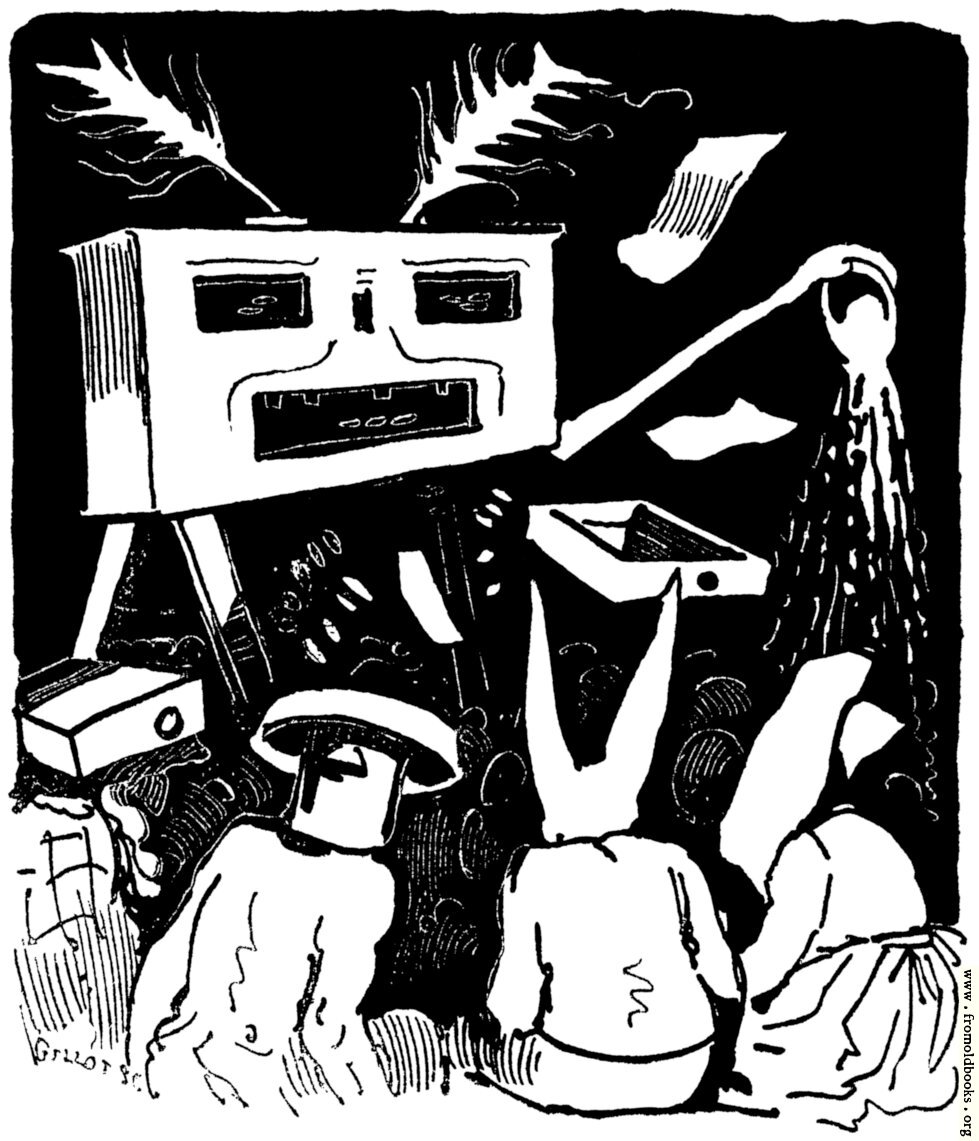
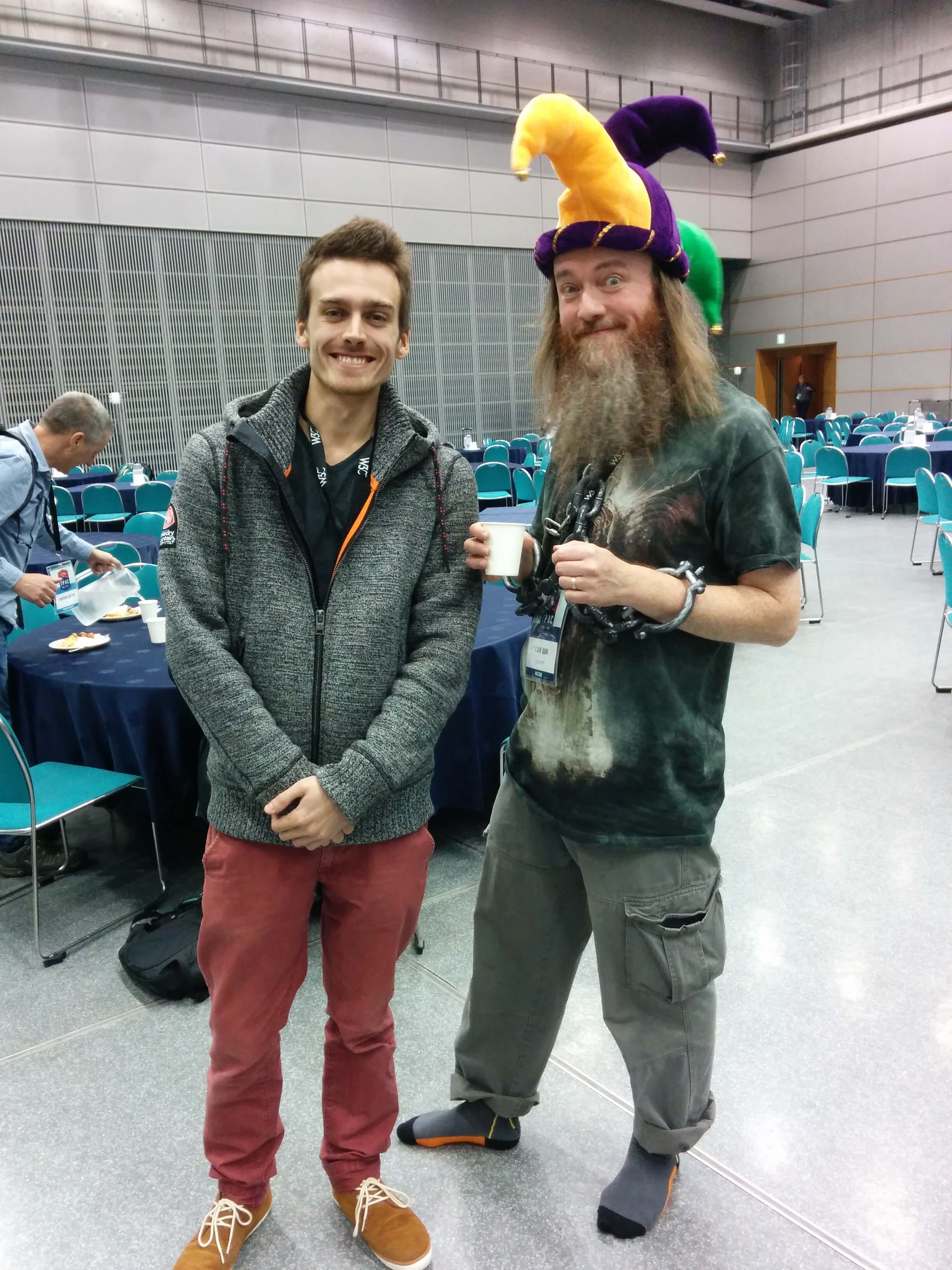
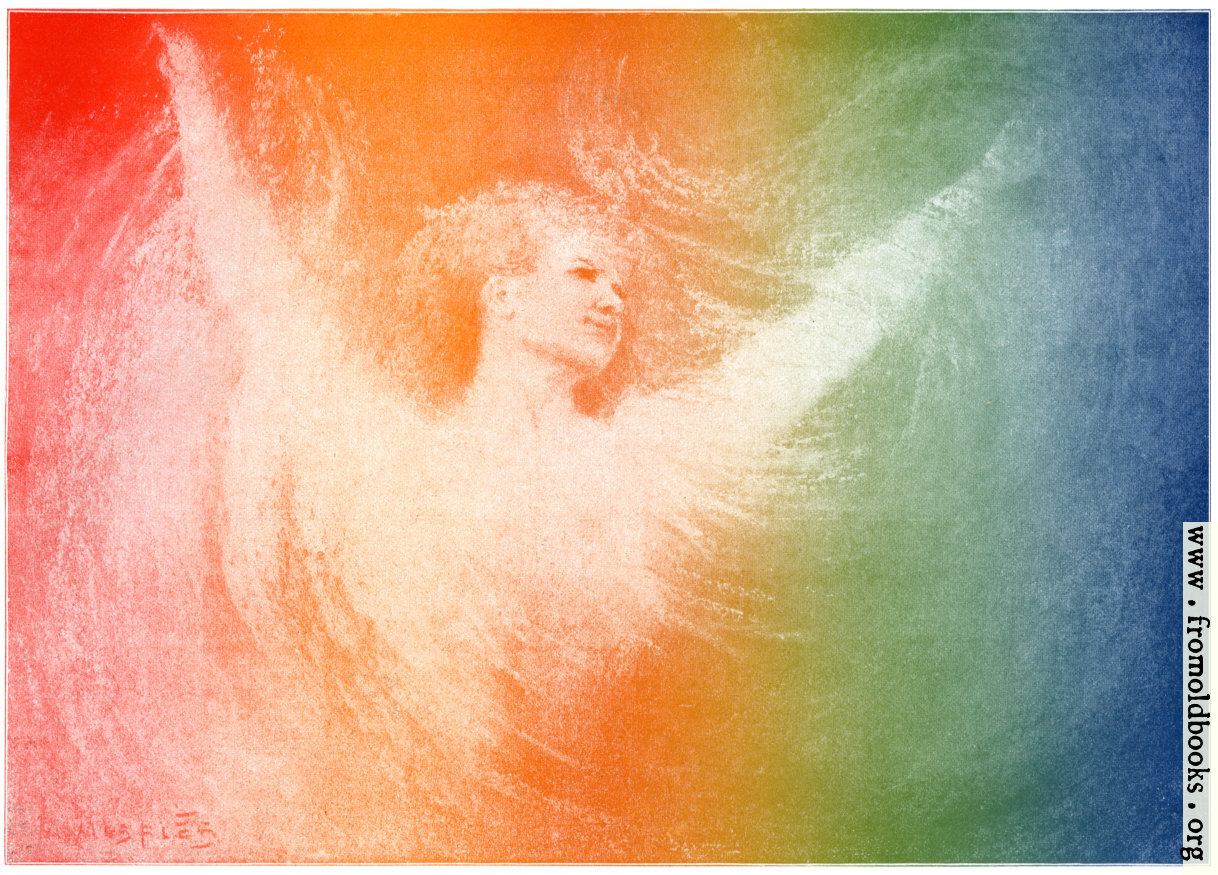
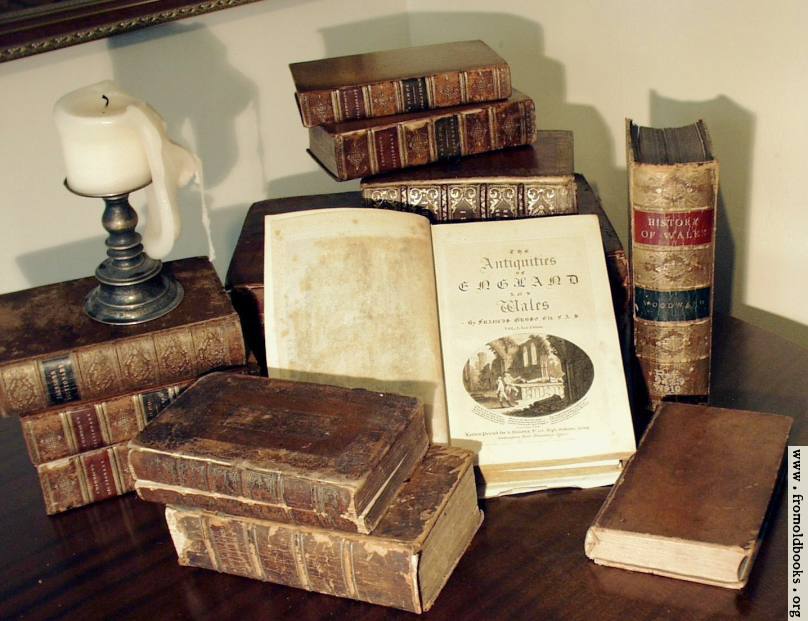
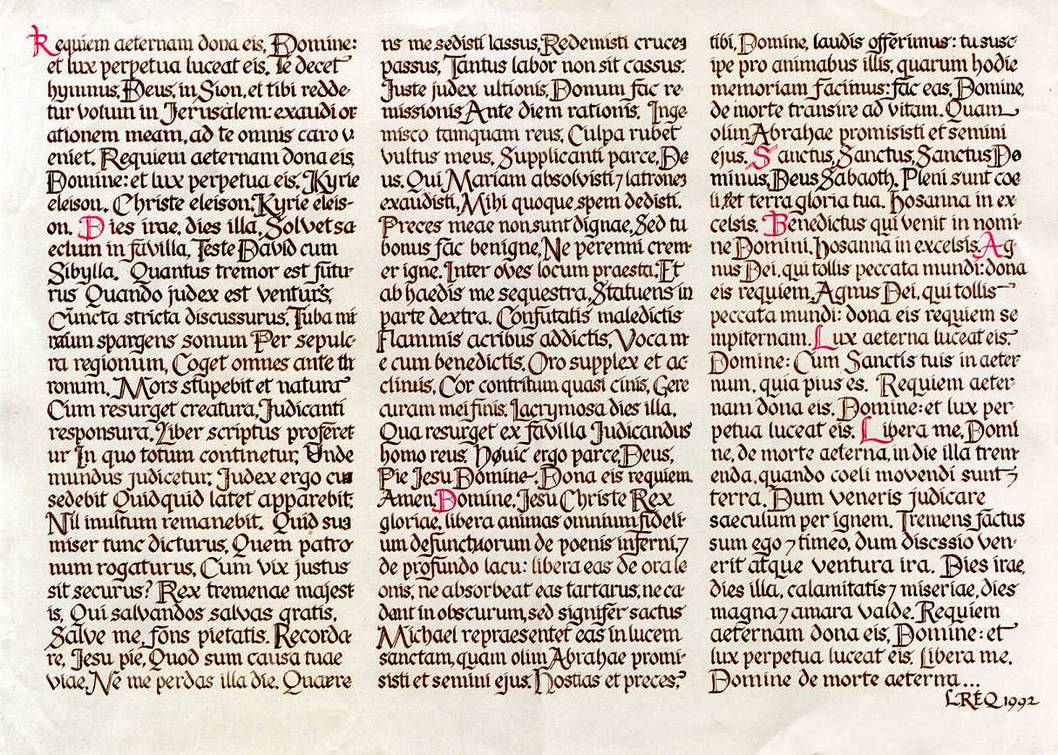
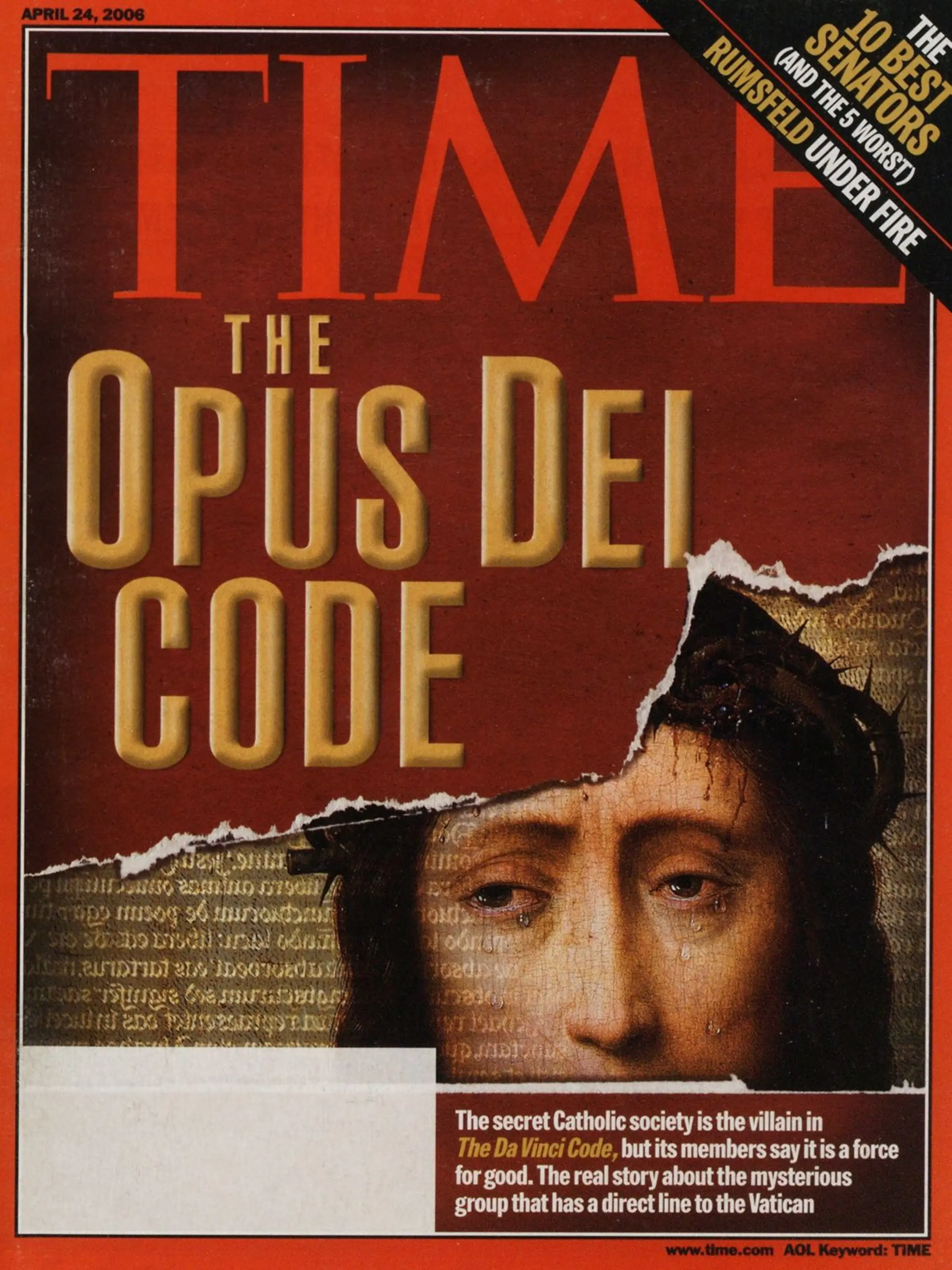


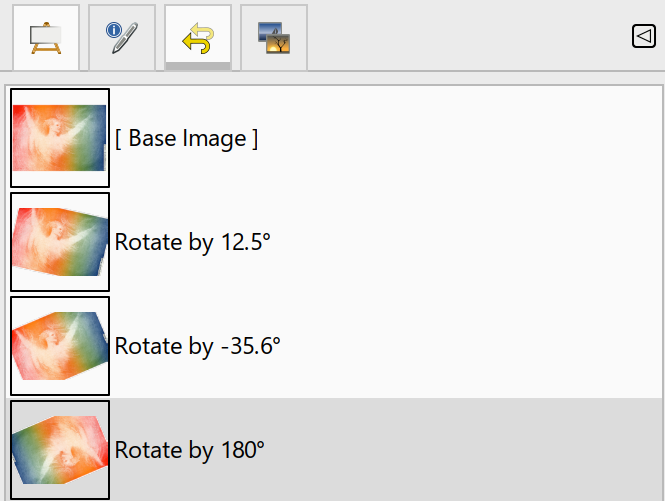
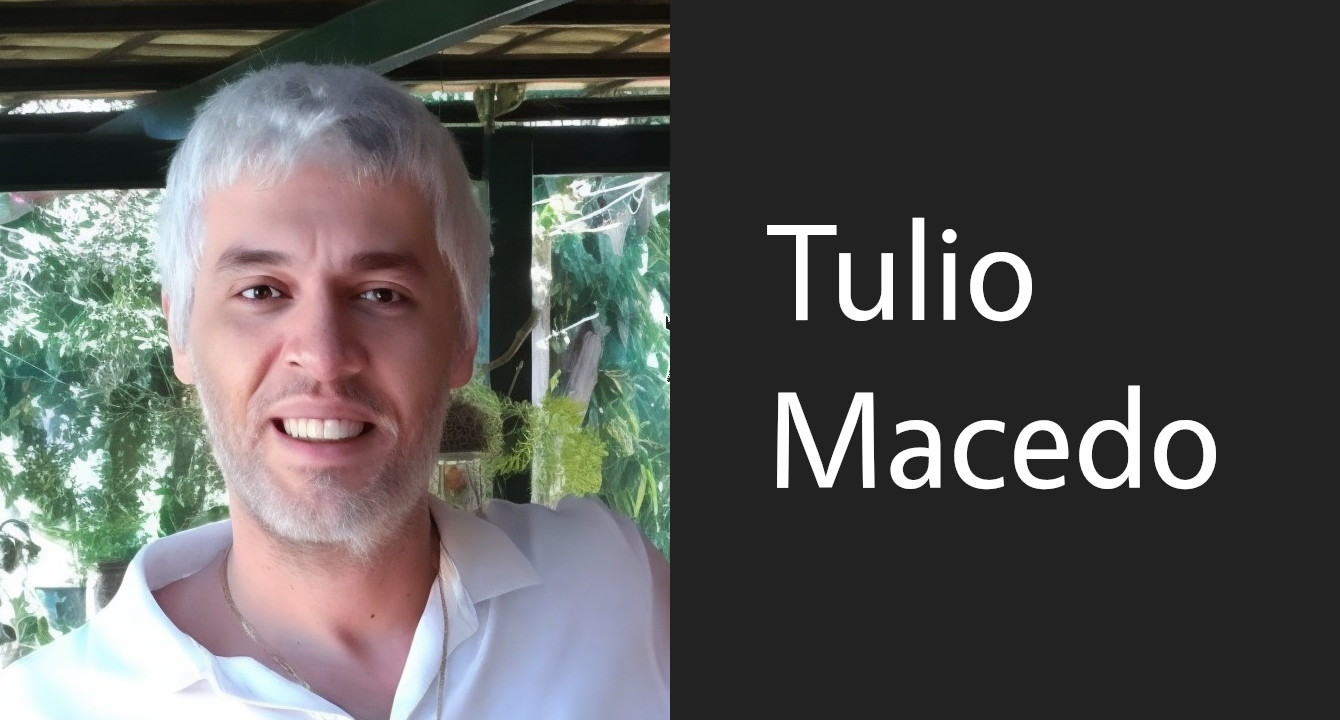
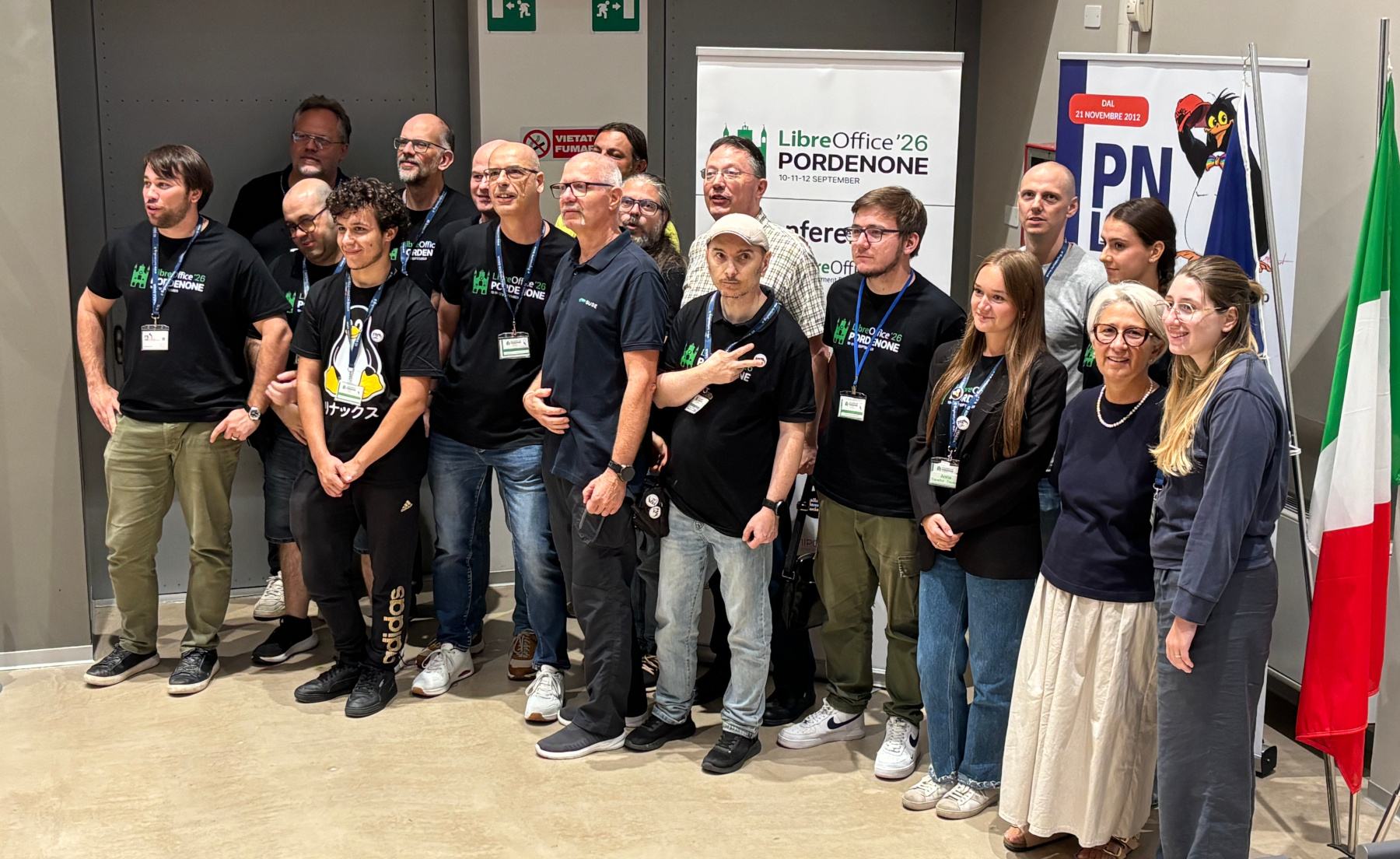
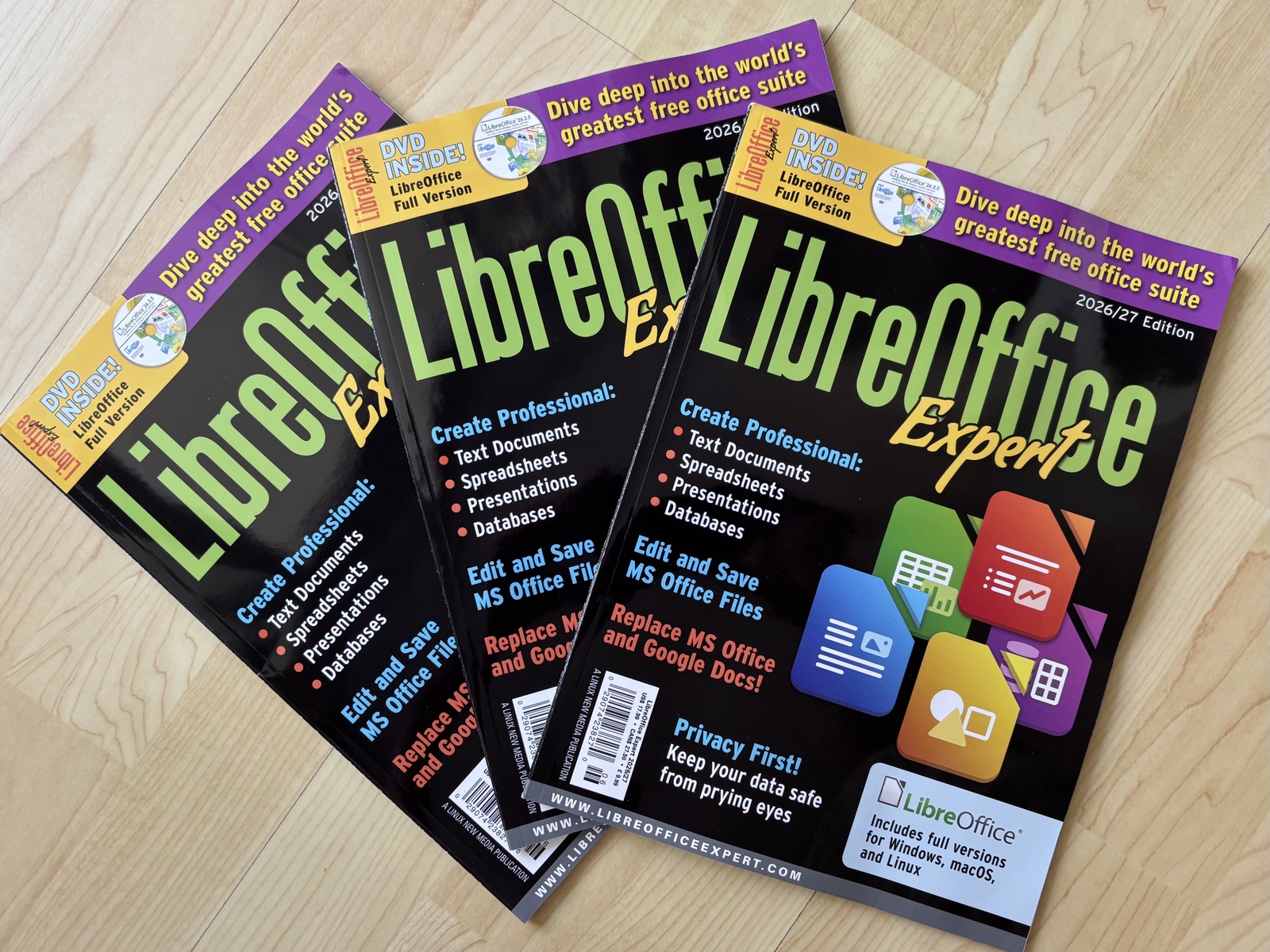

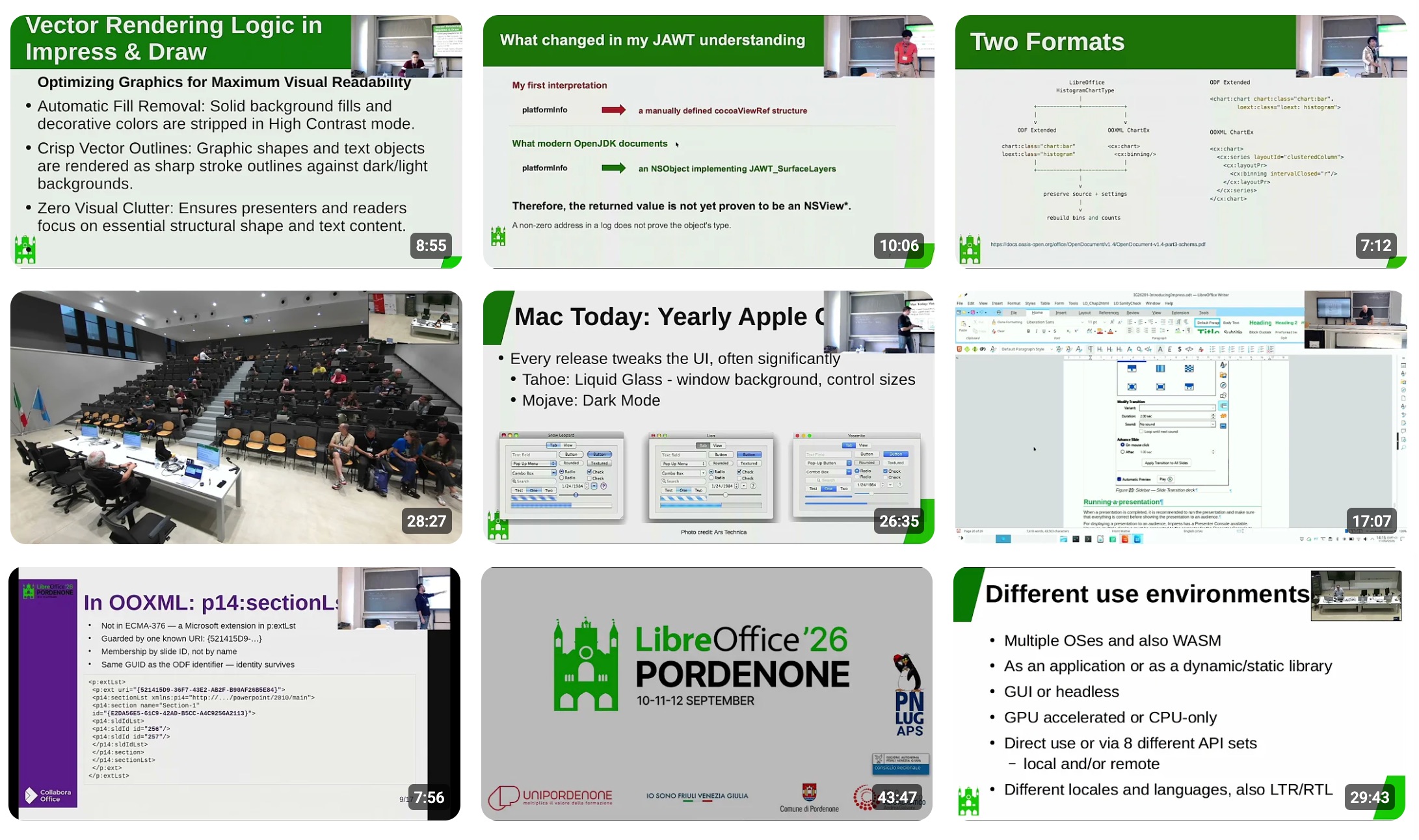
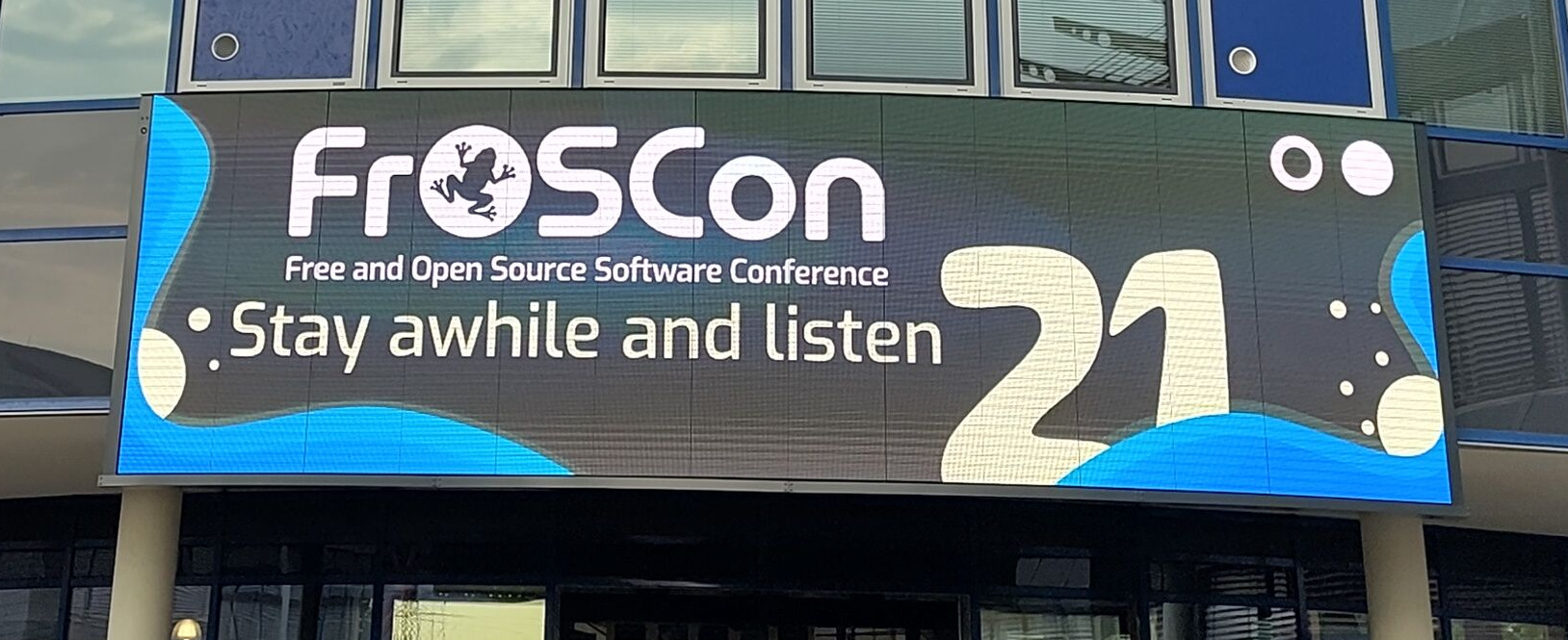
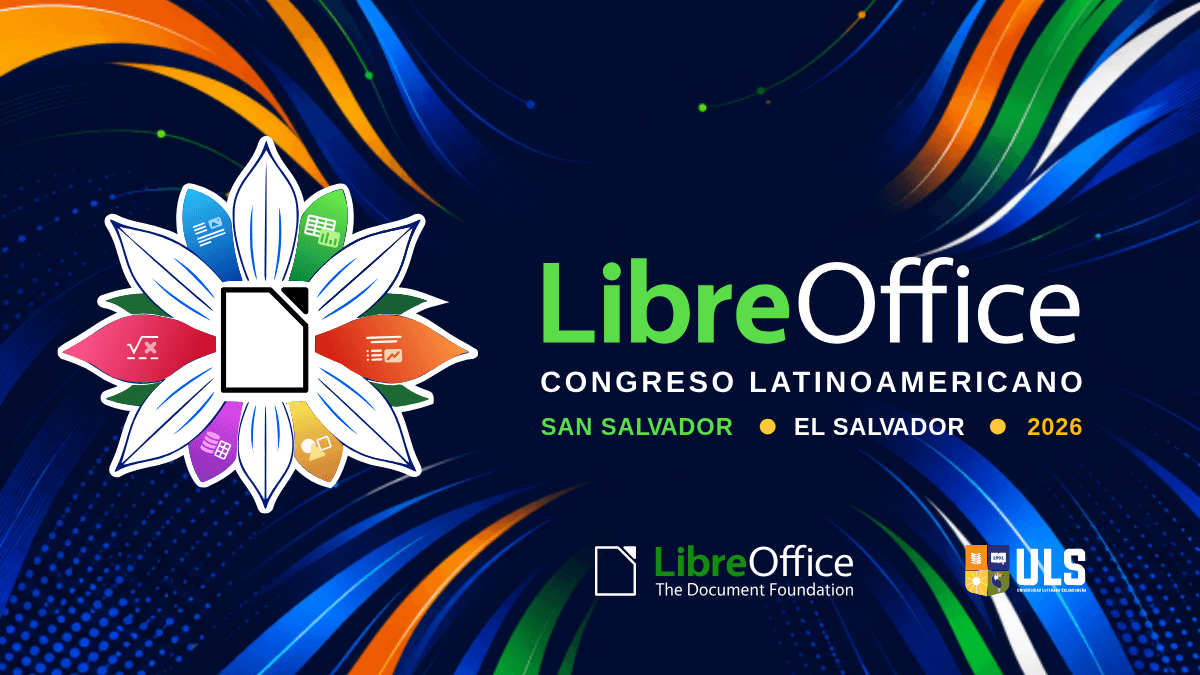

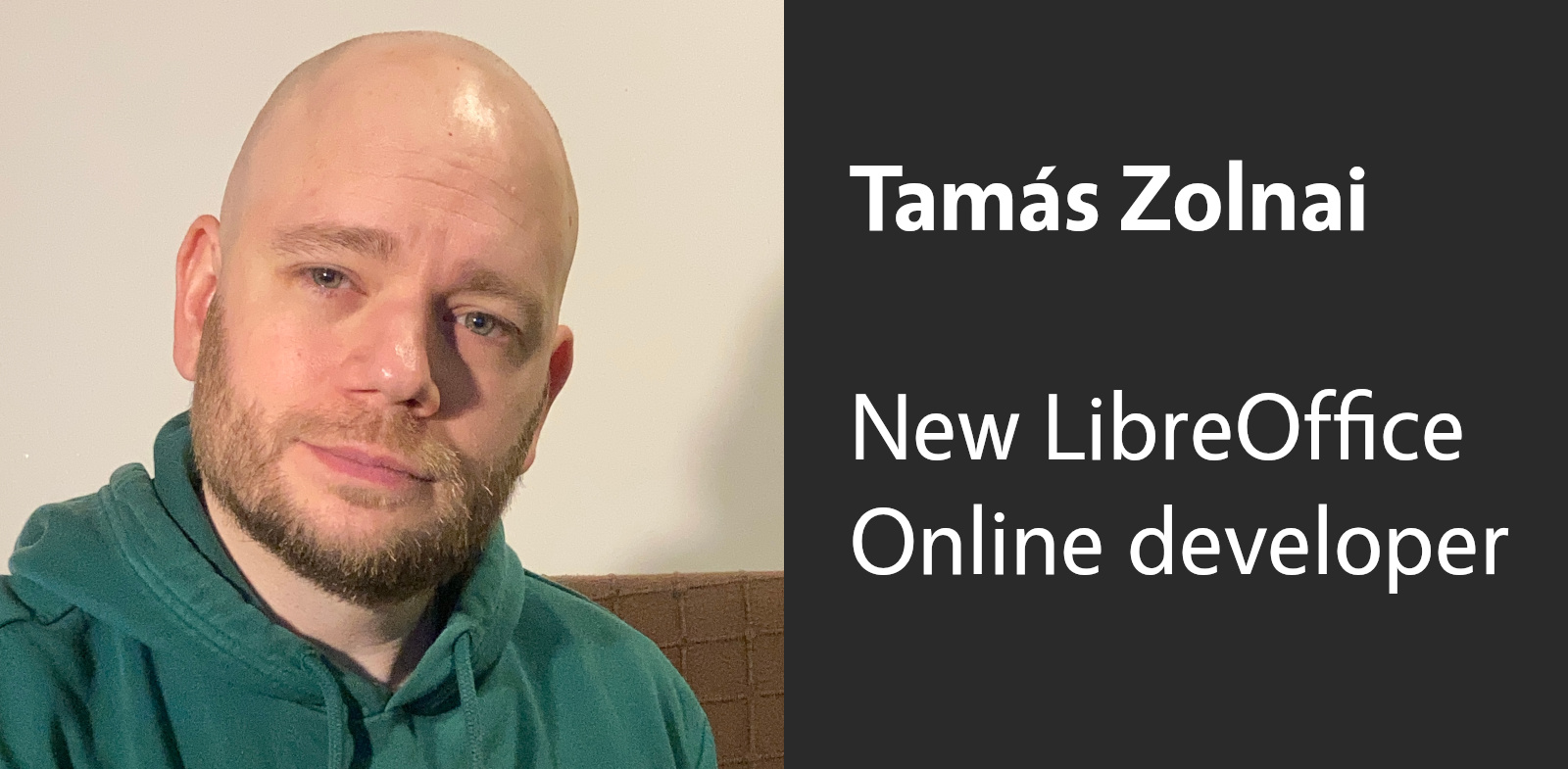
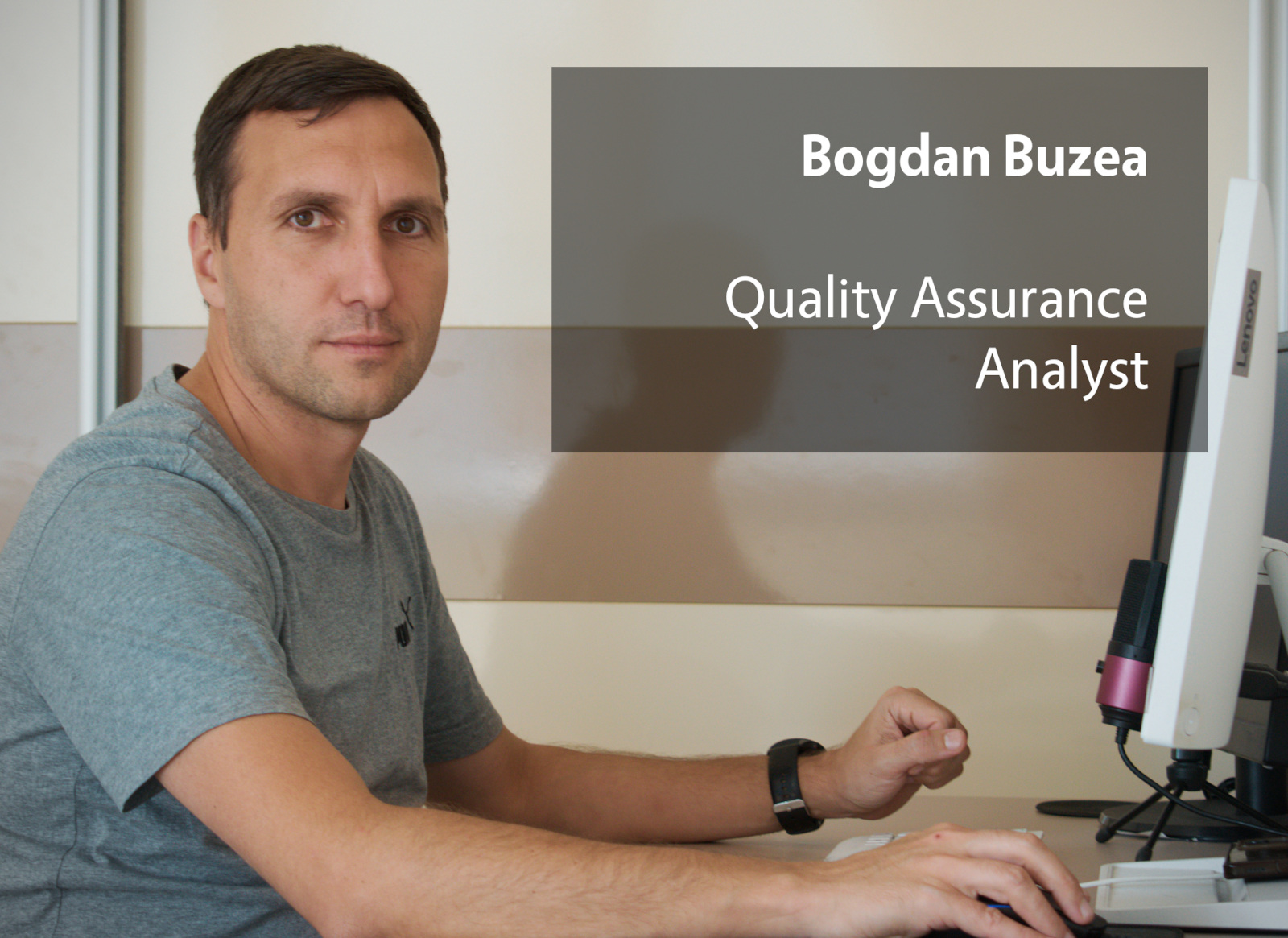


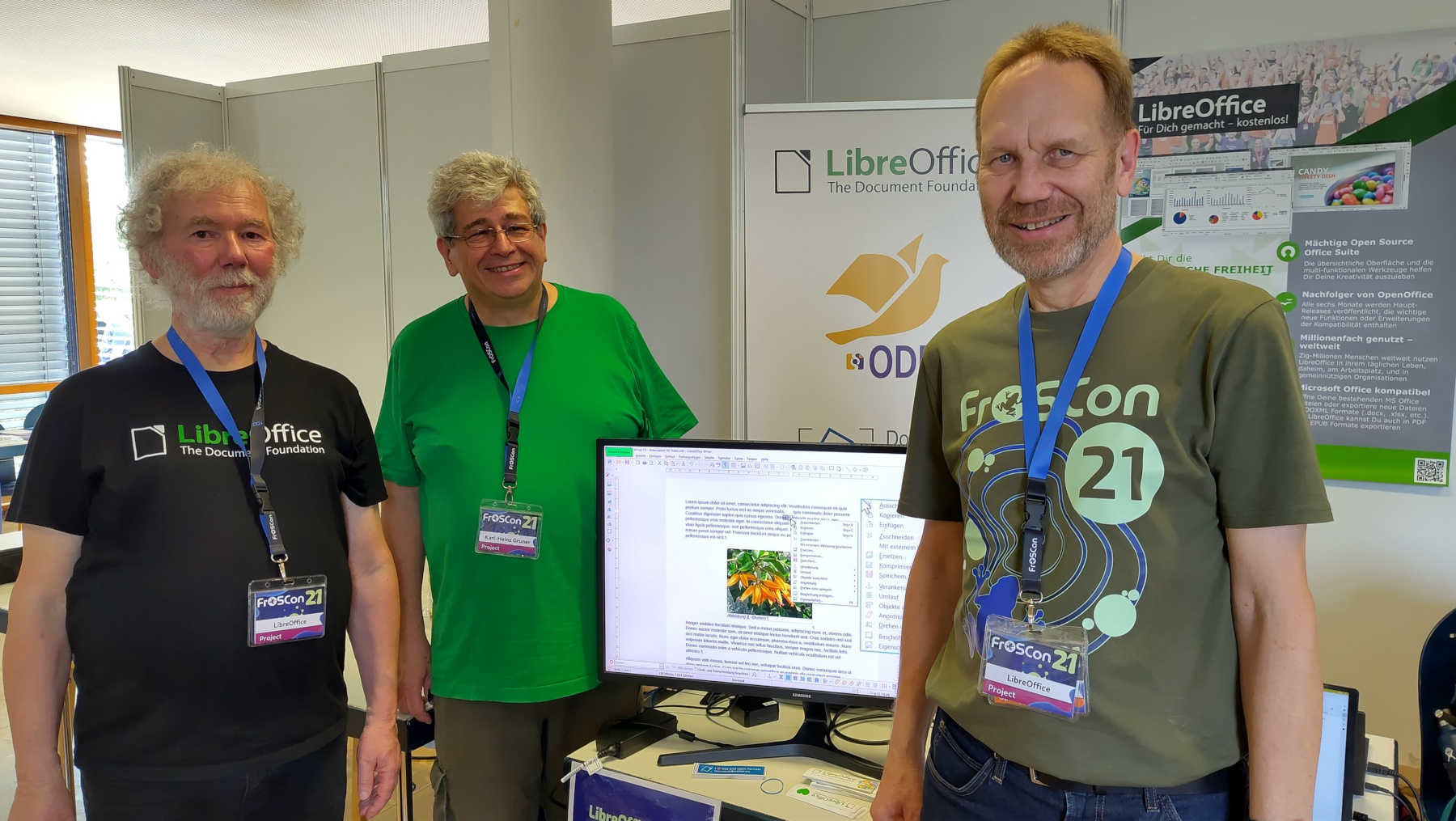

 In the coming week, we’ll start editing and posting videos from the event, so stay tuned…













 $1000 (3rd donation), Marci S.
 $696 (3rd donation), Michael S.
 $278 (8th donation),
  $174 (26th donation), Naoise G. aka “Gaff”
 $155, finn G. P.
 $145, adam S.
 $139, Simon D.
 $139, Valerio R.
 $116 (22nd donation), Jiří B.
 $116 (8th donation), Matthias Rainer
 $116 (4th donation), Bernard S.
 $100, Alan F.
 $93 (7th donation), Jean-francois R.
 $70 (3rd donation), Dainius B.
 $58 (27th donation), Bernard H.
 $58 (6th donation), António Salsinha – Graphic Designer
 $58 (2nd donation), Tim N.
 $58, Adam K.
 $58, András L.
 $58, Ivars J. aka “
 $58, Telaneo
 $50 (10th donation), Khalid T. aka “k9750”
 $50 (6th donation), Frank B.
 $50 (3rd donation), Marek N.
 $46, Daniel D. M.
 $25, PAULO R. R.
 $23, EFTHYMIOS K.
 $23, Maks B.
 $20 (7th donation), Oleksandr N.
 $20, hatem A. N. Y.
 $20, Thomas S.
 $15, Dushyant S.
 $15, Indrapramit B.
 $12 (32nd donation), Adian K.
 $12 (6th donation), Lyuben R.
 $12 (4th donation), Jewgeni Smirnow
  $12, Tomislav B.
 $10 (7th donation),
  $10 (2nd donation), ANDREW EDMUND JOHN
  $10 (2nd donation), Kenneth H.
 $10 (2nd donation), Victor M. aka “Bull”
 $10, Constantinescu V.
 $10, Cristian C. P.
 $10, Nechaev D.
 $10, VANDLE U.

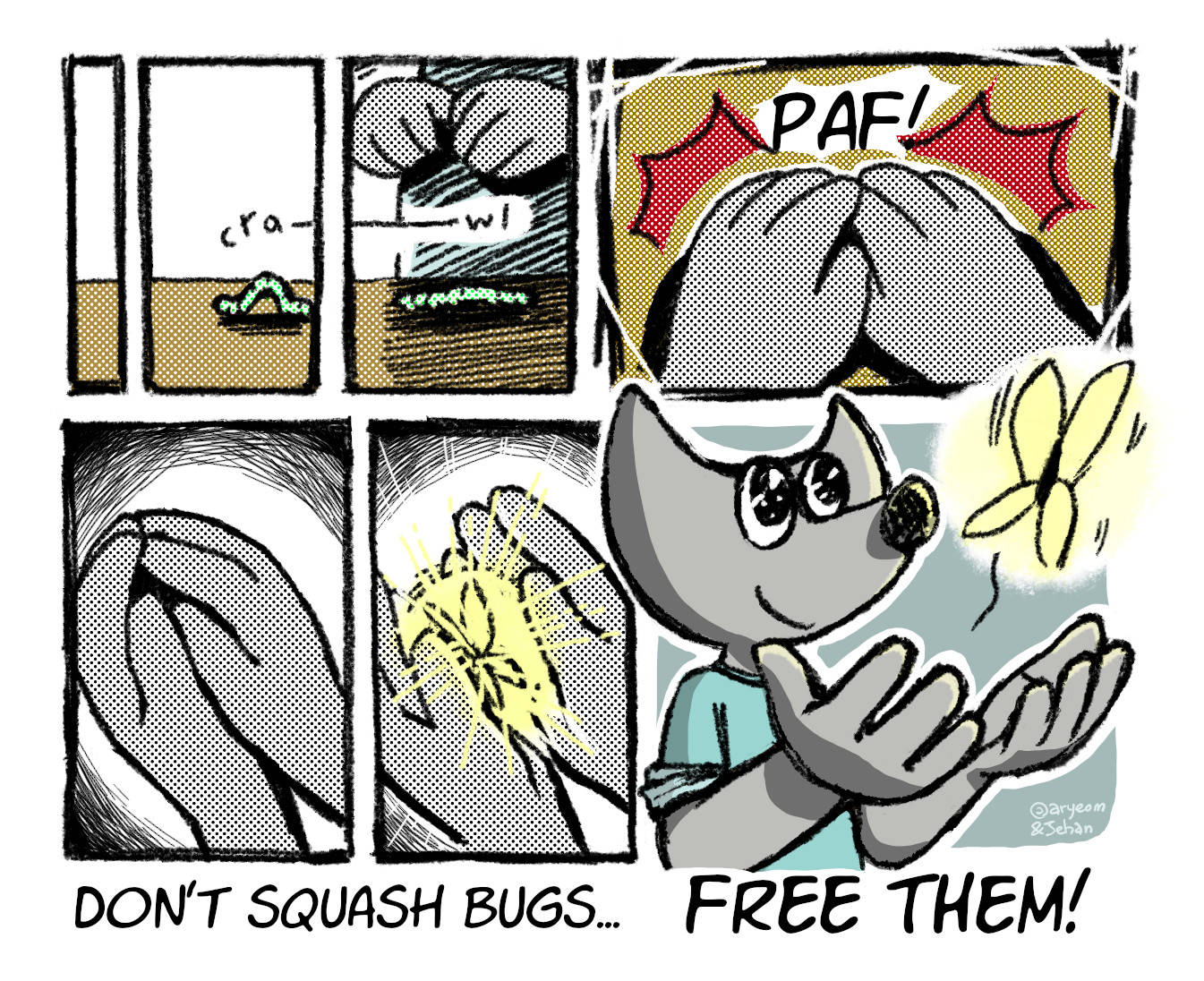
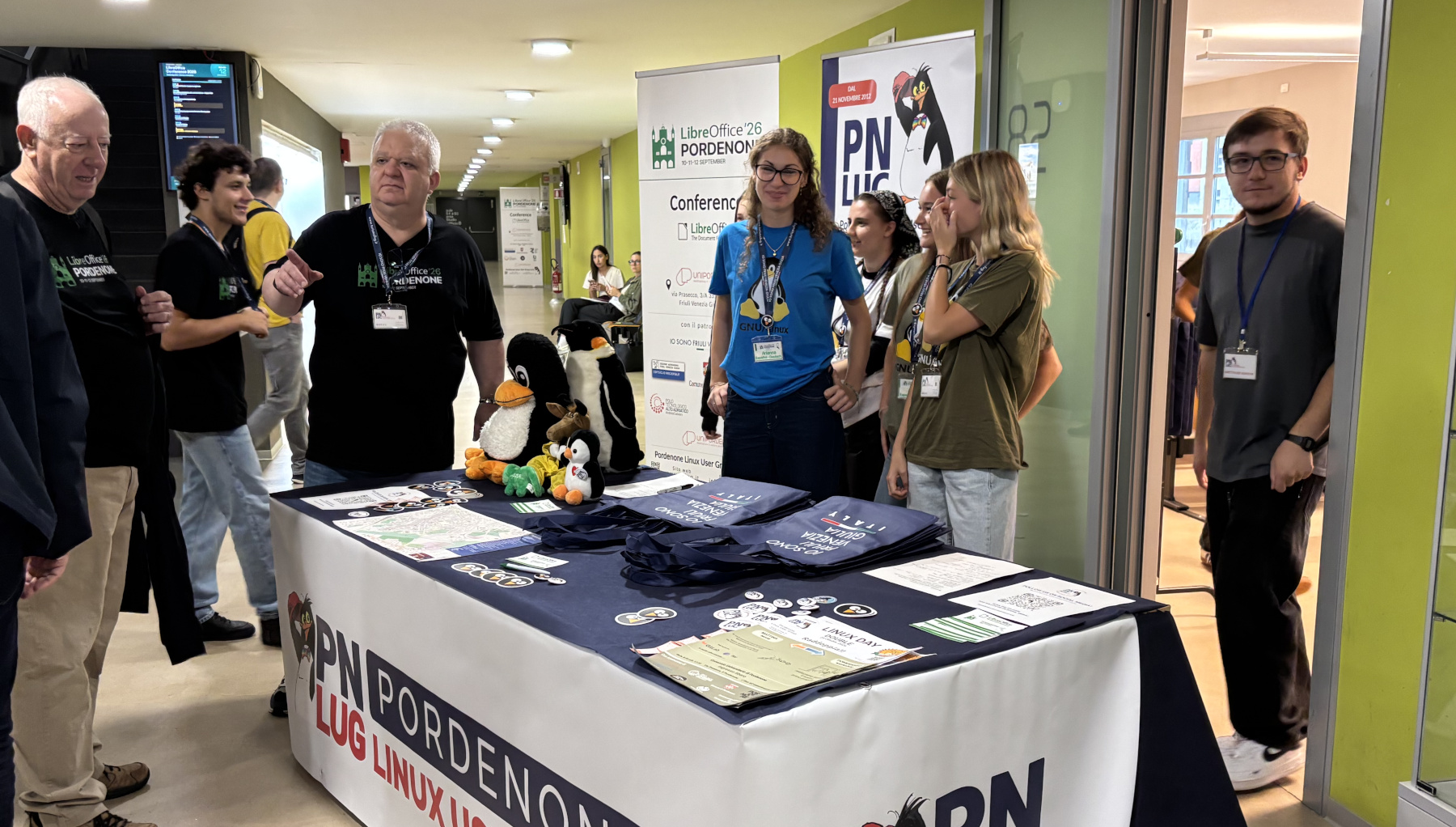
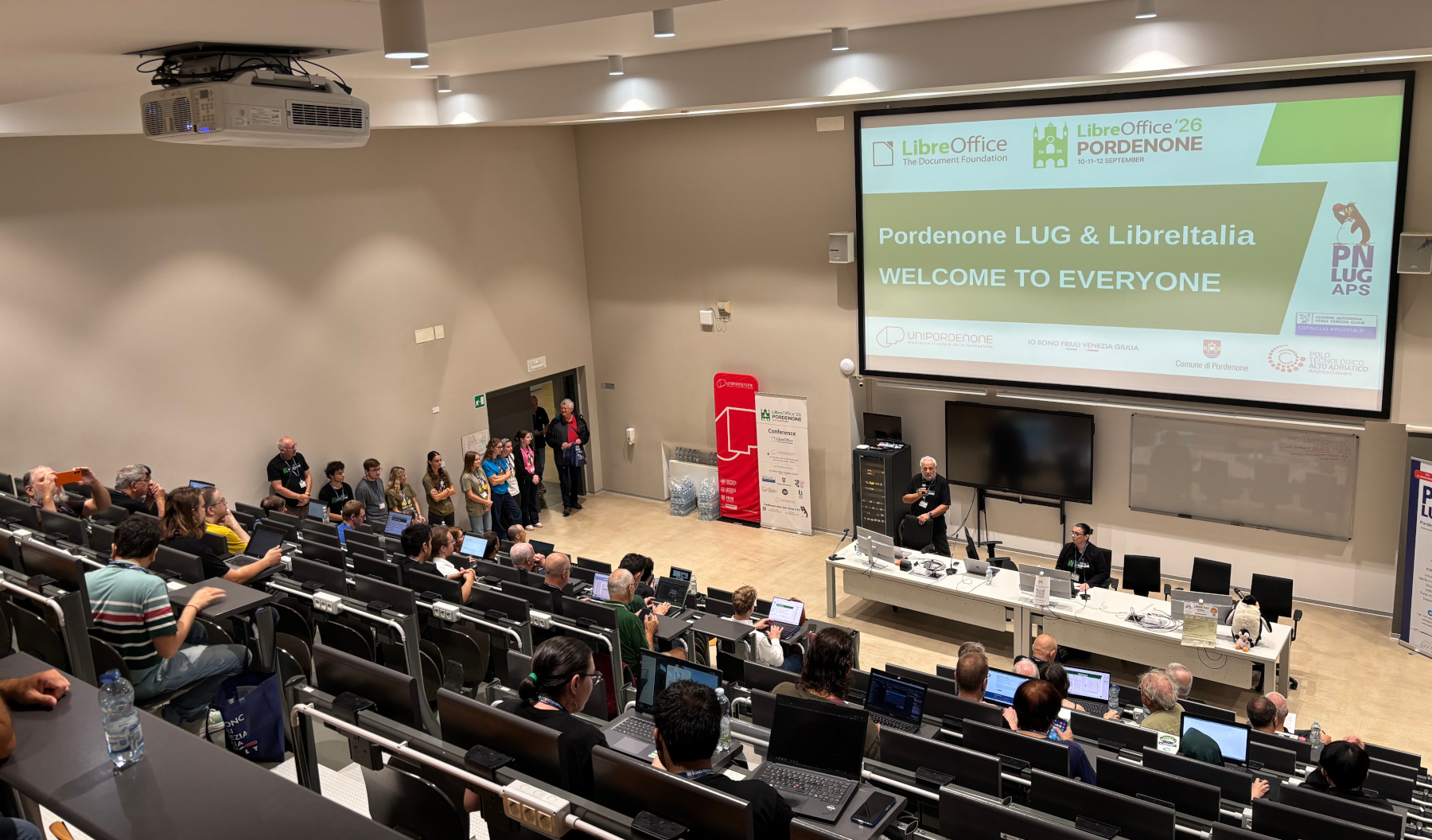

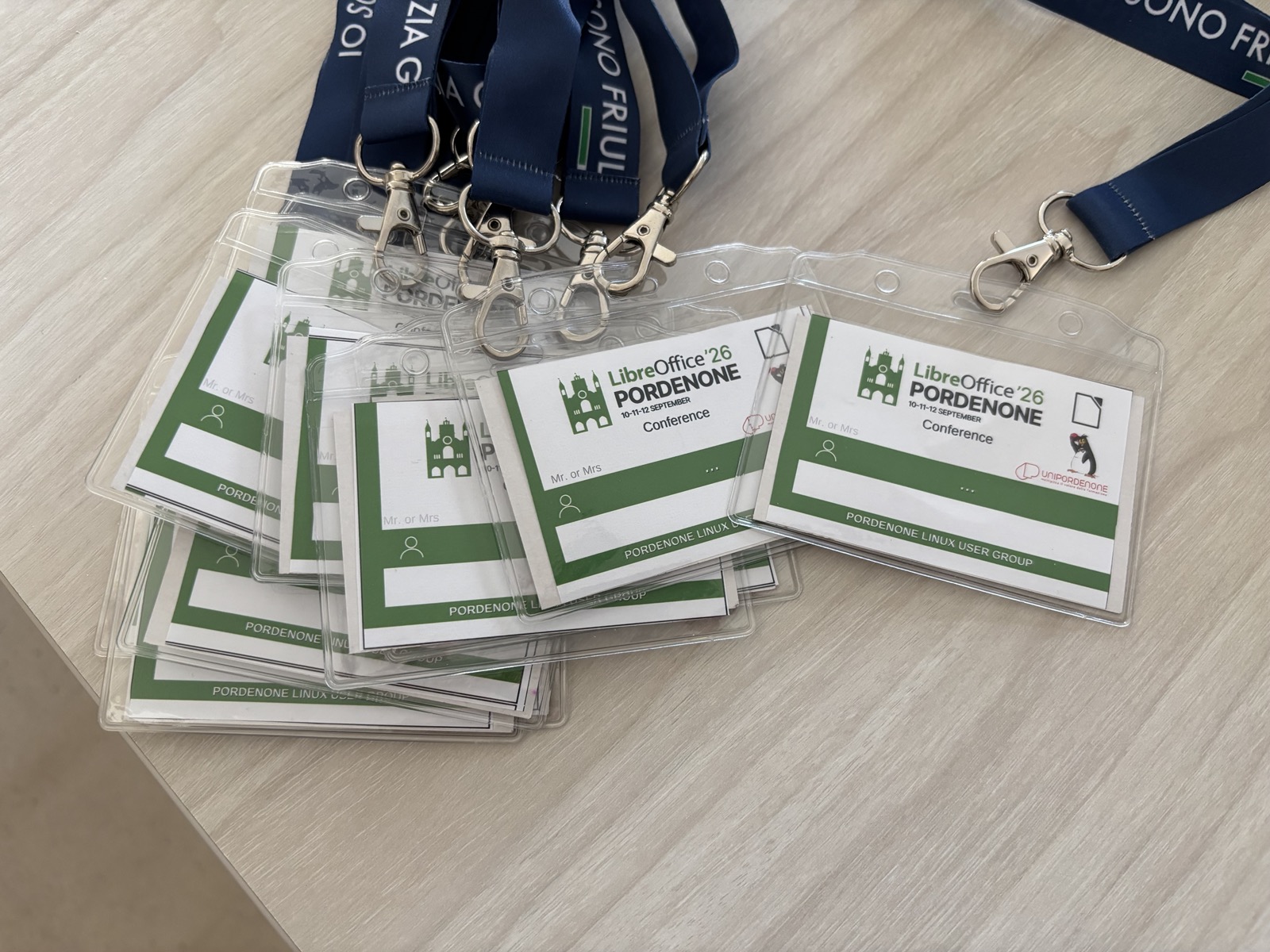
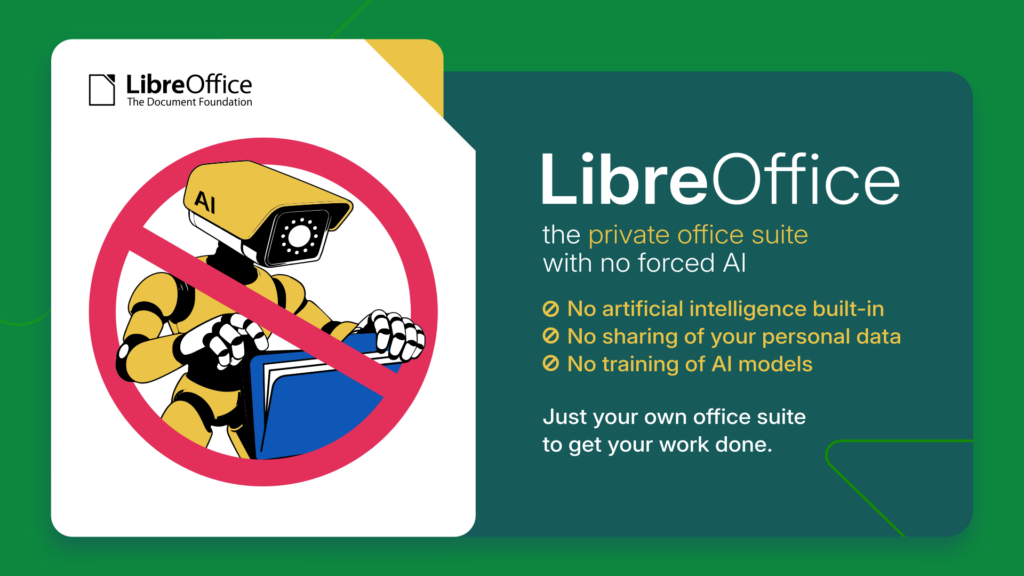
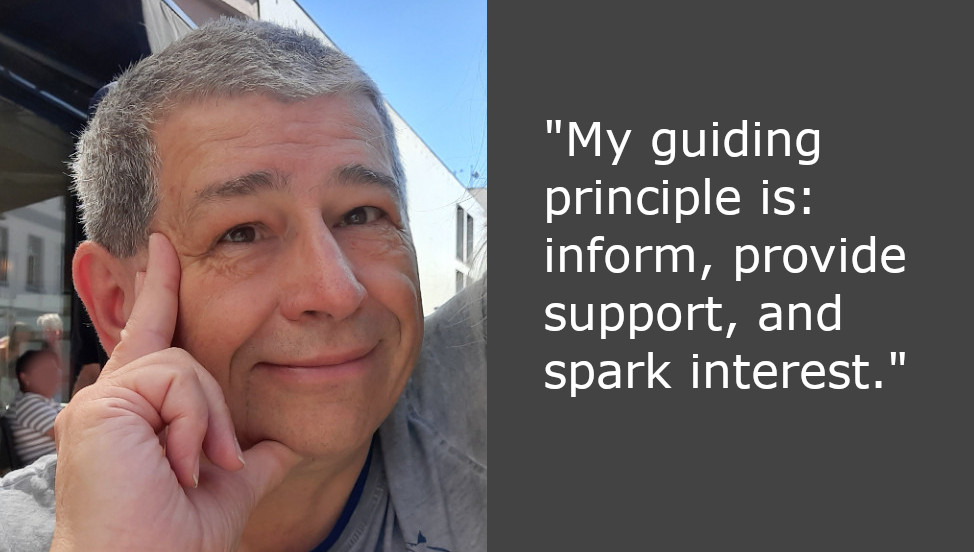

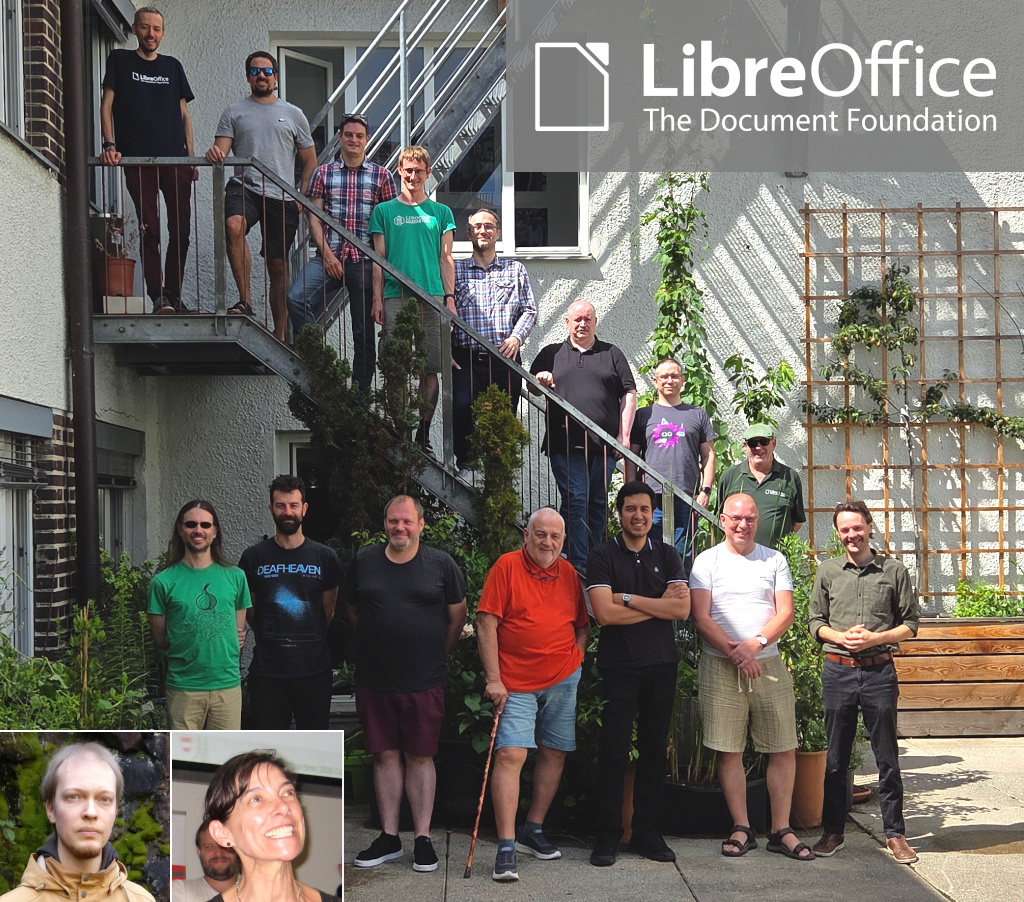
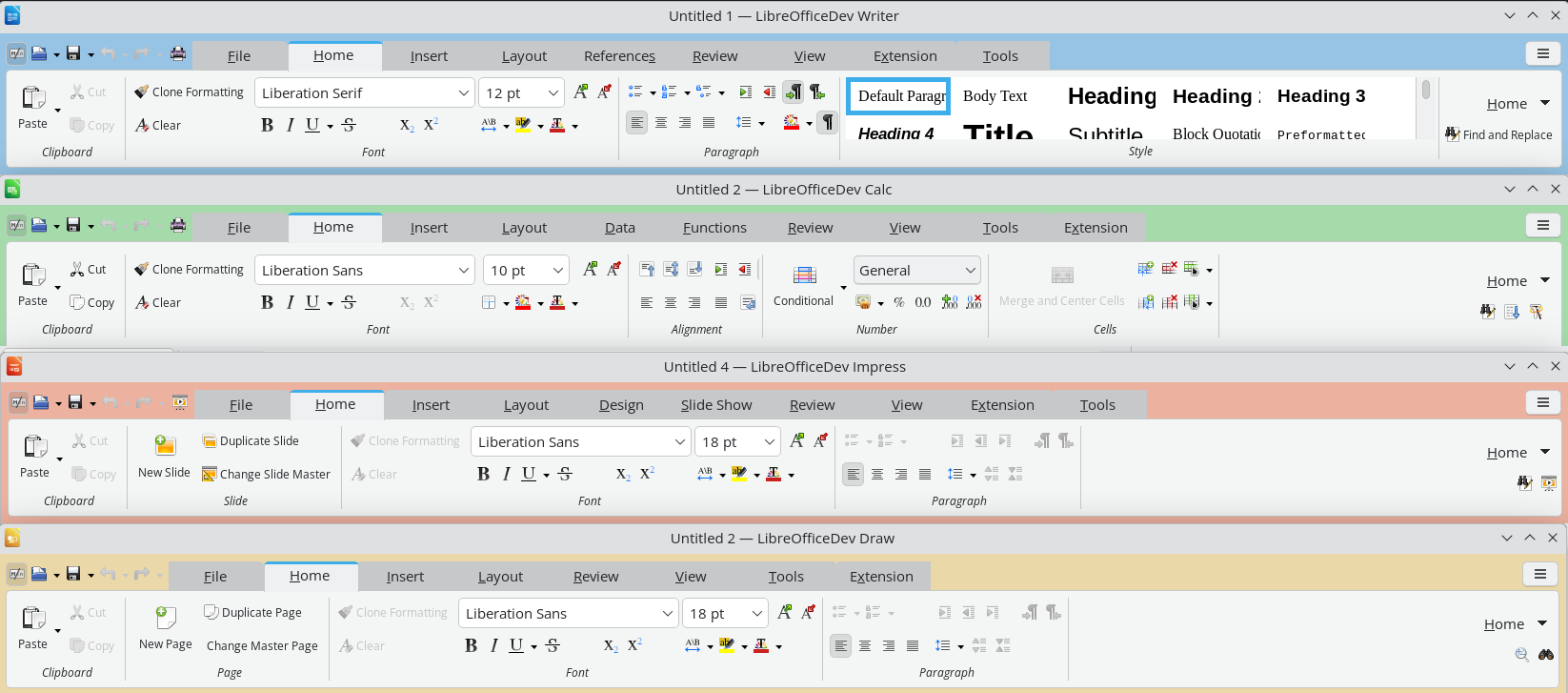



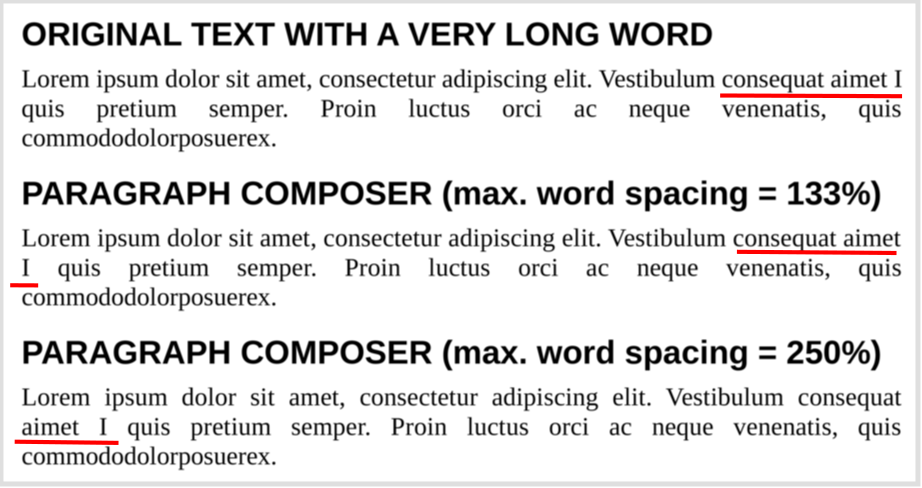
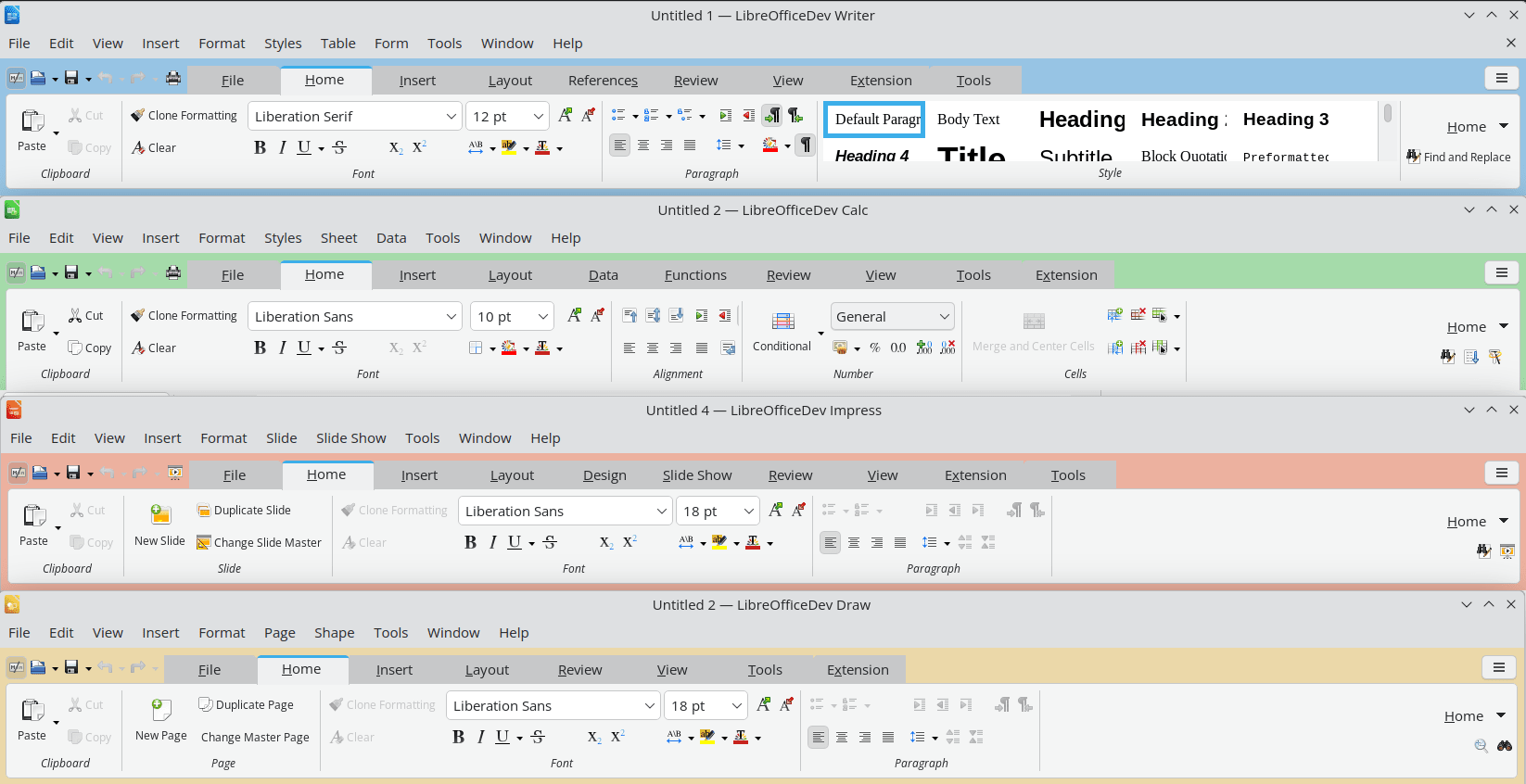
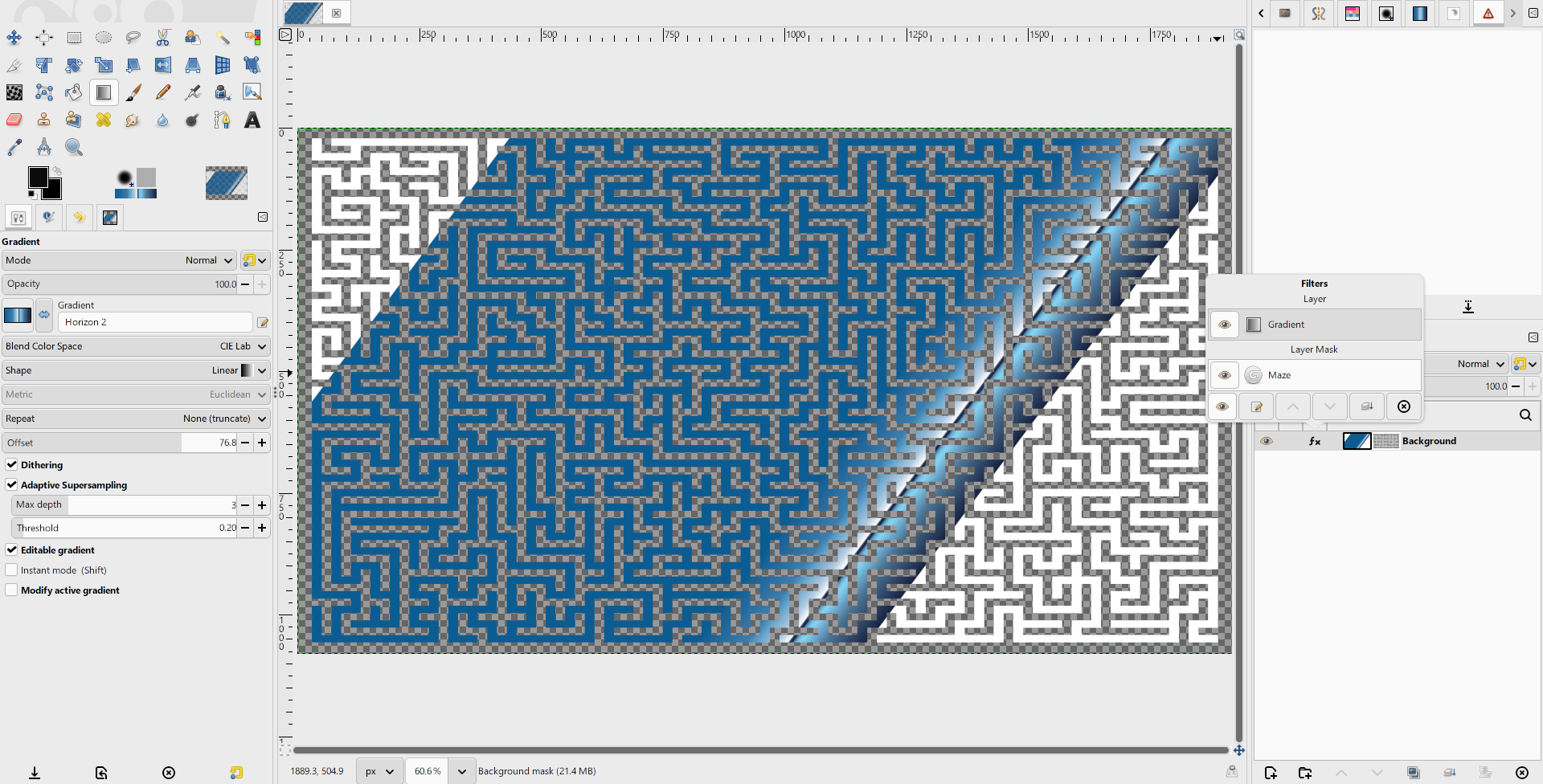
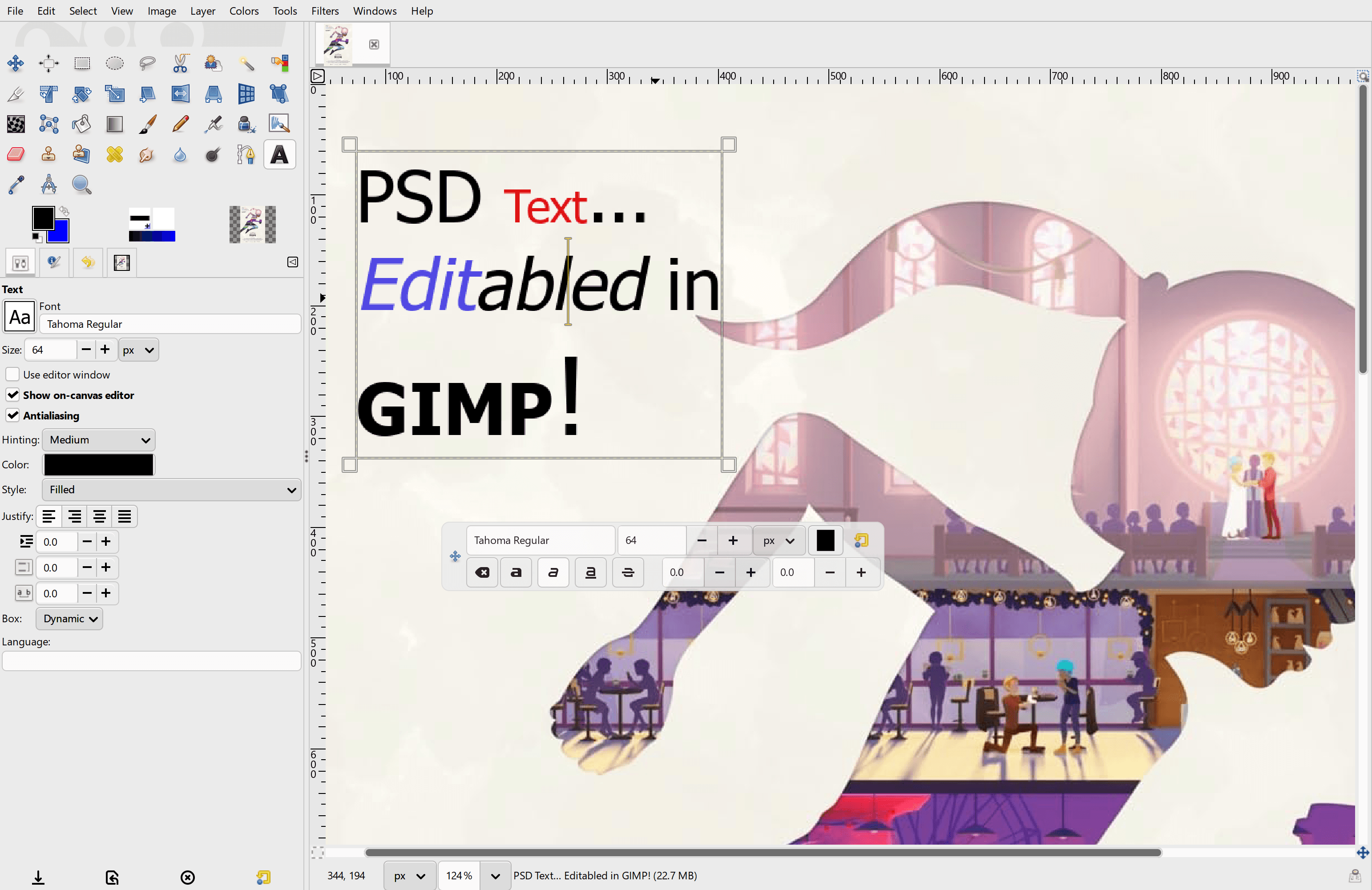
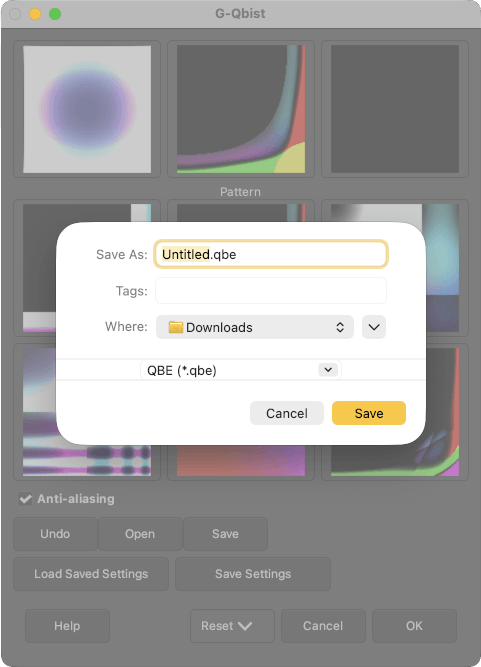


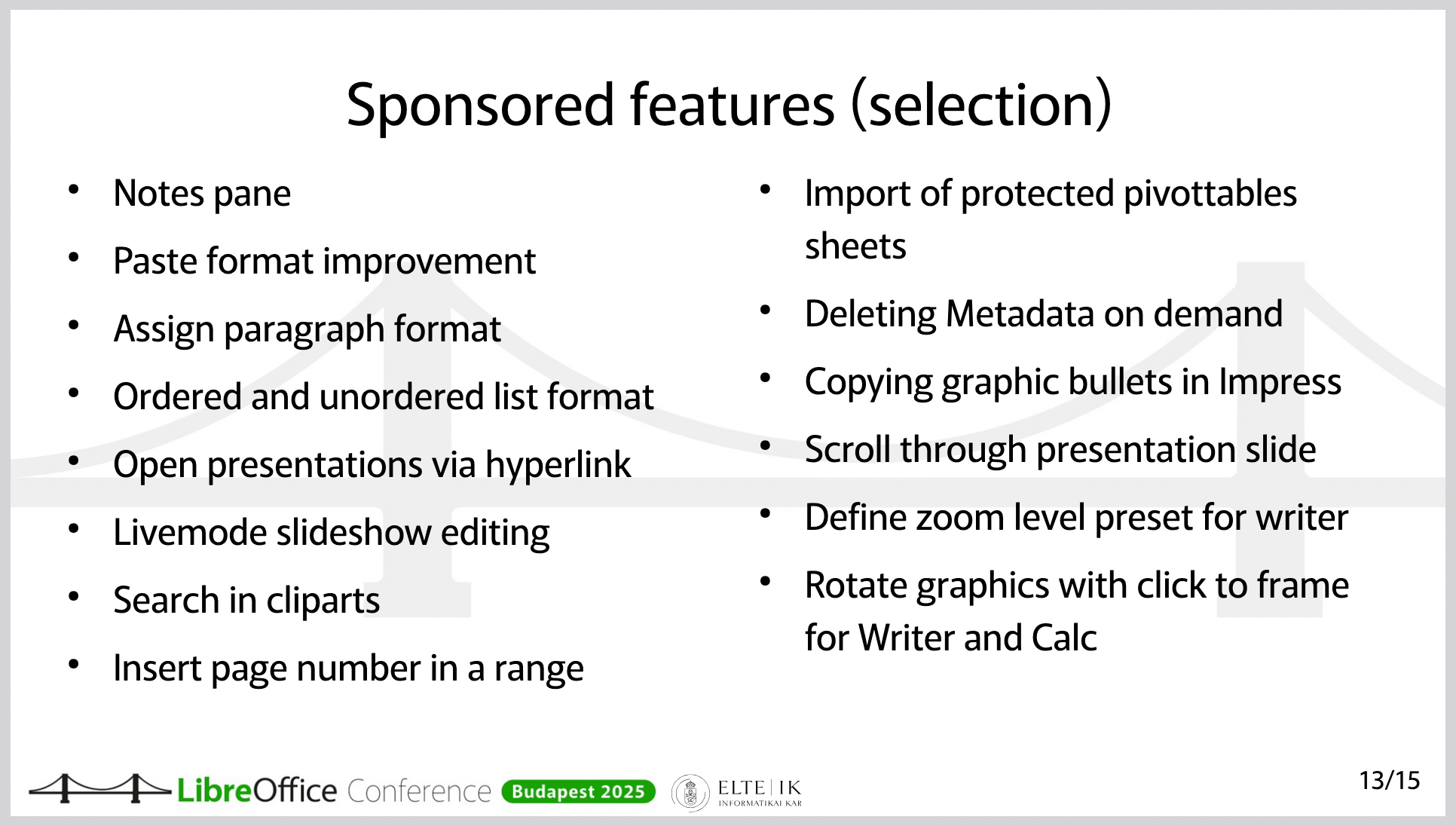
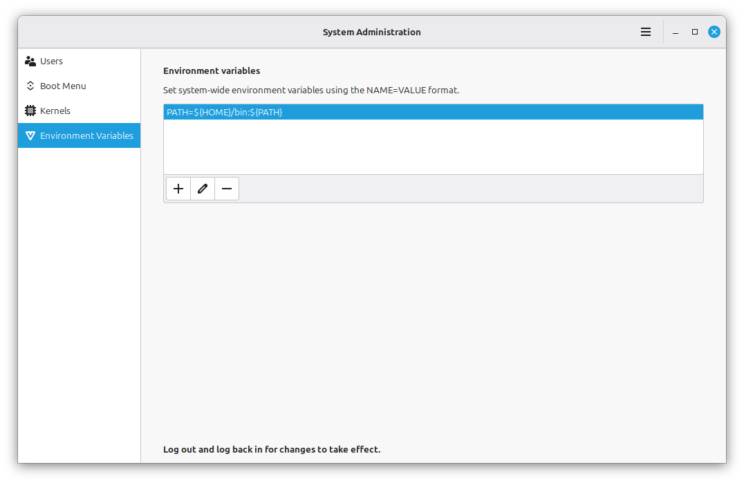
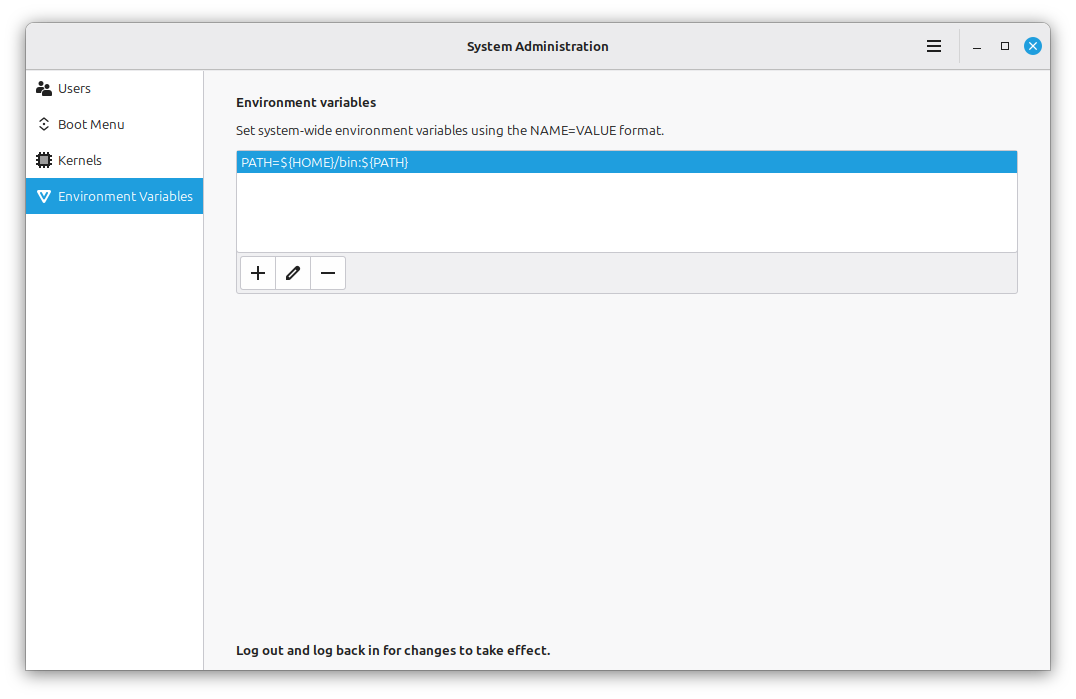
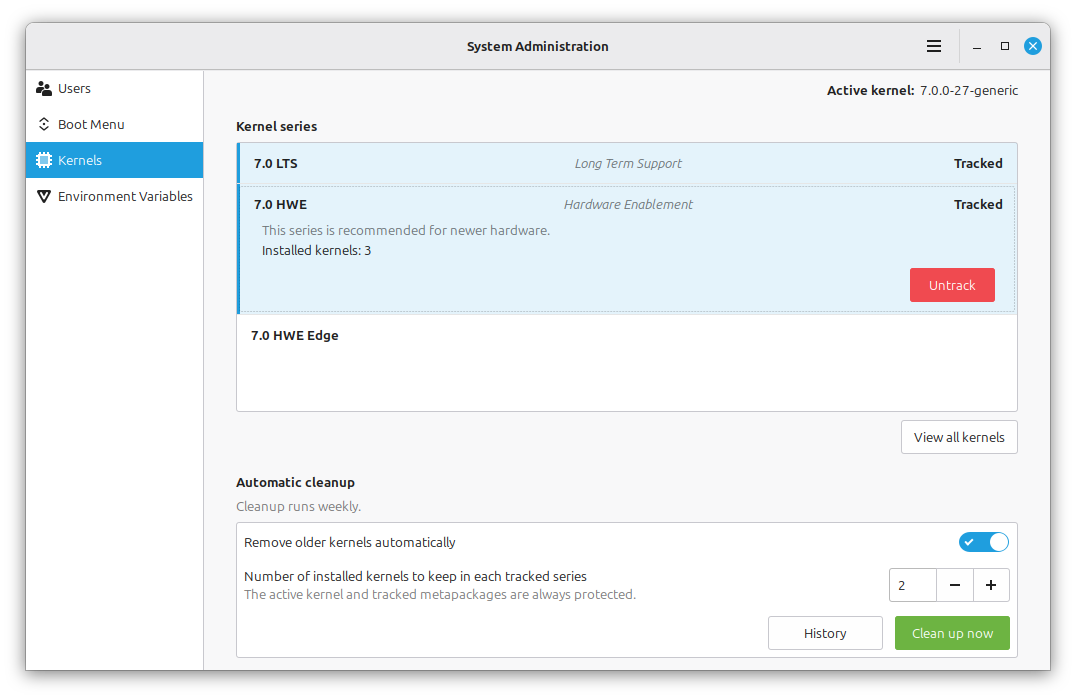
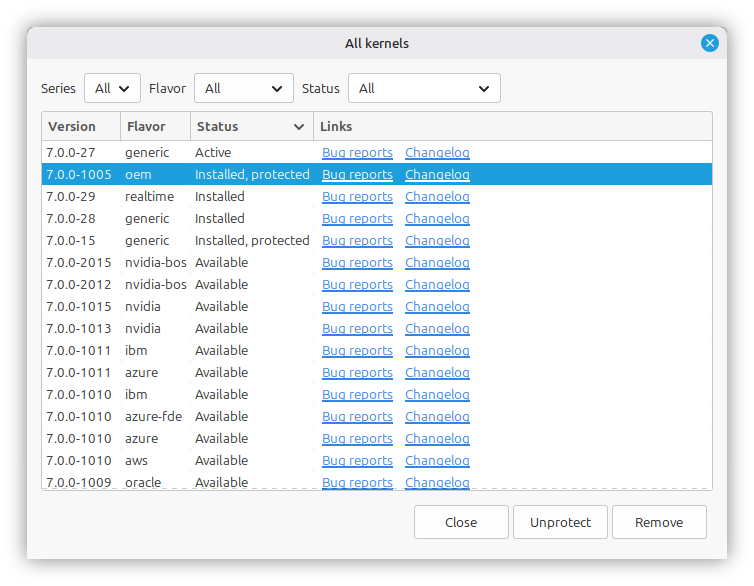
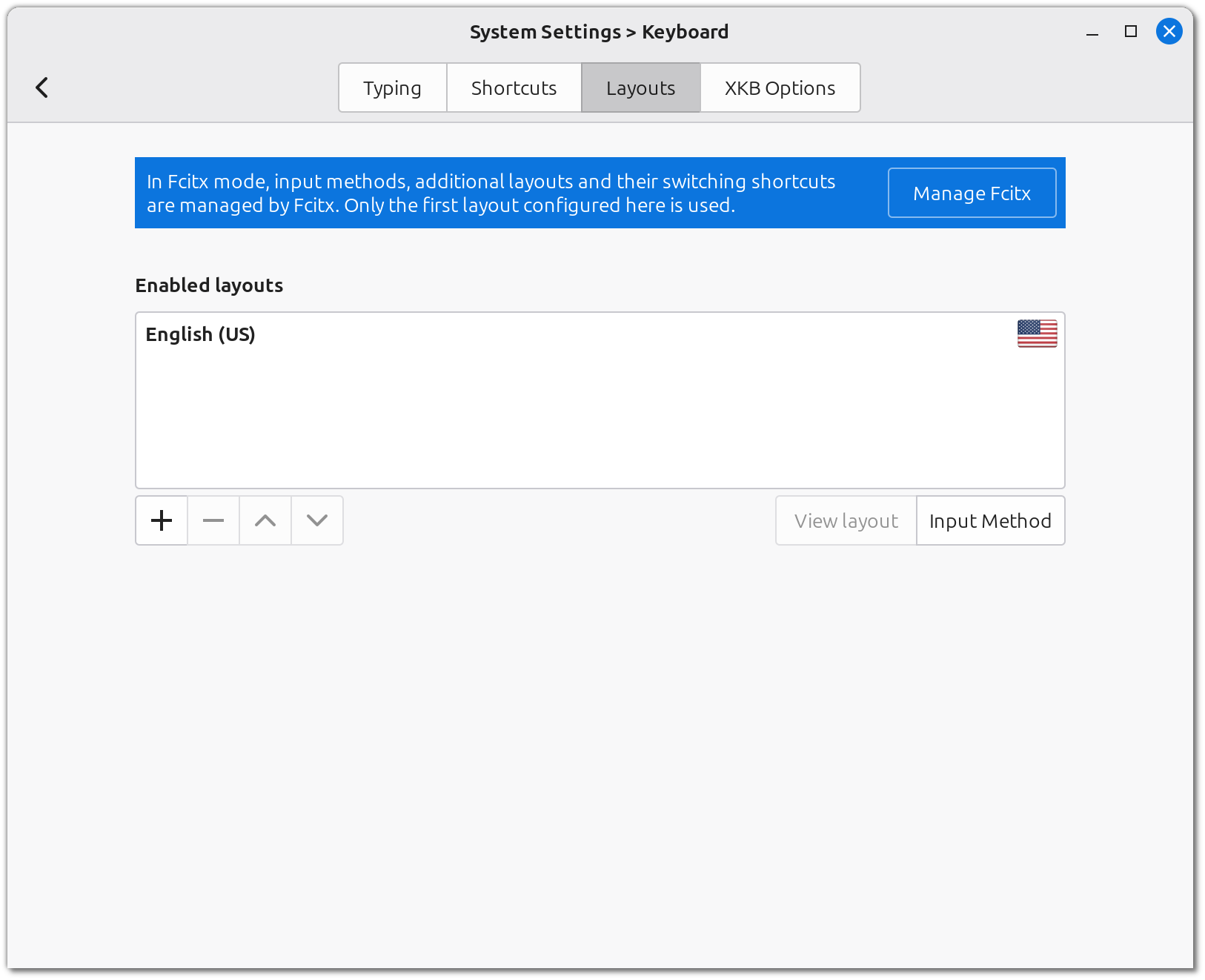
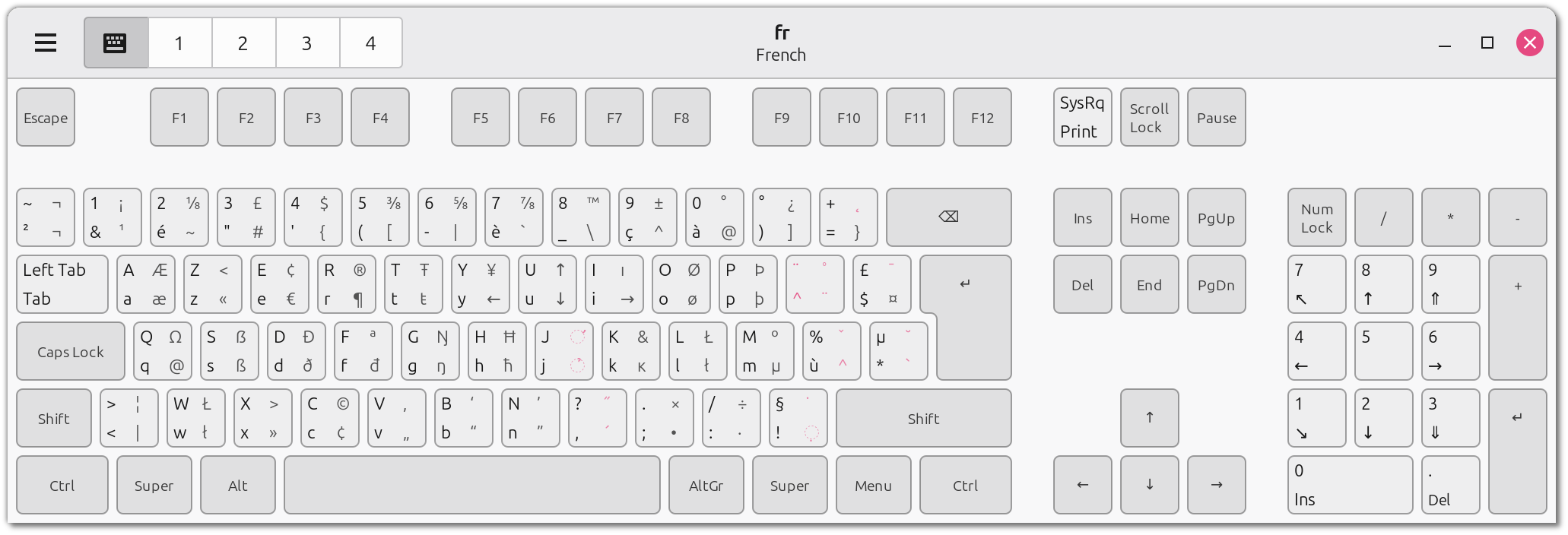
 $116, Jan S.
 $58 (18th donation), Roland H.
 $40, Grant L. S.
 $30, David S.
 $29 (2nd donation),
  $20, HYUNGU H.
 $10 (2nd donation), Metehan K.
 $10, Cesar R. B.